

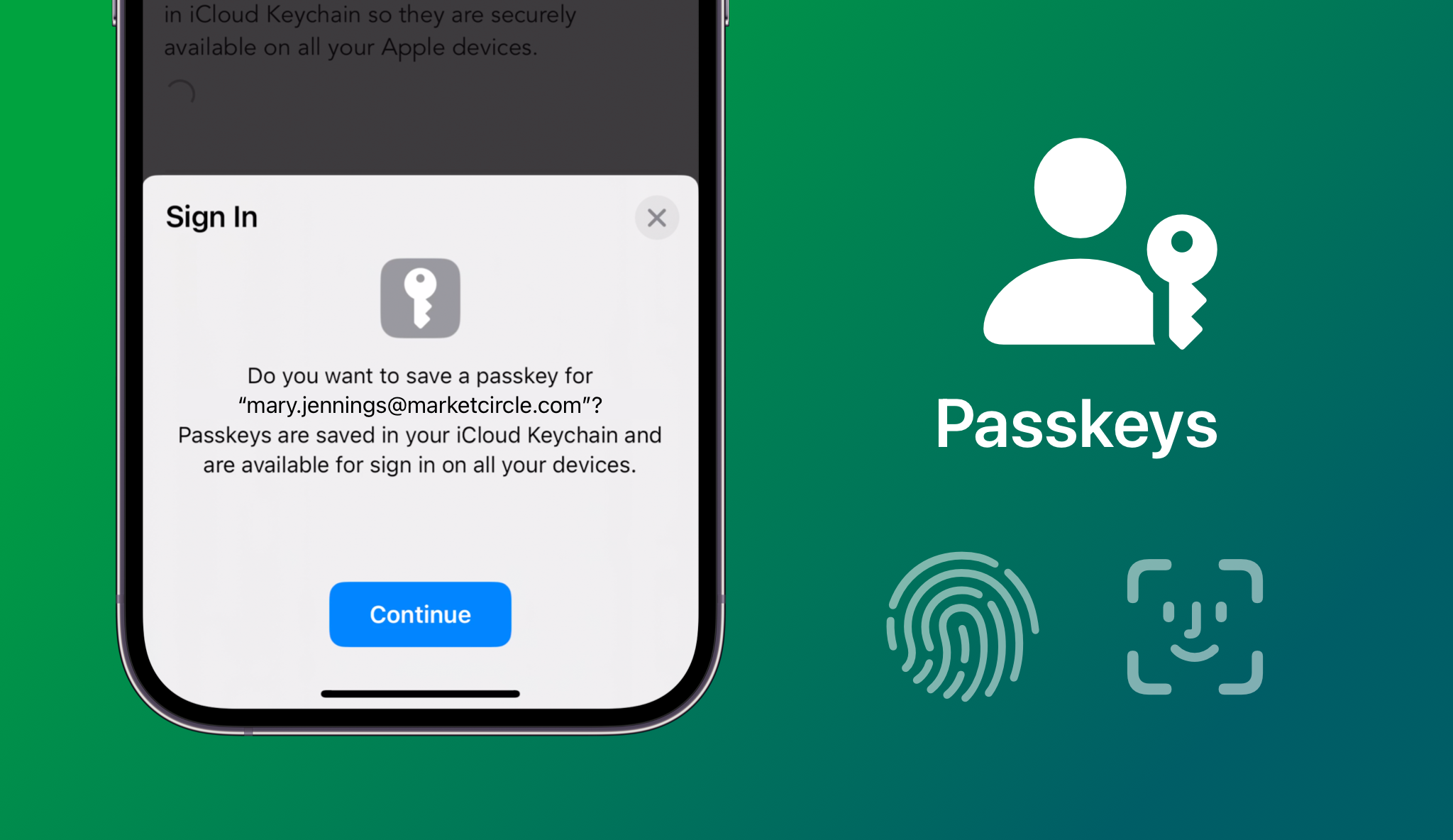
Ever heard that your passwords aren’t as safe? Try using passkeys instead. Here is how you can use passkeys instead of your passwords. Let us see how it improves the account and what difference it brings. So, let’s get started.
Are passkeys safer than passwords?
Yes, passkeys are known to be much safer than passwords. When you use a password, you are relying on a string of text that can be stolen in a data breach, guessed, or tricked out of you through a phishing email, which is a more common phenomenon than one may think.
Passkeys replace that text with cryptography linked directly to your physical device, like your phone or computer, that you frequently use. To log in, you just use your face, fingerprint, or device PIN, which ideally only you should know. Because the actual cryptographic key never leaves your device and cannot be shared, hackers cannot steal it from a company’s server or trick you into typing it into a fake website. That is the best part about it, making it much safer than the previous method. They thus reduce or remove the threat of phishing, making your accounts safer than before.
Steps to use passkeys instead of passwords
If you want to use passkeys instead of passwords, here is how you can do so!
- A primary device is important. So, start by choosing a primary device to store your passkeys, such as your smartphone, laptop, or any device that you use frequently. Also, make sure your device has its latest system updates installed and that you have enabled biometrics, like facial recognition or a fingerprint scanner.
- As the next step, simply log into an account you want to secure, like your Google, Apple, or banking account, using your current password. Now you have to go to the security or account settings menu, and look for an option that says security keys, passkeys, or sign-in methods.
- Click on the option to create a passkey for future use. Your browser or operating system will pop up a prompt asking if you want to save a passkey for this specific website or application.
- Once you have made up your mind, just confirm the prompt by scanning your fingerprint, using facial recognition, or entering your device’s master PIN. This action creates a unique cryptographic pair between your device and the website, which is very unique and unguessable.
- Finally, you can test the setup by logging out of the account and trying to sign back in. Because you have chosen the desired settings, instead of asking for a password, the site will now prompt you to use your passkey, requiring just a quick biometric scan to grant access. And it’s done!
You can also repeat this quick setup process for your other major accounts and keep them safer, too.



