

• Send Us A Tip
  • Calling all Tech Writers
  • Advertise
Wednesday, September 16, 2026
  • Login
TechStory
  • News
  • Crypto
  • Gadgets
  • Memes
  • Gaming
  • Cars
  • AI
  • Startups
  • Markets
  • How to
No Result
View All Result
  • News
  • Crypto
  • Gadgets
  • Memes
  • Gaming
  • Cars
  • AI
  • Startups
  • Markets
  • How to
No Result
View All Result
TechStory
No Result
View All Result
Home Tech

Customize your iPhone’s home screen with Smart Stacks and Siri Suggestions

by Priyanka Chaubey
December 29, 2020
in Tech
Reading Time: 3 mins read
0
Apple has officially missed the boat on USB-C on New iPhones
TwitterWhatsappLinkedin

It is the holiday season and you have most likely to have unwrapped a new iPhone box this season. We’ll tell you how you can Customize your iPhone’s home screen with Smart Stacks and Siri Suggestions to personalize your home screen to the next level.

You might also like

Anthropic Says AI Could Boost US GDP by 32% in Four Years, With Displaced Workers Facing Career Changes

US Confirms Deployment of Space Weapons for the First Time

Apple Faces Consumer Regulator Probe in India Over iOS 18 Warranty Terms

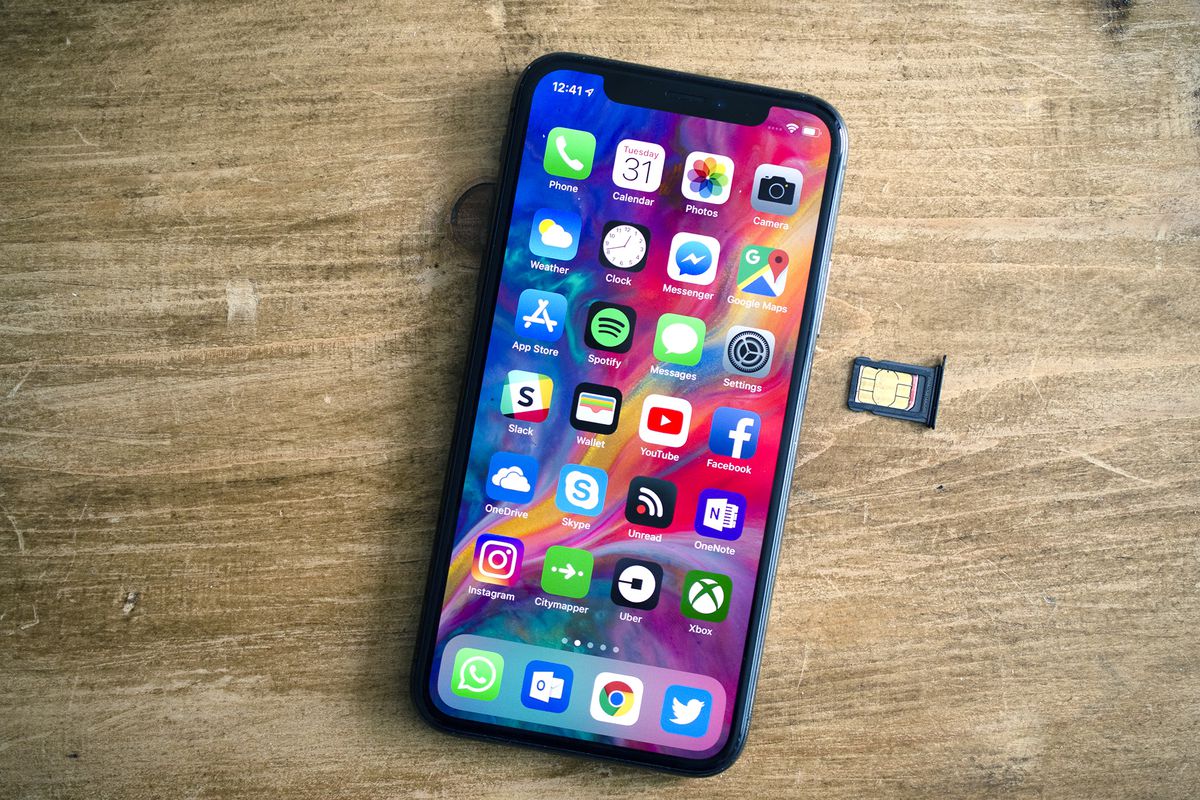
It is no surprise that the Widgets have come to know to be the most popular feature in iOS 14. It gives its users the facility to add layers of personalization on its home screen. iOS 14 gives in the facility to include two built-in widget options that make the best use of Siri intelligence to make sure that your iPhone home screen widgets are personalized just the way you like them. Here’s how to customize your iPhone’s home screen-

Customize your iPhone’s home screen
source- Yahoo

Customize your iPhone’s home screen with Siri Suggestions widgets

If you are one of those people who highly depend on sliding down to access Siri app suggestions in Spotlight search, then without a question, the Siri Suggestions widget is the most useful widget to add to your home screen widget. To add much more to your comfort, The Siri Suggestions widget will automatically show you relevant actions that are read “based on your usage patterns.”

Apple offers  two different Siri Suggestions widgets:

  • App Suggestions: It provides you with app launch suggestions that are based on your usage patterns
  • The other one is- Shortcut Suggestions: It provides you with relevant shortcut actions based on your usage patterns (you can get them in small, medium, and large)

To add more, the App Suggestions widget, gives to you a  rotating selection of app icons based on what Siri intelligence analyzes that you could be needing. Talking about an example here, if you often use the MyFitnessPla while enjoying your brunch every day at the same time, the App Suggestions widget will automatically provide to you the MyFitnessPal app icon on your screen exactly at that time of the day.

As a matter of fact, In fact, after you place the App Suggestions widget on your home screen, the application symbols will look much the same as some other application symbols. It’s a quite clever utilization of Siri intelligence with its analysis and one of the cooler gadget executions by Apple.

If you wish to find these widgets, all you have to do is long-press on your iPhone iOS 14 home screen. It will take you to the jiggle mode, discover the “+” icon which is most likely visible in the upper-left corner. Later you have to discover the “Siri Suggestions” from the list of widgets and you’ll be done.

 Smart Stacks

Among many other amazing widgets, the coolest that iOS14 provides is undoubtedly is a Smart Stack. Like its name suggests Smart Stacks smartly stacks multiple widgets for your use which is based on other feature analysis like time of day and Siri intelligence.

As a matter of course, you can pick a prebuilt Smart Stack from the gadget picker, yet you can likewise make custom heaps of gadgets.

This implies you can pick various gadgets and stack them on top of each other, at that point swipe between them. To do this, just add one gadget to your home screen, at that point return to the Widget Gallery and pick another and drag it on top of the main gadget. You can stack a wide range of gadgets together, at that point swipe through them straightforwardly from the home screen.

When you add a Smart Stack gadget to your iOS 14 home screen, you can long-press on it, pick “Widget” and empower or impair the “Smart Rotate” highlight. This component will naturally turn through the gadgets in the stack depends on the season of day and Siri insight.


Tags: Customize your iPhone’s home screen with Smart Stacks and Siri Suggestions
Tweet54SendShare15
Previous Post

How To Carry Out The Auction Of The Mystery Box Successfully?

Next Post

BoycottJio trending on Twitter, Users threaten to switch from Reliance jio

Priyanka Chaubey

Recommended For You

Anthropic Says AI Could Boost US GDP by 32% in Four Years, With Displaced Workers Facing Career Changes

by Shailja Jha
September 15, 2026
0
Anthropic Says AI Could Boost US GDP by 32% in Four Years, With Displaced Workers Facing Career Changes

Artificial intelligence could deliver an extraordinary boost to the American economy, with Anthropic's economic model predicting that AI could increase US gross domestic product by 32% over four...

Read more

US Confirms Deployment of Space Weapons for the First Time

by Shailja Jha
September 15, 2026
0
US Confirms Deployment of Space Weapons for the First Time

The United States has publicly acknowledged the deployment of space weapons for the first time, marking a major development in the country's military space strategy. The announcement signals...

Read more

Apple Faces Consumer Regulator Probe in India Over iOS 18 Warranty Terms

by Ishaan Negi
September 15, 2026
0
Apple Faces Consumer Regulator Probe in India Over iOS 18 Warranty Terms

Apple is facing a detailed investigation by India’s consumer regulator over allegations that its iOS 18 software update caused problems with iPhone functionality, leaving some customers with expensive...

Read more
Next Post
Jio becomes the 1st telecom company to cross 400 Mn subs

BoycottJio trending on Twitter, Users threaten to switch from Reliance jio

Please login to join discussion

Techstory

Tech and Business News from around the world. Follow along for latest in the world of Tech, AI, Crypto, EVs, Business Personalities and more.
reach us at info@techstory.in

Advertise With Us

Reach out at - info@techstory.in

Aviator Game India 2026

BROWSE BY TAG

#Crypto #howto 2024 acquisition AI amazon Apple Artificial Intelligence bitcoin Business China cryptocurrency e-commerce electric vehicles Elon Musk Ethereum facebook funding Gaming Google India Instagram Investment iPhone IPO Market Markets Meta Microsoft News OpenAI samsung Social Media SpaceX startup startups tech Tech news technology Tesla TikTok trend trending twitter US

© 2025 Techstory.in

No Result
View All Result
  • News
  • Crypto
  • Gadgets
  • Memes
  • Gaming
  • Cars
  • AI
  • Startups
  • Markets
  • How to

© 2025 Techstory.in

Welcome Back!

Login to your account below

Forgotten Password?

Retrieve your password

Please enter your username or email address to reset your password.

Log In
Are you sure want to unlock this post?
Unlock left : 0
Are you sure want to cancel subscription?