• Send Us A Tip
  • Calling all Tech Writers
  • Advertise
Sunday, July 26, 2026
  • Login
TechStory
  • News
  • Crypto
  • Gadgets
  • Memes
  • Gaming
  • Cars
  • AI
  • Startups
  • Markets
  • How to
No Result
View All Result
  • News
  • Crypto
  • Gadgets
  • Memes
  • Gaming
  • Cars
  • AI
  • Startups
  • Markets
  • How to
No Result
View All Result
TechStory
No Result
View All Result
Home Tech

How to fix windows 10 photos app easily?

by Priyanka Chaubey
February 23, 2021
in Tech
Reading Time: 2 mins read
0
How to enable Administrator account in Windows 10
TwitterWhatsappLinkedin

Know how to fix windows 10 photos app
It is no surprise that the Windows 10’s Photos app is running with a speed as that of a snail. Reportedly, it is full of bugs and really sluggish. If you too have been facing such issues, here are some tips you can use to access your photos app quickly.

You might also like

Silicon Megadeal Samsung Lands Landmark $200 Billion AI Chip Contract with Broadcom

The Pentagon’s $7 Billion Lifeline Can Defense Cash Stop the Oracle Stock Collapse?

Why Semiconductor Factories Cost Billions: Inside the World’s Most Expensive Buildings

The issue people are facing while using windows 10 photos app is that is it running too slow.
Ever since the slow speed of Windows 10 photos app was reported, the web came with number of fixes to deal with this issue. However, if you’re dealing with a case that your photos take more than 10, 20 or even 39 seconds to open, we’d like to mention that such problem could be unusual. In such case, you might need to reset the Photos app’s app data.

All things considered, here is a list of things you can do to run the photos app in windows 10 smoothly-

Fix windows 10 photos app in easy steps-
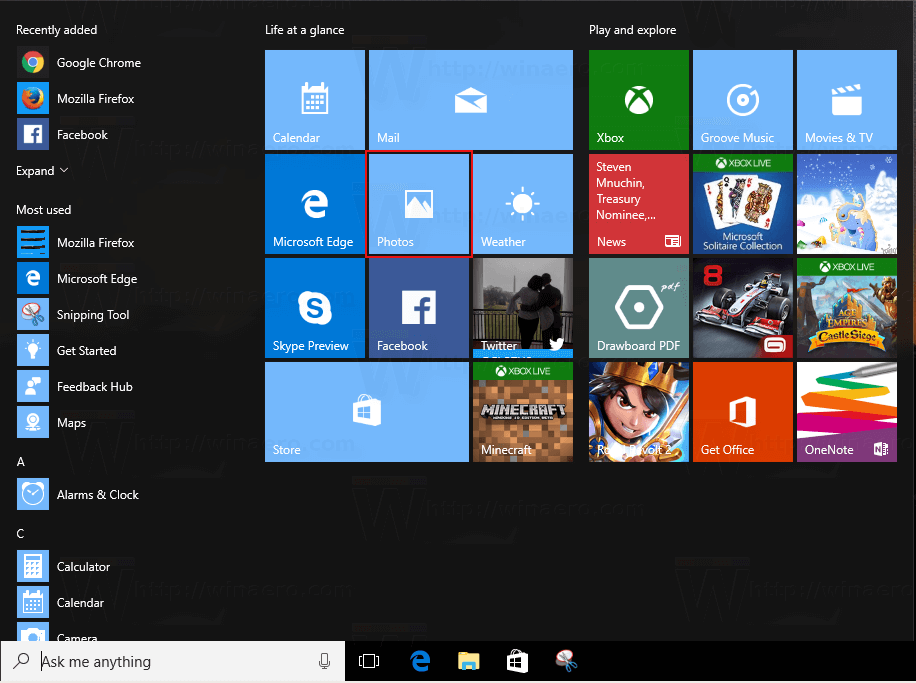
See the source image

1. Update your Windows


In many cases, it is the bugs of the apps in a system occur because of the system-related issues. If this is the case of your story, well, worry not, Microsoft will come up with a solution for you. For the same, what you need to do is just update your windows to the most recent version. In case, Microsoft has a solution for your problem, it will notify you on its own in the updates section.

Generally, Microsoft updates the fixes after its installed however, if you wish to check it for sure you can do so manually.

If you need to update your windows, follow these steps-

Head to Settings app > Choose Updates & security, and finally check for updates.


2. Update the photos app to Fix windows 10 photos app

Like updating your Windows could help fix the problem automatically, same is the case in terms on app. Sometimes, an up-gradation is all you need. In case there is a problem in your Photos app and is hindering the performance of your system, developers will surely fix it.

If you wish to update your photos app, all you have to do is head straight to the Windows Store, open the Store Page of Windows 10 Photos, and check for updates.


3. Restore the libraries to its default setting

Here is how you can restore your libraries to the default settings-

  1. Launch the File Explorer.
  2. From all the options available, click on View tab.
  3.  In the right side of the screen, click on the option of Libraries and the select Restore default libraries.

Tweet54SendShare15
Previous Post

The FAA has cleared the SN8 and SN9 starship from investigation

Next Post

iPhone13-All about the release date, price, news.

Priyanka Chaubey

Recommended For You

Silicon Megadeal Samsung Lands Landmark $200 Billion AI Chip Contract with Broadcom

by Anochie Esther
July 26, 2026
0
Samsung $200 billion chip deal with Broadcom

The global race to supply physical hardware for artificial intelligence workloads has produced the largest semiconductor manufacturing contract in history. As tech giants build out gigawatt-scale data centers...

Read more

The Pentagon’s $7 Billion Lifeline Can Defense Cash Stop the Oracle Stock Collapse?

by Anochie Esther
July 26, 2026
0
Pentagon $7 billion Oracle contract

The intersection of national defense procurement and Silicon Valley balance sheets has produced one of the most high-stakes corporate rescue narratives of the year. For nearly a decade,...

Read more

Why Semiconductor Factories Cost Billions: Inside the World’s Most Expensive Buildings

by Ishaan Negi
July 26, 2026
0
Why Semiconductor Factories Cost Billions: Inside the World’s Most Expensive Buildings

Every time a company announces a new semiconductor factory, the headline almost always includes a staggering price tag. $10 billion. $20 billion. $50 billion. Some projects now stretch...

Read more
Next Post
Corellium

iPhone13-All about the release date, price, news.

Please login to join discussion

Techstory

Tech and Business News from around the world. Follow along for latest in the world of Tech, AI, Crypto, EVs, Business Personalities and more.
reach us at info@techstory.in

Advertise With Us

Reach out at - info@techstory.in

Aviator Game India 2026

BROWSE BY TAG

#Crypto #howto 2024 acquisition AI amazon Apple Artificial Intelligence bitcoin Business China cryptocurrency e-commerce electric vehicles Elon Musk Ethereum facebook funding Gaming Google India Instagram Investment ios iPhone IPO Market Markets Meta Microsoft News OpenAI samsung Social Media SpaceX startup startups tech technology Tesla TikTok trend trending twitter US

© 2025 Techstory.in

No Result
View All Result
  • News
  • Crypto
  • Gadgets
  • Memes
  • Gaming
  • Cars
  • AI
  • Startups
  • Markets
  • How to

© 2025 Techstory.in

Welcome Back!

Login to your account below

Forgotten Password?

Retrieve your password

Please enter your username or email address to reset your password.

Log In
Are you sure want to unlock this post?
Unlock left : 0
Are you sure want to cancel subscription?