


Microsoft recently made it possible for Windows customers to switch to Windows 11, which is a strange combination of numerous UI changes, new and familiar features, unreleased capabilities, and security upgrades, all with less legacy baggage.
The upgrade process is smoother than it has ever been, but once you’re up and running with Windows 11, you’ll have to unlearn a few old habits and adjust to the fact that, despite Microsoft’s best efforts to make the interface more modern and appealing, it’s still far from flawless.
Simply told, the new operating system is still a work in progress, but early users need be concerned about only a few issues. The first is that when Microsoft designed Windows 11, they sought to add a layer of enterprise-grade protection to all PCs that could run it.
The system requirements, which are stricter than those of Windows 10 and exclude many existing PCs with relatively modern technology, have aroused a lot of debate.
However, if you upgrade to Windows 11 by purchasing a new PC, you may notice diminished gaming performance due to Microsoft’s use of virtualization-based protection (VBS). The problem was identified by the folks at PC Gamer, who conducted some testing and noticed that OEM devices performed below expectations.
VBS is enabled by default on these computers, resulting in performance regressions of up to 5% in Far Cry New Dawn, 10% in the 3DMark Time Spy benchmark, 25% in Horizon Zero Dawn, and 28% in Shadow of the Tomb Raider.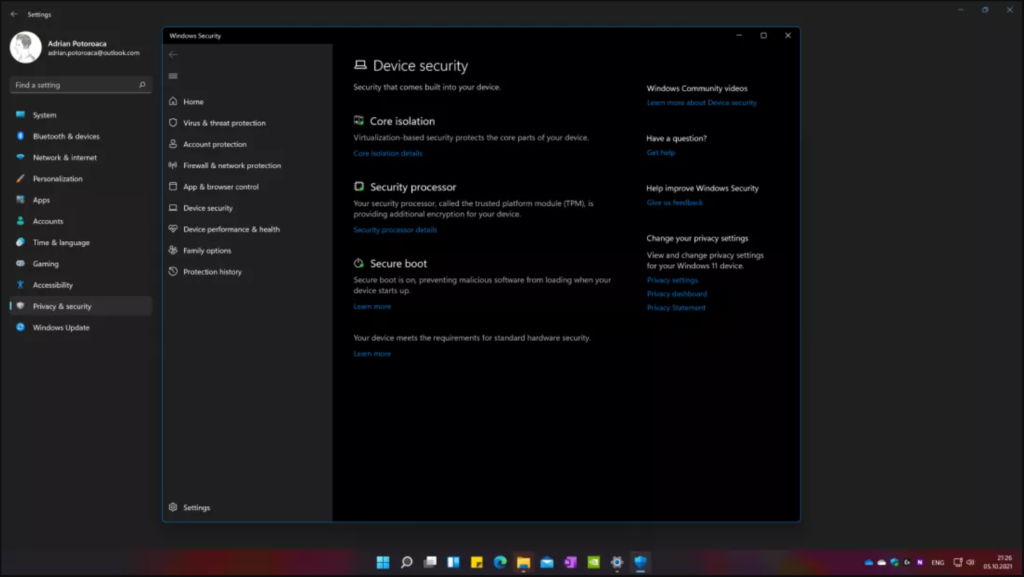
ComputerBase and UL Benchmarks have corroborated these discoveries, and the latter is working on an upgrade for their benchmark programs that will account for VBS and allow users to compare scores honestly.
VBS was initially offered as an optional feature in Windows 10 and employs hardware virtualization to generate and isolate a secure section of memory from the standard operating system.
Windows can then use this virtual safe mode to host a variety of security measures and prevent malware from exploiting operating system weaknesses and introducing malicious code. This adds an extra layer of security for commercial customers.
Microsoft’s goal with Windows 11 is to make VBS a standard on both consumer and enterprise/government PCs. To be clear, VBS will be enabled by default only on new installations. If you execute an in-place upgrade using an ISO, the Windows 11 Installation Assistant, or after being given the upgrade through Windows Update, VBS will be turned off unless you manually turn it on before beginning the upgrade process.
A number of flaws that will most likely be fixed in the following weeks or months will be the second major cause of frustration for early adopters who make the switch to Windows 11. Some are serious enough to impact your experience, such as a memory leak associated with the File Explorer process, which can quickly deplete your available RAM.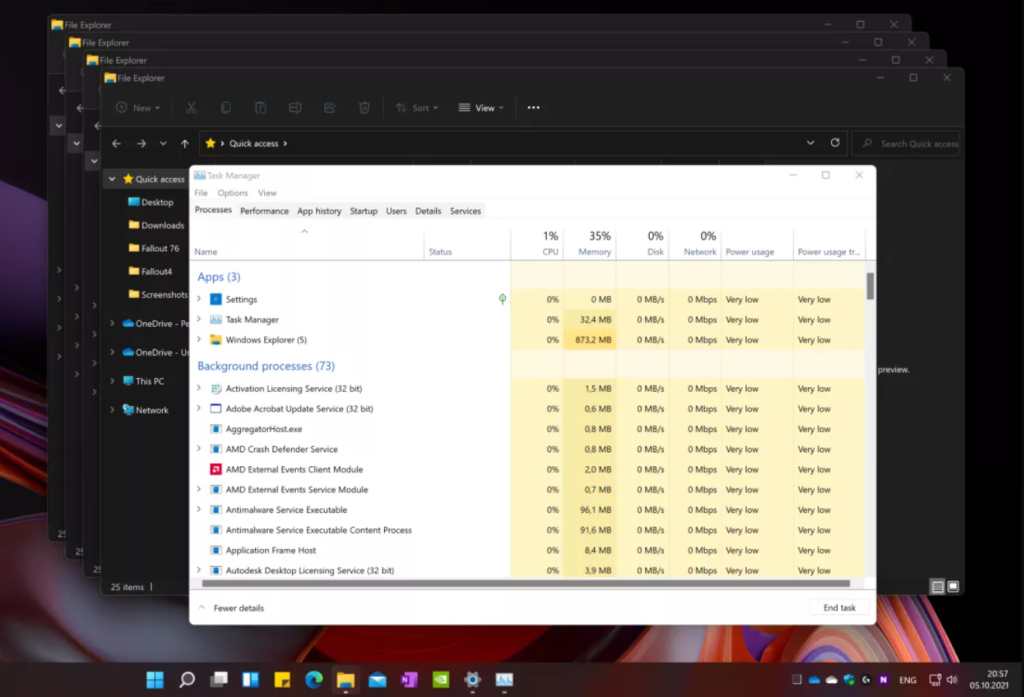
This one was reported two months ago by Reddit user u/gyrohan269, however issue doesn’t appear to be corrected in the public release build (22000.194). Normally, File Explorer – or any other process – should free up the allotted memory space when it is no longer required or when the process itself is terminated.
However, in Windows 11, File Explorer appears to retain almost all of the RAM allocated whenever a new window is opened. This means that if you work with a lot of File Explorer windows open, closing them leaves garbage in system memory, which can slow down your system when using RAM-hungry applications, such as browsers or productivity software.
We were able to reproduce the problem, which might be significant, especially on devices with less than eight gigabytes of RAM.
As of this writing, the only option to resolve this issue is to launch Task Manager and restart the File Explorer process manually.




