• Send Us A Tip
  • Calling all Tech Writers
  • Advertise
Saturday, July 11, 2026
  • Login
TechStory
  • News
  • Crypto
  • Gadgets
  • Memes
  • Gaming
  • Cars
  • AI
  • Startups
  • Markets
  • How to
No Result
View All Result
  • News
  • Crypto
  • Gadgets
  • Memes
  • Gaming
  • Cars
  • AI
  • Startups
  • Markets
  • How to
No Result
View All Result
TechStory
No Result
View All Result
Home Gaming

How to Get the Guardian Shield in Fortnite

by Priyansh Sidhwani
January 5, 2023
in Gaming, How to, News
Reading Time: 2 mins read
0
How to Get the Guardian Shield in Fortnite

Credit @ Epic Games

TwitterWhatsappLinkedin

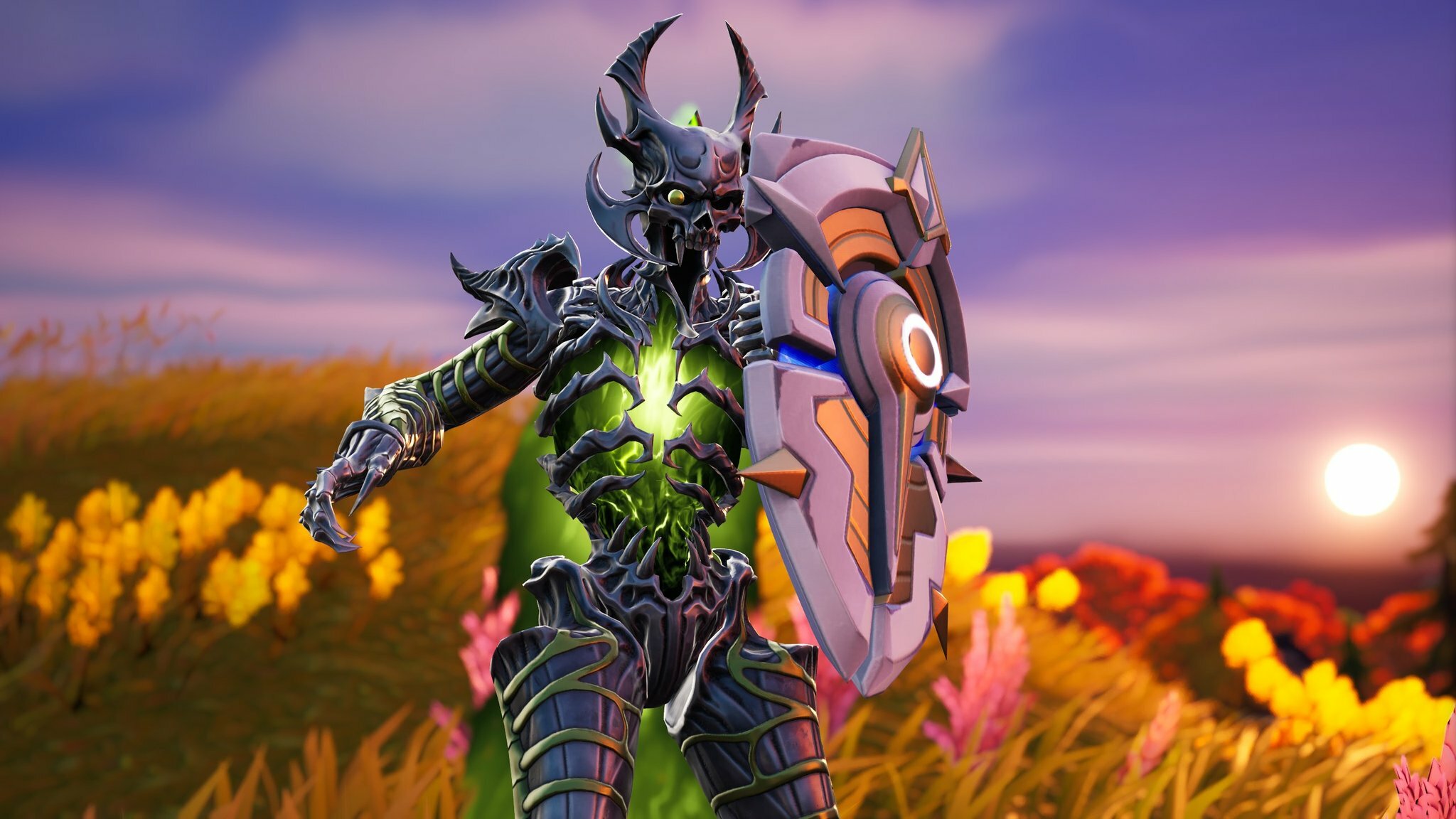
Fortnite Chapter 4 Season 1 brought a lot of new changes to the game, including new loot. One of the new weapons added in this season was the Guardian Shield, which can be found in Oathbound Chests scattered around the map. This shield is both useful and required for one of the week’s challenges, which requires players to have a Guardian Shield in their inventory. Here is a step-by-step guide on how to find and use the Guardian Shield in Fortnite.
You might also like

How to breed Carillong on Magical Sanctum?

Weekly Tech Updates: Everything from the AI Race to Truecaller’s TRAI Dispute

Weekly Business News: Everything from Adani’s Low Carbon Bet to NMDC’s Iron Ore Price Cut

How to Get the Guardian Shield in Fortnite
Credit @ Epic Games

Step 1: Start a Battle Royale match in Fortnite:

To find the Guardian Shield, you will need to start a Battle Royale match on whatever device you play Fortnite on, whether that’s a console, PC, or mobile device. It doesn’t matter if you play in Solo, Duos, Trios, or Squad mode, as the Guardian Shield can be found in any of these.

Step 2: Find an Oathbound Chest:

There are two main ways to find loot in Fortnite by searching in its spawn locations or picking it up from an eliminated enemy. Since it can be difficult to guarantee an elimination, and there is no guarantee that the eliminated enemy will have a Guardian Shield, it is usually best to search for the shield in its spawn locations. Guardian Shields can only be found in Oathbound Chests, so your goal is to locate one of these chests on the map. Keep in mind that it is not guaranteed that the chest will contain a Guardian Shield, so you may need to search through multiple chests before you find one. Some locations on the map, such as the Citadel, have multiple Oathbound Chests, so these are good places to start your search.

Step 3: Carry the shield in your inventory.
How to Get the Guardian Shield in Fortnite
Credit @ Epic Games

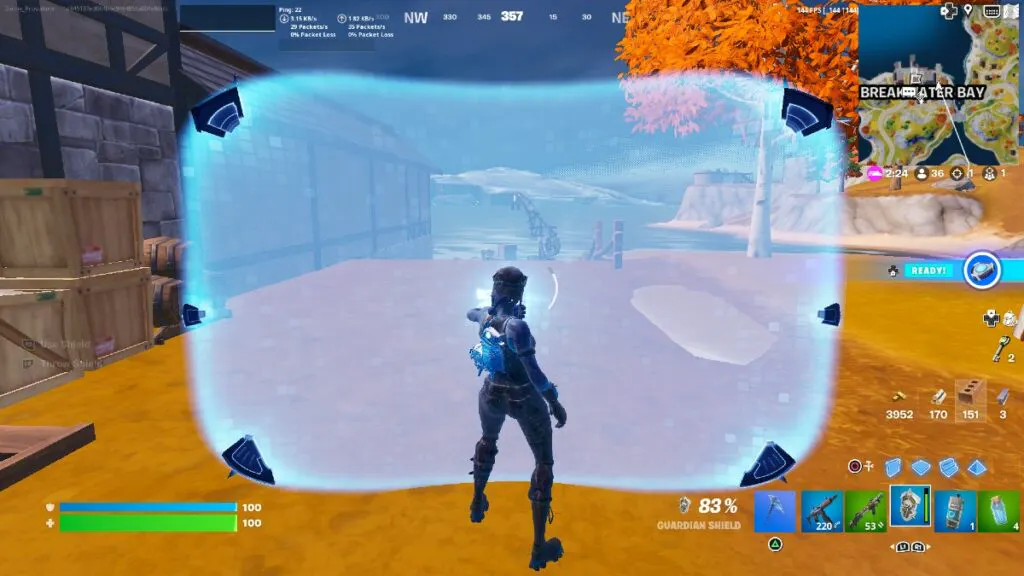
Once you have found a Guardian Shield, it will be added to your inventory. It is important to note that the shield has a limited time of use, so it is best to save it for when you really need it. The shield’s duration begins to countdown as soon as it is used, so it is best to hold on to it until you are ready to use it.

Step 4: Hold or throw the shield.

When you are ready to use the Guardian Shield, there are two main ways to do so. The first is to hold it in your hand and activate it by holding down the fire button. This will allow you to move around with the shield activated, making it a good option for protecting yourself while you are on the move. The second option is to throw the shield on the ground. This can be done in the same way that you would throw a shield or healing item to another player. Once the shield is on the ground, it will provide protection for the duration of its duration. If you need to pick it up again, you can go to the center of the shield and pick it up.


Tags: FortniteGuardian Shield FortniteHow to Get the Guardian Shield in Fortnite
Tweet54SendShare15
Previous Post

Starfield Could Release on International Day of Human Space Flight

Next Post

Workers at ZeniMax create first Microsoft labor union in US

Priyansh Sidhwani

Hi! I'm Priyansh, I write articles about gaming news here at Techstory. To get in touch E-mail: Priyansh@connasys.com.

Recommended For You

How to breed Carillong on Magical Sanctum?

by Afeefa Ansari
July 11, 2026
0
Carillong

Do you want to breed Carillong on Magical Sanctum? Follow the guide to know how you can do that in a few simple steps. This is a monster...

Read more

Weekly Tech Updates: Everything from the AI Race to Truecaller’s TRAI Dispute

by Ishaan Negi
July 10, 2026
0
Weekly Tech Updates: Everything from Cloudfare Outage to X’s ‘Chat’ Debut

The tech world had another action-packed week, with AI giants, smartphone makers, and regulators all making major moves. OpenAI vs Anthropic: The AI Race Gets Even Tighter The...

Read more

Weekly Business News: Everything from Adani’s Low Carbon Bet to NMDC’s Iron Ore Price Cut

by Ishaan Negi
July 10, 2026
0
Weekly Business News: Top business updates in this week

Catch up on the week's most important business headlines, featuring key developments in industry, policy, technology, and global trade. Adani Enterprises Enters Chemicals with Low-Carbon Manufacturing Push Adani...

Read more
Next Post
Microsoft sanctioned 60 million euros by CNIL

Workers at ZeniMax create first Microsoft labor union in US

Please login to join discussion

Techstory

Tech and Business News from around the world. Follow along for latest in the world of Tech, AI, Crypto, EVs, Business Personalities and more.
reach us at info@techstory.in

Advertise With Us

Reach out at - info@techstory.in

Aviator Game India 2026

BROWSE BY TAG

#Crypto #howto 2024 acquisition AI amazon Apple Artificial Intelligence bitcoin Business China cryptocurrency e-commerce electric vehicles Elon Musk Ethereum facebook funding Gaming Google India Instagram Investment ios iPhone IPO Market Markets Meta Microsoft News OpenAI samsung Social Media SpaceX startup startups tech technology Tesla TikTok trend trending twitter US

© 2025 Techstory.in

No Result
View All Result
  • News
  • Crypto
  • Gadgets
  • Memes
  • Gaming
  • Cars
  • AI
  • Startups
  • Markets
  • How to

© 2025 Techstory.in

Welcome Back!

Login to your account below

Forgotten Password?

Retrieve your password

Please enter your username or email address to reset your password.

Log In
Are you sure want to unlock this post?
Unlock left : 0
Are you sure want to cancel subscription?