Instagram Stories are designed for quick, temporary sharing. Creators use them for photos, videos, announcements, promotions, behind-the-scenes updates, and other content that usually disappears after 24 hours unless it is saved as a Highlight.
If you want to watch public Instagram Stories without signing in to your personal account, a browser-based Story viewer can provide another way to access supported public content. This guide explains how Story viewers work, how to use Grabfy, what they can and cannot access, and the safety considerations worth knowing in 2026.
Quick Answer: How to Watch Instagram Stories Without an Account
For supported public Instagram profiles, you can use a browser-based viewer instead of opening the Story through the Instagram app or a logged-in account. You typically enter a public username, search for the profile, and browse the Stories that are currently available.
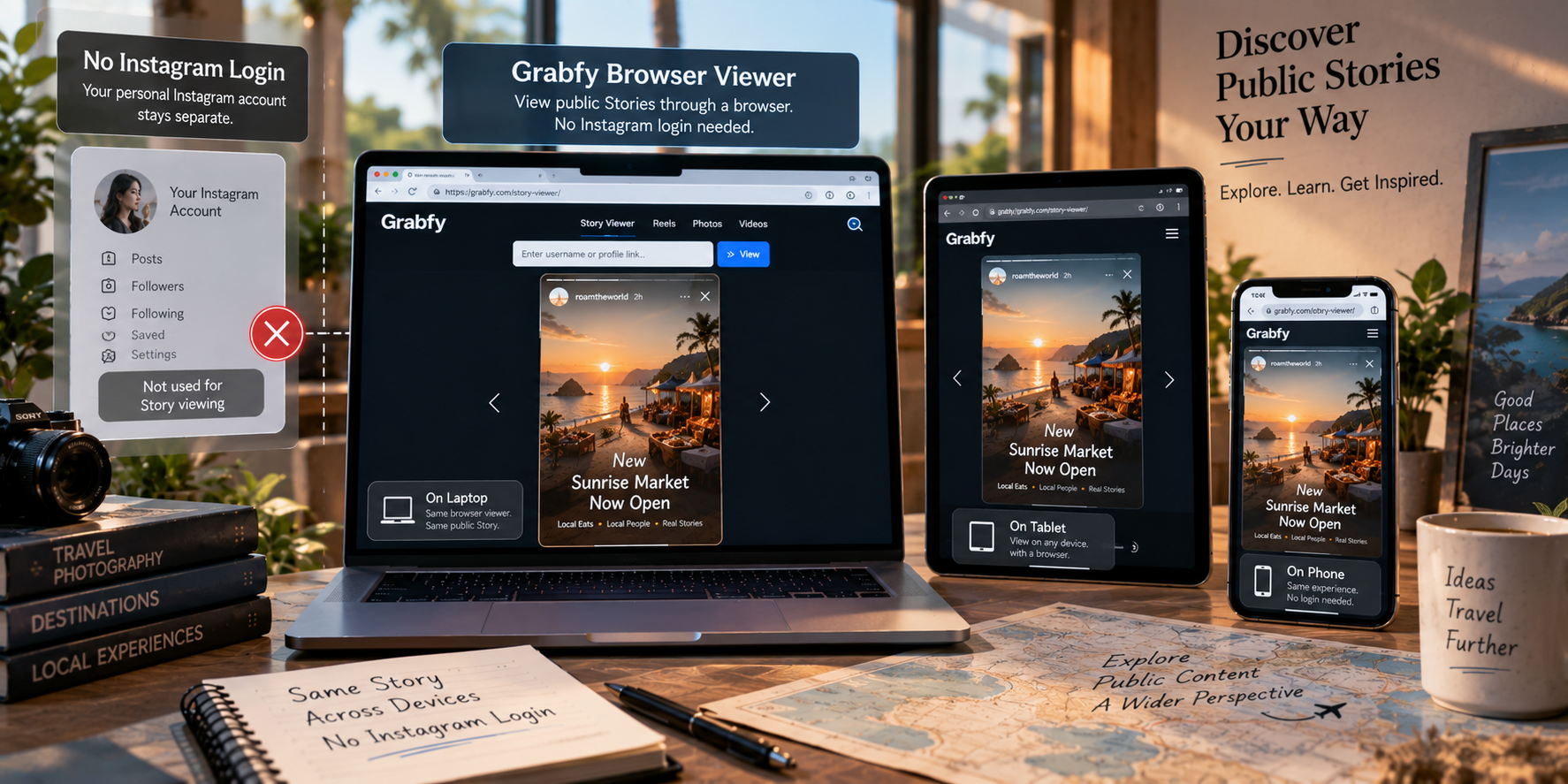
For a simple browser-based option, Grabfy’s Instagram story viewer lets you look up supported public Story content without requiring your Instagram login credentials. This makes it useful for casual viewing, research, and checking temporary public updates from a phone, tablet, or computer.
The main limitation is important: Story viewers are intended for publicly accessible content. They should not be expected to unlock private profiles, Close Friends Stories, deleted content, or other material that requires authorized access.
What Instagram Stories Are
An Instagram Story is temporary photo or video content that is generally available for 24 hours after posting. Creators can also preserve selected Stories as Highlights, where they can remain visible on the profile until removed.
Instagram also provides audience controls. A creator can hide Stories from selected accounts, restrict a Story to Close Friends, or make an entire profile private. A legitimate public Story viewer should respect the difference between public and restricted content.
How Instagram Story Viewers Work
A third-party Story viewer retrieves supported content that is already publicly accessible and displays it through its own website. Instead of opening the Story through a personal Instagram session, you search for the public profile through the viewer.
This does not mean the viewer can bypass Instagram’s privacy controls. You should not expect access to private-account Stories, Close Friends content, deleted material, expired Stories that are no longer publicly available, or private messages.
Step-by-Step: Watch Public Instagram Stories with Grabfy
Using Grabfy does not require a complicated setup.
Step 1: Find the Public Instagram Profile
Identify the public account whose Story you want to view. Make sure the username is correct, especially when several accounts have similar names.
Step 2: Open the Story Viewer
Open the Story Viewer in a current browser on your phone, tablet, laptop, or desktop computer. Because the service is browser-based, there is no need to install an unofficial Instagram app, APK, browser extension, or desktop program.
Step 3: Search for the Profile
Enter the public username or other profile information requested by the viewer. The service will attempt to locate the public content currently available for that account.
Step 4: Browse Available Stories
If supported Stories are available, choose the one you want to watch. Availability can change if a Story expires, is deleted, or otherwise becomes unavailable.
Step 5: Save Content When Appropriate
Some public Story viewers also provide download options. Saving can be useful for your own content, authorized campaign material, legitimate research, or offline reference. Downloading does not transfer ownership or permission to republish someone else’s work.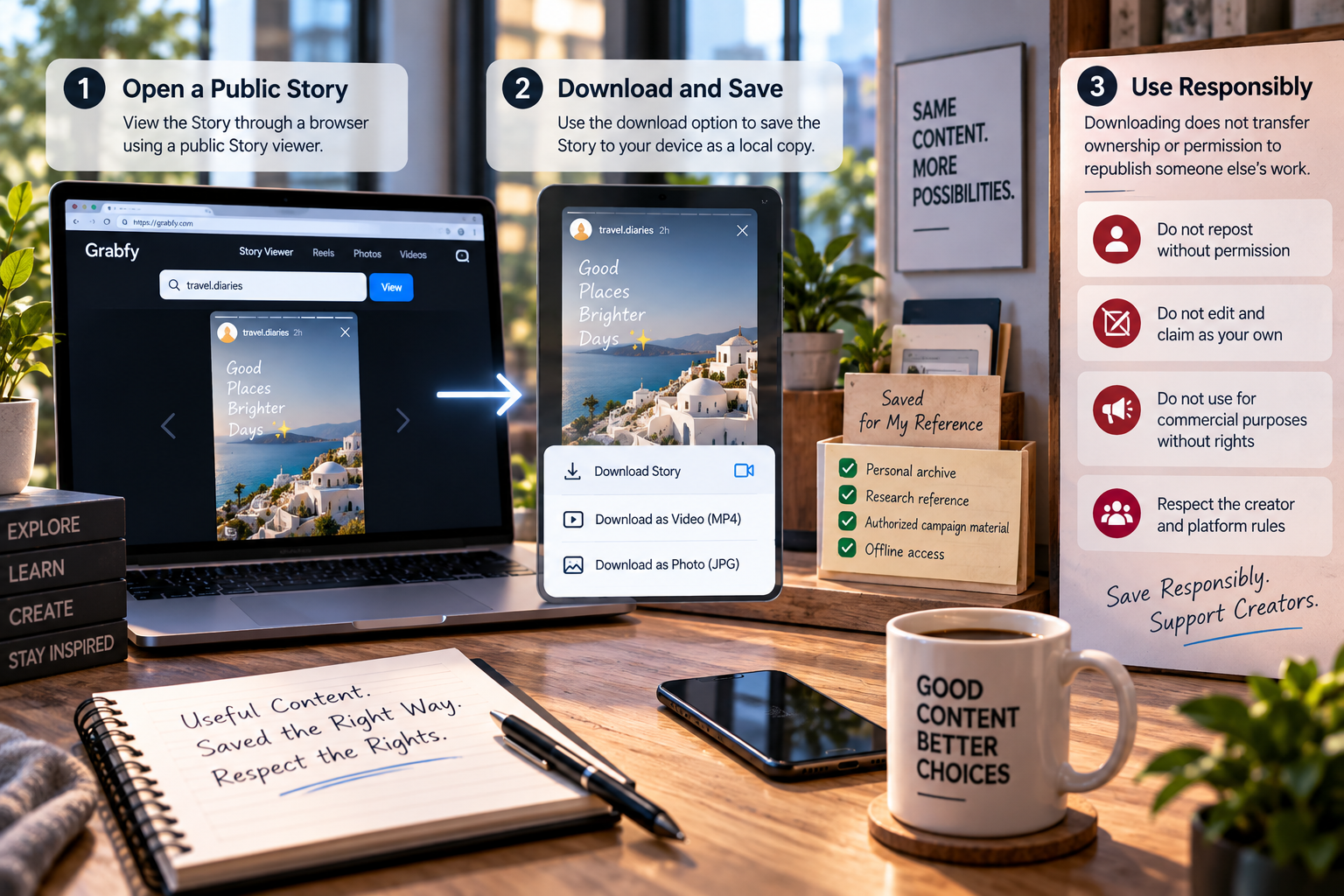
Why Grabfy Is Useful for Public Story Viewing
Grabfy provides a focused way to browse supported public Instagram Stories directly through a browser. It is practical for users who want to check Story content without installing additional software or entering Instagram credentials into a third-party viewer.
For research, Grabfy can fit into a workflow where you monitor Story timing, creative formats, promotions, calls to action, or recurring content patterns. The purpose is not to bypass privacy settings, but to make public Story viewing easier and more organized.
Watching Stories Without an Instagram Account
You do not necessarily need to sign in to Instagram to view every piece of publicly accessible Story content. A browser-based viewer can provide access to supported public Stories without requiring your personal account.
However, no-account viewing does not change the privacy level of a profile. If an account is private or the Story is restricted to a selected audience, a public Story viewer should not be expected to display it.
Story Viewers vs. Common Workarounds
Some users try alternative methods for viewing Stories without their main profile, but these approaches have limitations.
Airplane Mode tricks are also unreliable. These methods depend on preloading Stories before disconnecting from the internet, but app behavior and synchronization can change. They should not be treated as dependable viewing methods.
A browser-based public Story viewer is more straightforward because it is designed specifically to display supported public content outside your personal Instagram session.
Safety and Privacy Tips
A public Instagram Story viewer should not need your Instagram password, two-factor authentication code, recovery code, email password, or other sensitive credentials simply to display public content.
Be cautious about websites that require unknown apps, browser extensions, configuration profiles, APK files, or executable programs before allowing you to view a Story. Claims about unlocking private profiles or Close Friends Stories should also be treated skeptically.
Using a web viewer does not mean no technical information is exchanged with the website. As with other websites, ordinary browser or connection data may be processed according to the service’s own infrastructure and privacy practices.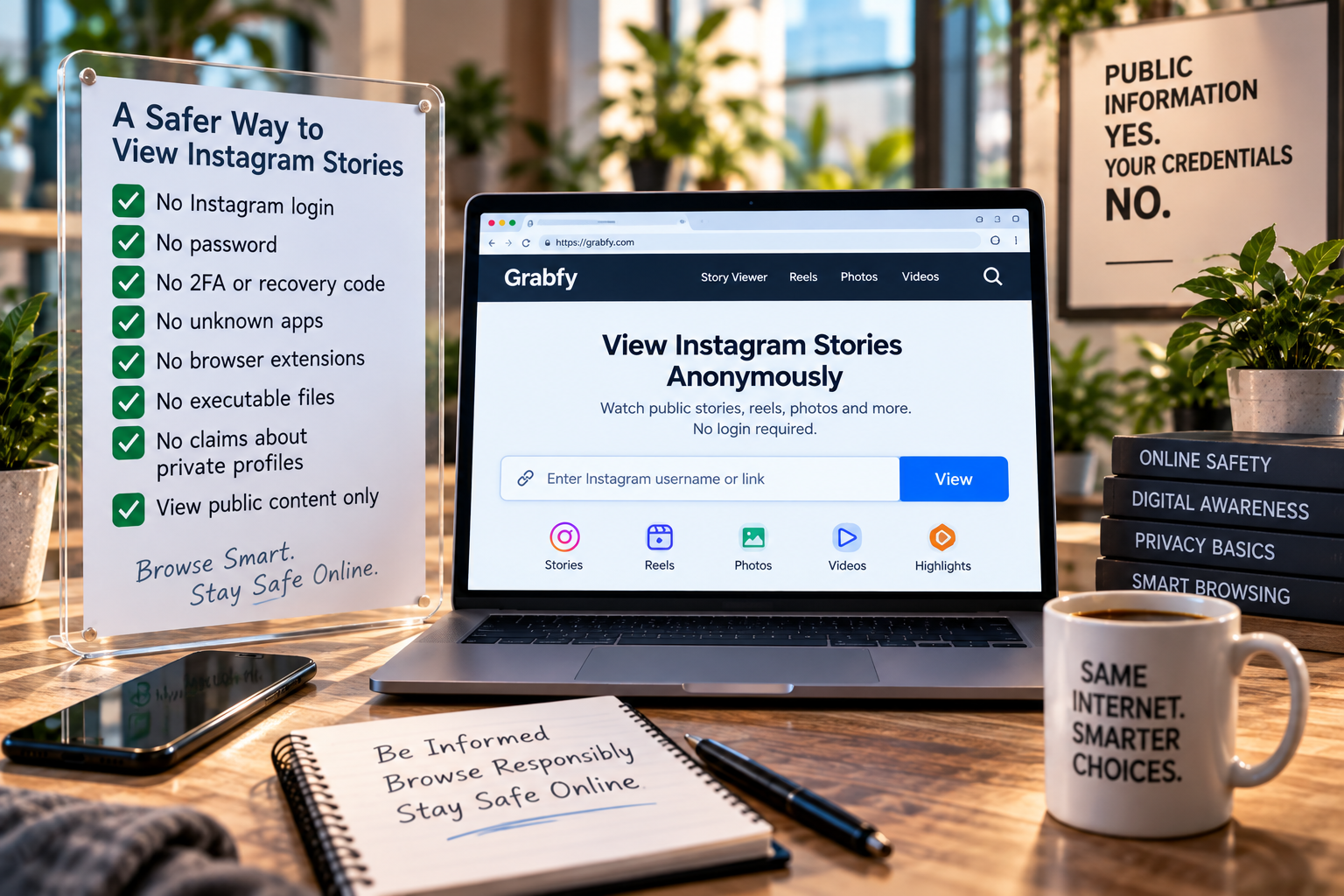
Can You Download Instagram Stories?
Some Story viewers provide a download option for supported public photos or videos. This can be useful when preserving your own content, keeping authorized campaign material, or retaining legitimate research references.
However, technical access does not equal permission to reuse. Publicly visible photos and videos may still be protected by copyright or other rights. Before reposting, editing, distributing, or commercially using someone else’s material, make sure you have the necessary permission or another valid legal basis.
Frequently Asked Questions
Do I Need an Instagram Account?
Not necessarily. A browser-based viewer can display supported public Story content without requiring you to sign in to a personal Instagram account.
Can I View Private Instagram Stories?
No legitimate public Story viewer should promise unrestricted access to private profiles, Close Friends Stories, or other audience-restricted material.
Why Can’t I Find a Story That Was Available Earlier?
Instagram Stories usually disappear after 24 hours unless the creator saves them to Highlights. A Story may also have been deleted or otherwise become unavailable.
Is It Safe to Use a Story Viewer?
Safety depends on the service. Avoid tools that request unnecessary credentials, unusual software installations, or access to private account information.
The Bottom Line
Watching public Instagram Stories in 2026 does not always require signing in to a personal Instagram account. A browser-based Story viewer can provide a practical route for checking supported public Stories, researching short-lived campaigns, or following public updates across common devices.
Grabfy is a useful option for this purpose because it keeps the process browser-based and focused on publicly accessible content without requiring Instagram login credentials. The key is to stay within the limits of public access, protect sensitive account information, and respect creators’ privacy and content rights.