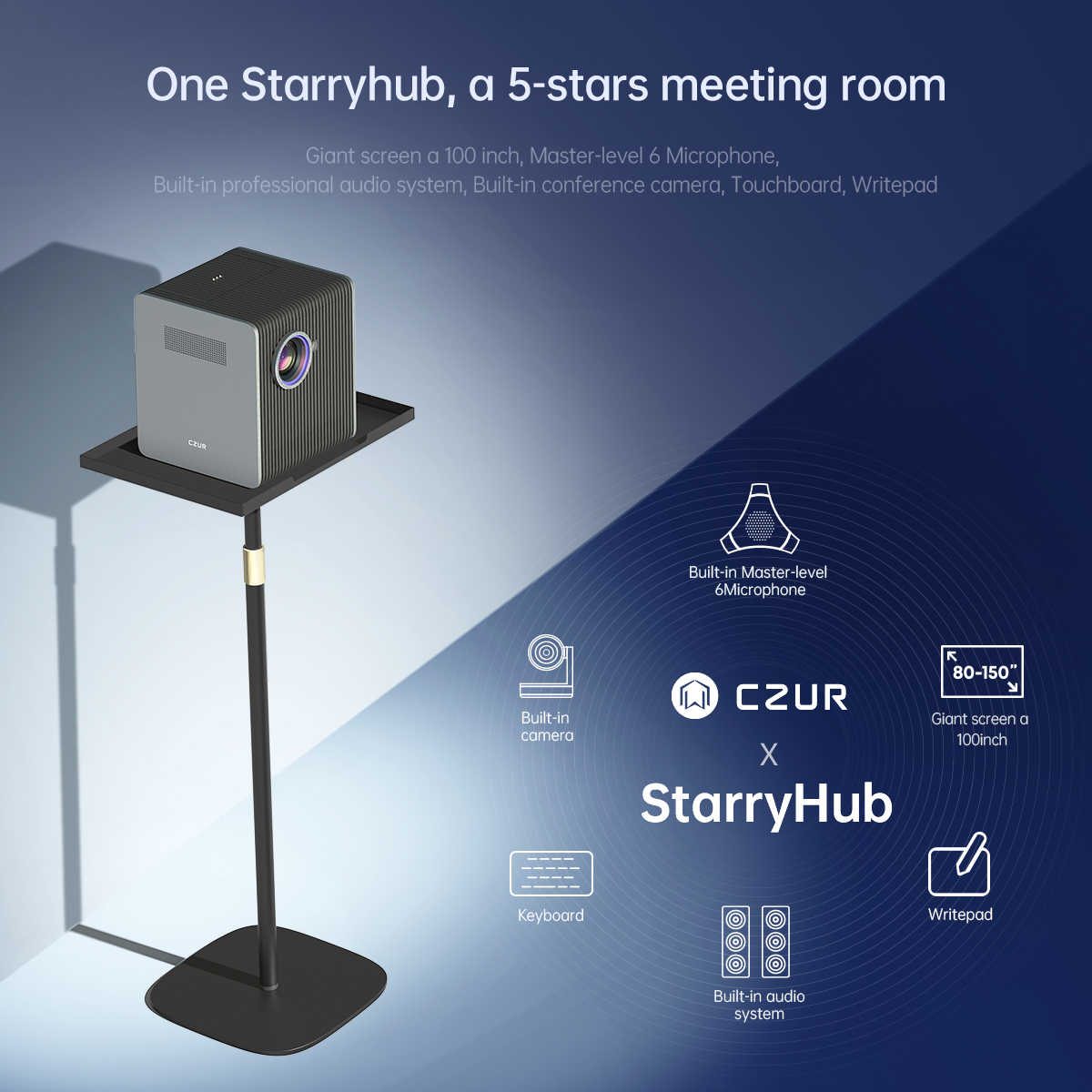
We have all been there, that moment in a video meeting when someone walks off camera, or you can’t tell who’s talking. These small hiccups add up to big frustrations and wasted time. The CZUR StarryHub Q1S Pro tackles these everyday meeting headaches with two smart features: auto framing and speaker tracking. Let’s look at how this meeting room projector makes collaboration easier for everyone.
1. What Is the CZUR StarryHub Q1S Pro?
The StarryHub Q1S Pro isn’t your standard office projector. It combines high-quality projection with a built-in 4K camera that understands what’s happening in your meeting. Think of it as a projector with a brain.
Unlike traditional projectors that just display your PowerPoint, this device captures video of your team while handling presentations. The best part? It automatically adjusts to follow the conversation, without anyone pressing buttons or adjusting settings. It’s like having an invisible camera operator in every meeting.
2. Auto Framing Technology: Perfecting Video Calls
What is auto framing?
Think of auto framing as your personal camera assistant who never takes a coffee break. When someone walks into your meeting late (we all know that person!), you don’t have to fumble with the camera controls or ask everyone to squeeze together. The projector just widens the shot on its own, like magic.
I was in a meeting last week where three people joined halfway through. Instead of that awkward “can everyone see me?” moment, the StarryHub simply adjusted without anyone touching a button. No more cutting off half of someone’s face or showing empty chairs!
This smart feature means your remote colleagues aren’t staring at the ceiling or just seeing the top of everyone’s heads. The meetings just flow better because the technology gets out of the way and lets people be people.
3. Speaker Tracking: A Game-Changer for Presentations
We’ve all been in those video calls where you can’t tell who’s talking. Someone makes a great point, and you’re thinking, “Wait, who said that?” That’s exactly what speaker tracking fixes.
The StarryHub Q1S Pro listens to who’s speaking and gently shifts focus to them, just like you’d naturally look at whoever’s talking in a coffee shop conversation. When your colleague Jane jumps in with a question from the other end of the table, the camera smoothly moves to her instead of showing a wide shot where she looks tiny.
My team used to waste the first few minutes of every client call adjusting cameras. Now the system handles it all. Our remote sales reps tell me they finally feel like they’re actually in the room because they can see facial expressions clearly when different people talk. It creates this natural back-and-forth that makes brainstorming feel more human, even across different time zones.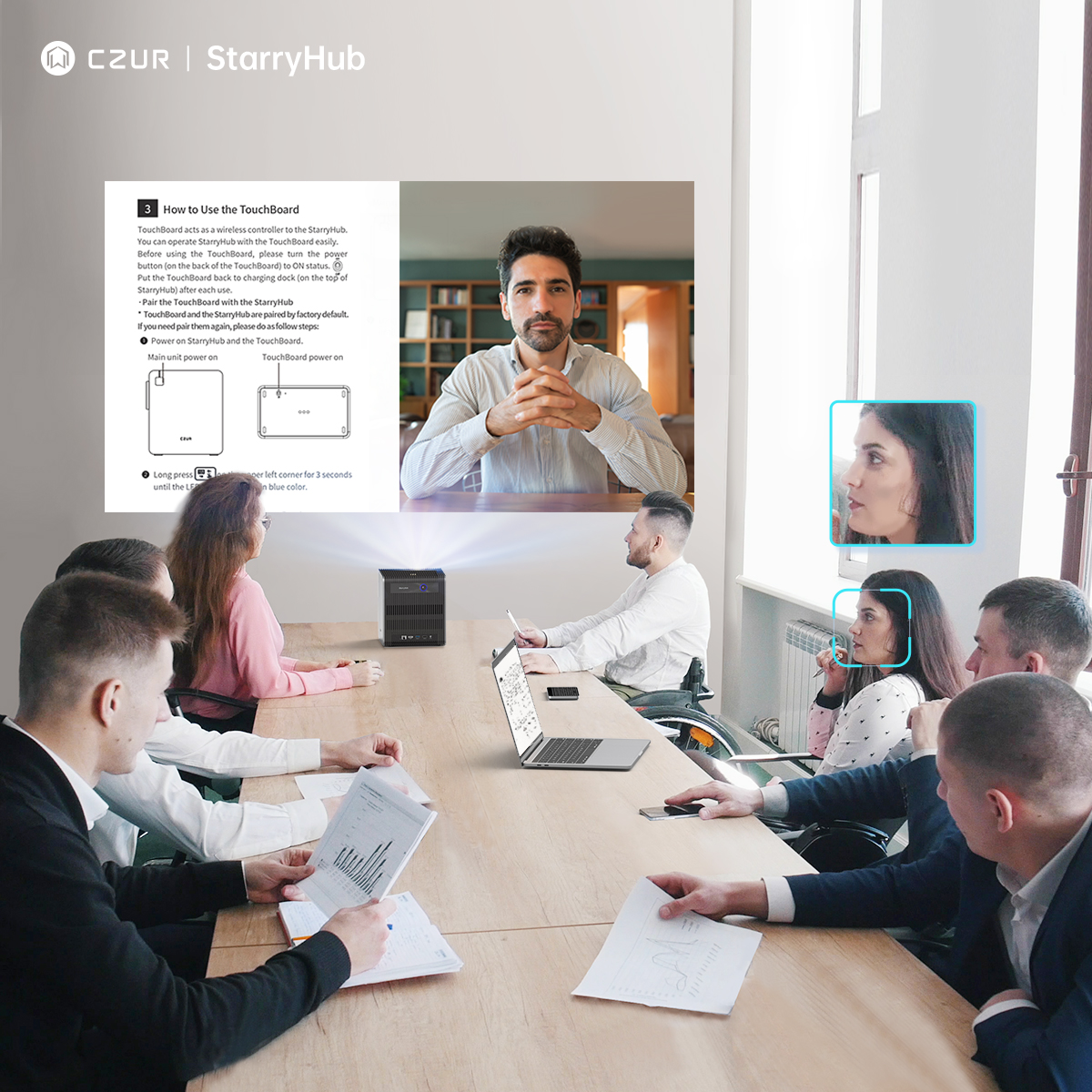
4. How These Features Enhance Meeting Collaboration
Let’s be honest – we’ve all sat through meetings where half the time was spent saying “Can you see my screen?” or “Is my camera on?” With the StarryHub, those days are over.
I remember one project kickoff where our team was scattered across three countries. Instead of the usual technical hiccups, we jumped straight into brainstorming. The remote folks could see exactly who was talking, and our creative director could walk around the room sketching ideas without worrying about staying in frame.
These smart camera features turn clunky video calls into conversations that feel natural. Team members working from home told me they finally felt included instead of being forgotten faces on a screen. And when decisions need to be made quickly, you’re not wasting precious minutes fiddling with technology.
5. Why Choose the CZUR StarryHub Q1S Pro for Your Business?
Comparison with traditional projectors
My office used to have one of those old-school projectors that just showed slides. For meetings, we’d set up a separate webcam, which meant endless “can you see me?” moments. The StarryHub is completely different:
While traditional projectors just show your PowerPoint, the StarryHub captures everyone in the room too. No more cobbling together different devices or asking people to huddle awkwardly in front of a small webcam. The all-in-one approach means less equipment to break, fewer cables to trip over, and meetings that start on time.
Key advantages for business users
The benefits go beyond just better video quality:
First, you save time. My team calculated we were wasting about 10 minutes per meeting on tech issues. With three meetings a day, that’s 30 minutes back in everyone’s calendar!
Second, it just looks more professional. When you’re pitching to clients, the last thing you want is to look disorganized with half-visible faces and awkward camera angles. The clean, automatic framing makes your team look put-together.
Third, anyone can use it. I’m not particularly tech-savvy, but I can run meetings without calling IT for help. You just walk in and start – no camera positioning required.
Long-term value for businesses
Is it worth the investment? I think so, and here’s why:
Meeting time isn’t cheap. If you have six people earning good salaries sitting around for 10 extra minutes fiddling with technology, that cost adds up fast.
With more remote work happening, the ability to make everyone feel included pays off in team cohesion and employee satisfaction. People don’t feel like second-class participants just because they’re not physically in the room.
Plus, it’s one device doing the job of three or four. Instead of buying separate projectors, cameras, and audio systems that may not work well together, you get one solution that’s designed to work seamlessly.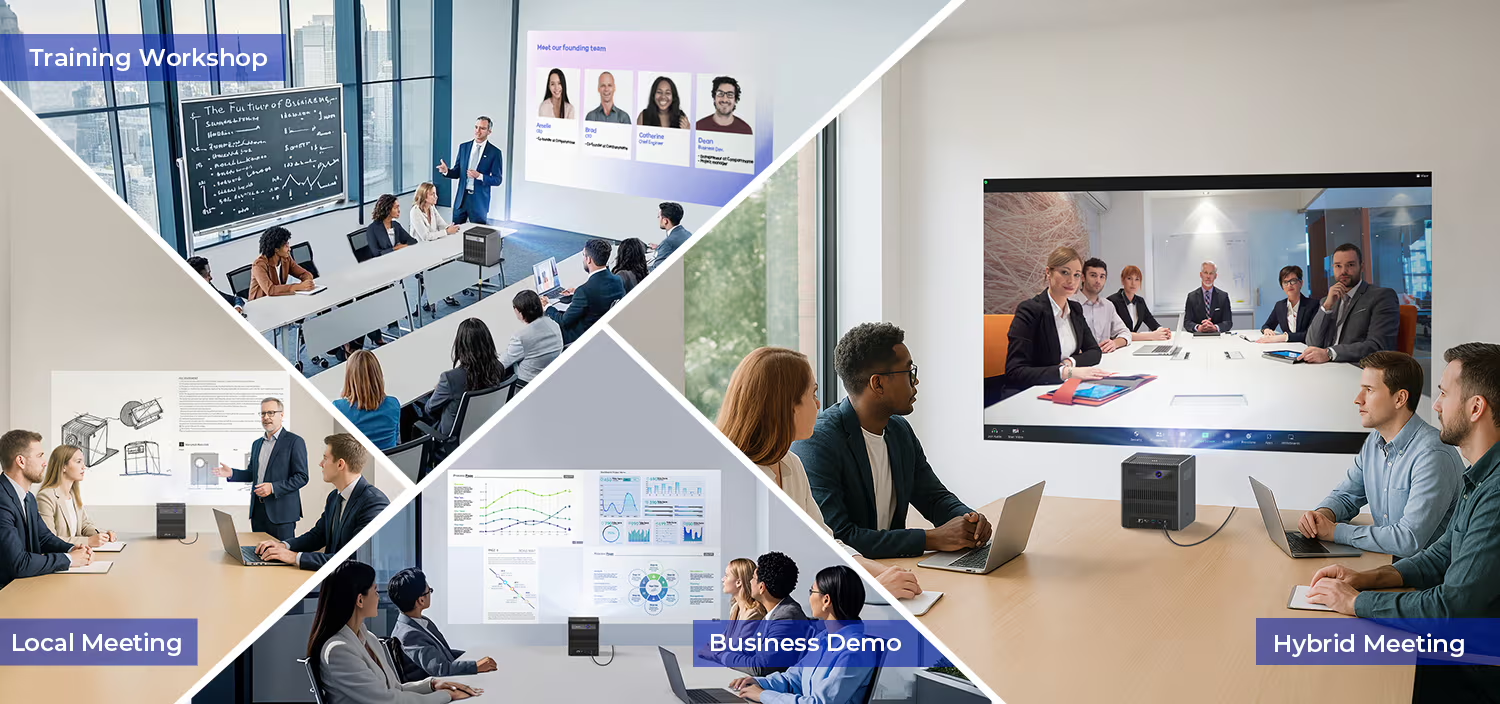
6. Conclusion
After seeing the StarryHub Q1S Pro in action, it’s hard to imagine going back to traditional meeting setups. The way it handles auto-framing and speaker tracking transforms stilted, awkward video meetings into natural conversations where technology fades into the background.
This projector removes the barriers that make remote collaboration difficult for businesses with hybrid teams (and honestly, who doesn’t have at least some remote workers these days?). It’s about creating meeting experiences where everyone can contribute equally, whether they’re across the table or the country.
The best technology is the kind you don’t notice because it just works. The CZUR StarryHub Q1S Pro perfectly fits that description. It lets your team focus on ideas rather than equipment, which is exactly what a meeting room projector should do.