• Send Us A Tip
  • Calling all Tech Writers
  • Advertise
Sunday, November 1, 2026
  • Login
TechStory
  • News
  • Crypto
  • Gadgets
  • Memes
  • Gaming
  • Cars
  • AI
  • Startups
  • Markets
  • How to
No Result
View All Result
  • News
  • Crypto
  • Gadgets
  • Memes
  • Gaming
  • Cars
  • AI
  • Startups
  • Markets
  • How to
No Result
View All Result
TechStory
No Result
View All Result
Home Gaming

How To Get Polymorphic Shellcode in Destiny 2

by Khilav Jadav
March 16, 2023
in Gaming, How to
Reading Time: 2 mins read
0
How To Get Polymorphic Shellcode in Destiny 2

Credits - Bungie

TwitterWhatsappLinkedin

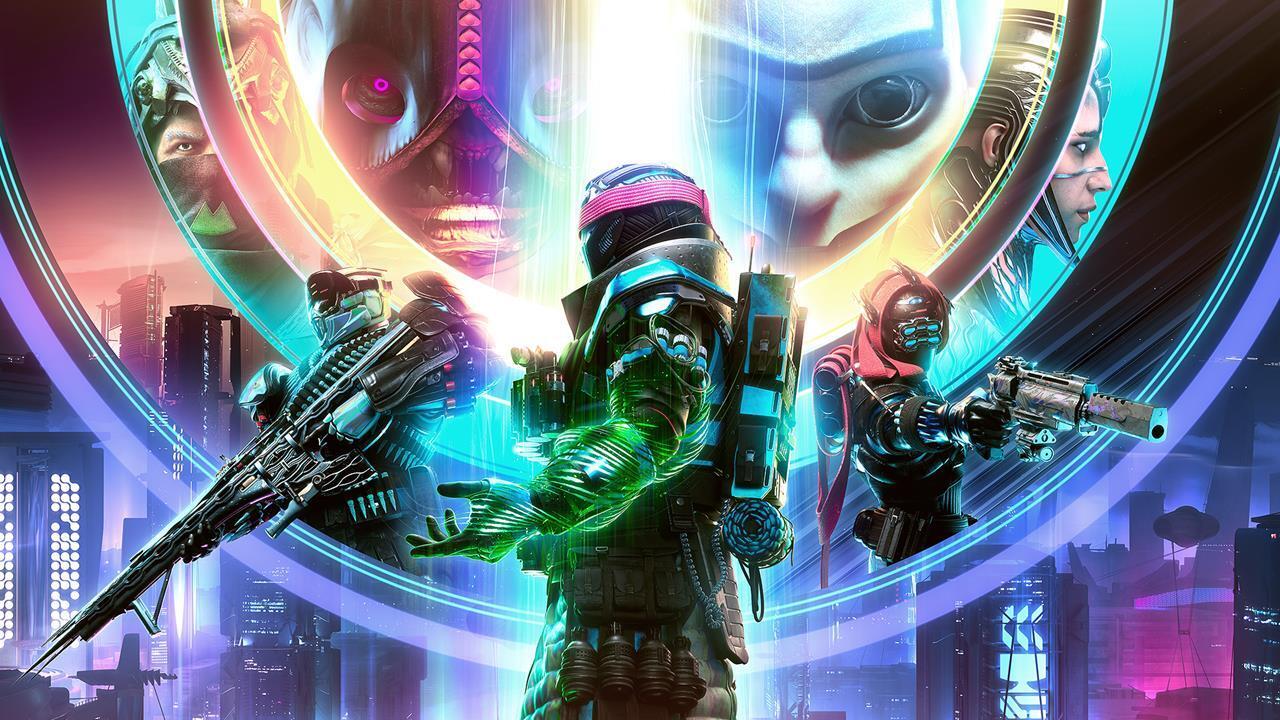
Destiny 2 players who are looking to participate in the Partition activity will need to acquire Polymorphic Shellcode. This limited resource is necessary to gain access to the Vex Network and participate in the activity. Here is a guide on how players can get hold of Polymorphic Shellcode in Destiny 2.
You might also like

How to Fast Travel to Ships in Crimson Desert

How to Unlock Characters in Super Smash Bros. Ultimate

How to Turn Off Mutual Friends on Snapchat

Credits – Bungie

Players will first need to complete the Lightfall Campaign and then a series of quests before they can get their hands on Polymorphic Shellcode. The quests that need to be completed are Welcome to the Hall of Heroes, Stargazer, Maelstrom, and Bluejay. Bluejay is of particular importance as it introduces players to Polymorphic Shellcode and the Partition activity.

During step 2 of the Bluejay quest, players are sent into the Vex Incursion Zone to complete a Terminal Overload activity. Upon successful completion of the activity, players are rewarded with a Polymorphic Shellcode. The next step is to complete a Partition, which will mark the completion of the Bluejay quest.

Once the Bluejay quest is complete, players can receive a new weekly bounty from Cloud Strider Nimbus. The bounty rewards players with Polymorphic Shellcode upon completion. This is currently the only means of acquiring Polymorphic Shellcode once the Bluejay quest is completed.

Depending on the available Partition, players will be able to take on one of three activities: Partition: Backdoor, Partition: Ordnance, or Partition: Hard Reset.

In Partition: Backdoor, players must fight waves of Vex to collect Logic Bombs that can be used to break open walls and reach new sections of the level. The activity culminates in a battle against a Vex Mind Boss.

In Partition: Ordnance, players assist Sam in breaking into the Vex Network to upload a virus. They must send Sam data to feed the virus via Vex decryption keys dropped by enemies. This activity ends with a battle against a Nexus Overlord where players must periodically send Sam more data to break through its defenses.

Finally, in Partition: Hard Reset, players race their Sparrow on increasingly difficult tracks while defusing bombs and encountering combat encounters. This activity culminates in a boss fight against a Shadow Legion saboteur, where players must periodically race to defuse more bombs.

In summary, Destiny 2 players who want to participate in the Partition activity will need to acquire Polymorphic Shellcode. They can acquire this resource by completing the Lightfall Campaign and then the Bluejay quest, which will introduce them to the Partition activity and reward them with a Polymorphic Shellcode. Once the Bluejay quest is complete, players can receive a weekly bounty that rewards them with Polymorphic Shellcode. Players can then use this resource to gain access to the Vex Network and participate in one of the three Partition activities: Partition: Backdoor, Partition: Ordnance, or Partition: Hard Reset.


Tags: Destiny 2Destiny 2 LightfallLightfall CampaignPolymorphic Shellcode
Tweet55SendShare15
Previous Post

New version Polestar 2 BST 270 teased, more details to be revealed on March 21

Next Post

How To Find the Nitro Drifter in Fortnite

Khilav Jadav

Content writer at Techstory Media with a passion for gaming and finance. Currently pursuing a degree in data science, exploring the latest gaming titles and analyzing financial trends.

Recommended For You

How to Fast Travel to Ships in Crimson Desert

by Khilav Jadav
October 31, 2026
0
How To Perfect Parry In Crimson Desert

In Crimson Desert, travelling across the vast world of Pywel is a major part of the adventure. Players must explore different regions, complete quests, gather resources, and visit...

Read more

How to Unlock Characters in Super Smash Bros. Ultimate

by Khilav Jadav
October 31, 2026
0
How to Unlock Characters in Super Smash Bros. Ultimate

Super Smash Bros. Ultimate features a huge roster of fighters from Nintendo games and other popular franchises. However, not every character is available when you first start playing....

Read more

How to Turn Off Mutual Friends on Snapchat

by Khilav Jadav
October 31, 2026
0
How To Get Snapchat AI on Android

Snapchat allows users to connect with friends, share photos, send messages, and discover people they may know. However, not everyone wants to share information about their social connections....

Read more
Next Post
How To Find the Nitro Drifter in Fortnite

How To Find the Nitro Drifter in Fortnite

Please login to join discussion

Techstory

Tech and Business News from around the world. Follow along for latest in the world of Tech, AI, Crypto, EVs, Business Personalities and more.
reach us at info@techstory.in

Advertise With Us

Reach out at - info@techstory.in

Aviator Game India 2026

BROWSE BY TAG

#Crypto #howto 2024 acquisition AI amazon Apple Artificial Intelligence bitcoin Business China cryptocurrency e-commerce electric vehicles Elon Musk Ethereum facebook funding Gaming Google India Instagram Investment iPhone IPO Market Markets Meta Microsoft News OpenAI samsung Social Media SpaceX startup startups tech Tech news technology Tesla TikTok trend trending twitter US

© 2025 Techstory.in

No Result
View All Result
  • News
  • Crypto
  • Gadgets
  • Memes
  • Gaming
  • Cars
  • AI
  • Startups
  • Markets
  • How to

© 2025 Techstory.in

Welcome Back!

Login to your account below

Forgotten Password?

Retrieve your password

Please enter your username or email address to reset your password.

Log In
Are you sure want to unlock this post?
Unlock left : 0
Are you sure want to cancel subscription?