

• Send Us A Tip
  • Calling all Tech Writers
  • Advertise
Monday, June 15, 2026
  • Login
TechStory
  • News
  • Crypto
  • Gadgets
  • Memes
  • Gaming
  • Cars
  • AI
  • Startups
  • Markets
  • How to
No Result
View All Result
  • News
  • Crypto
  • Gadgets
  • Memes
  • Gaming
  • Cars
  • AI
  • Startups
  • Markets
  • How to
No Result
View All Result
TechStory
No Result
View All Result
Home Gaming

How to Get the 67 Emote in Clash Royale

by Khilav Jadav
October 26, 2025
in Gaming, How to
Reading Time: 3 mins read
0
How to Get the ‘Nope’ Emote in Clash Royale

Credits - GooglePlay

TwitterWhatsappLinkedin

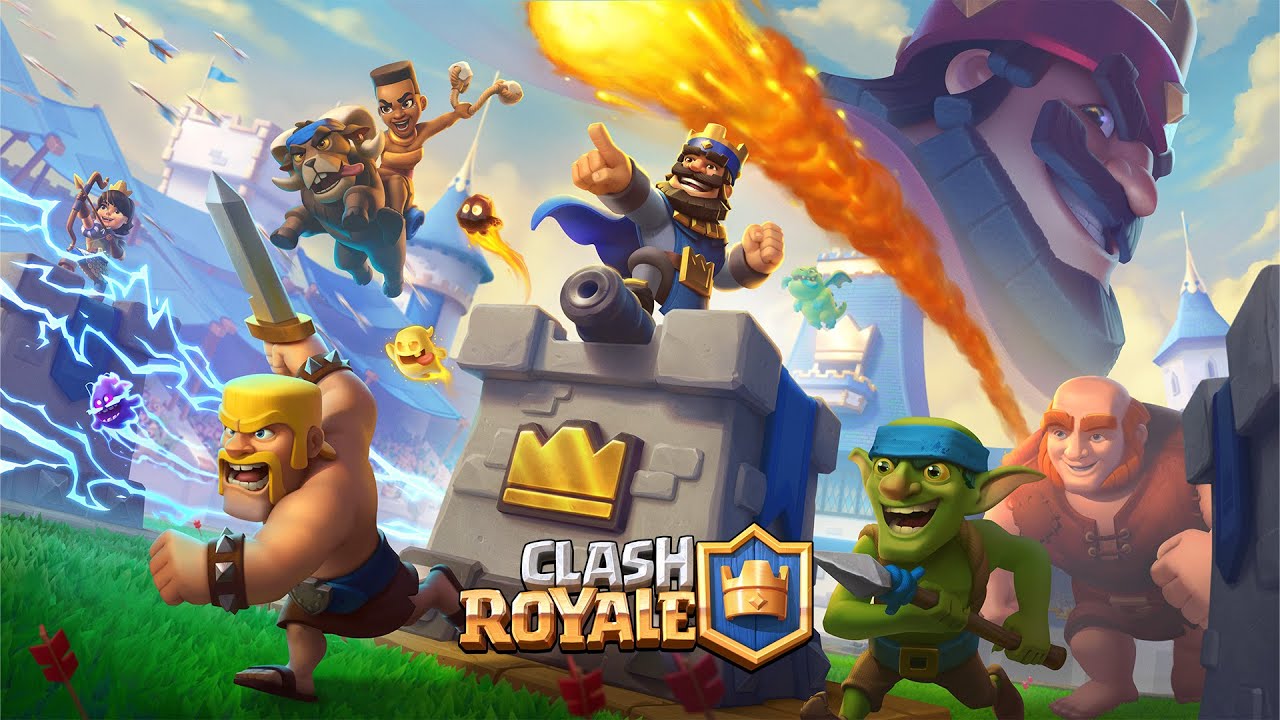
If you’re playing Clash Royale and you’ve heard rumours about the “67 Emote”, you’re probably wondering how to claim it. This article walks you through everything known so far—what the emote is, how to get it (or try to), and some tips to stay ahead. While the situation is dynamic and details may change, we’ll summarise what the community currently believes and how you can act.
You might also like

How to cancel a subscription on an iPhone?

How To Get Exotic Orders In Destiny 2

How To Get Chatterwhite In Destiny 2

Credits – GooglePlay

The “67 Emote” is a special in-game item added to Clash Royale: a unique emote that appears to be free and time-limited. According to community discussions, the emote was released through official announcement channels, and players claim that a link or voucher code enabled it to be claimed.

Key Points:

  • It is described as free.
  • It appears via a link or voucher code system.
  • Many players worry that if they missed it once, they might not get it again.
  • Some believe it may be tied to special or promotional events.

So, if you want it, you’ll need to stay alert and follow official announcements closely.

How to Claim the 67 Emote

Below is a step-by-step summary based on what players have reported:

1. Join the Official Channels

  • Join the official Clash Royale Discord or follow their official social channels.
  • Announcements and redeemable links often appear there first.
  • Make sure you enable notifications so you don’t miss anything.

2. Look for a Link or Voucher Code

  • The emote has been claimed through a special link or a voucher code.
  • Once you receive the link or code, you will need to redeem it either through the official website or inside the game.

3. Redeem Inside Clash Royale

  • Open Clash Royale.
  • Go to Settings or the Redeem Code section (depending on your region).
  • Enter the code or tap the link and follow the instructions provided.
  • If successful, the 67 Emote will be added to your emote collection.

4. Act Fast

  • Some players reported that the link/code became unavailable after a short period.
  • If you miss the redemption window, there may not be another guaranteed opportunity.
  • The emote appears to be time-sensitive.

5. Check In-Game After Redeeming

  • Open your emote collection to verify that the emote has appeared.
  • Try using it during a match to confirm activation.
  • Restart the game if it does not show up immediately.

Why Is the Emote So Popular?

Several reasons contribute to the hype surrounding this emote:

  • It is free, making it highly desirable.
  • It appears to be limited-time, which makes it feel exclusive.
  • The mysterious name “67” has sparked curiosity and speculation.
  • Community discussions have created excitement and a sense of urgency.

Essentially, its rarity and limited availability have made it a sought-after collectible.

Common Issues & Troubleshooting

If you face problems while claiming the emote, consider the following:

  • Link or code not working: It may have expired or been region-locked.
  • Emote not appearing after claiming: Restart the game and check your internet connection.
  • Missed announcement: Turn on notifications for official channels.
  • Scams: Only trust official announcements. Do not enter your account details anywhere unofficial.
  • No rerun guaranteed: If you miss it, there may not be a second chance.

 

Tags: 67 EmoteClashClash Royale
Tweet125SendShare35
Previous Post

How to Perform Takedowns in Battlefield 6

Next Post

How to Get the Wizard 67 Emote in Clash Royale

Khilav Jadav

Content writer at Techstory Media with a passion for gaming and finance. Currently pursuing a degree in data science, exploring the latest gaming titles and analyzing financial trends.

Recommended For You

How to cancel a subscription on an iPhone?

by Afeefa Ansari
June 15, 2026
0
Iphone susbcriptions

Here is how you can cancel literally any subscription on your iPhone. Follow the guide to get the right method of doing so, which will only take a...

Read more

How To Get Exotic Orders In Destiny 2

by Khilav Jadav
June 14, 2026
0
How to Get Revision Zero in Destiny 2

Exotic Orders are one of the rarest rewards available in Destiny 2, and many players are trying to figure out how to obtain them consistently. Introduced with the...

Read more

How To Get Chatterwhite In Destiny 2

by Khilav Jadav
June 14, 2026
0
How to Get Seraph Title in Destiny 2

The Chatterwhite shader is one of the most popular cosmetic items ever introduced in Destiny 2. Long-time players of the original Destiny remember it as the iconic all-white...

Read more
Next Post
How To Get Magic Items in Clash Royale

How to Get the Wizard 67 Emote in Clash Royale

Please login to join discussion

Techstory

Tech and Business News from around the world. Follow along for latest in the world of Tech, AI, Crypto, EVs, Business Personalities and more.
reach us at info@techstory.in

Advertise With Us

Reach out at - info@techstory.in

Aviator Game India 2026

BROWSE BY TAG

#Crypto #howto 2024 acquisition AI amazon Apple Artificial Intelligence bitcoin Business China cryptocurrency e-commerce electric vehicles Elon Musk Ethereum facebook funding Gaming Google India Instagram Investment ios iPhone IPO Market Markets Meta Microsoft News OpenAI samsung Social Media SpaceX startup startups tech technology Tesla TikTok trend trending twitter US

© 2025 Techstory.in

No Result
View All Result
  • News
  • Crypto
  • Gadgets
  • Memes
  • Gaming
  • Cars
  • AI
  • Startups
  • Markets
  • How to

© 2025 Techstory.in

Welcome Back!

Login to your account below

Forgotten Password?

Retrieve your password

Please enter your username or email address to reset your password.

Log In
Are you sure want to unlock this post?
Unlock left : 0
Are you sure want to cancel subscription?

