

The Nintendo Switch 2 is finally here, and gamers everywhere are eager to get their hands on it. With its official release set for June 5, 2025, pre-orders have already begun, and Best Buy is one of the major retailers offering this highly anticipated console. If you’re looking to secure your own Nintendo Switch 2 through Best Buy, here’s a comprehensive guide to help you navigate the pre-order process.
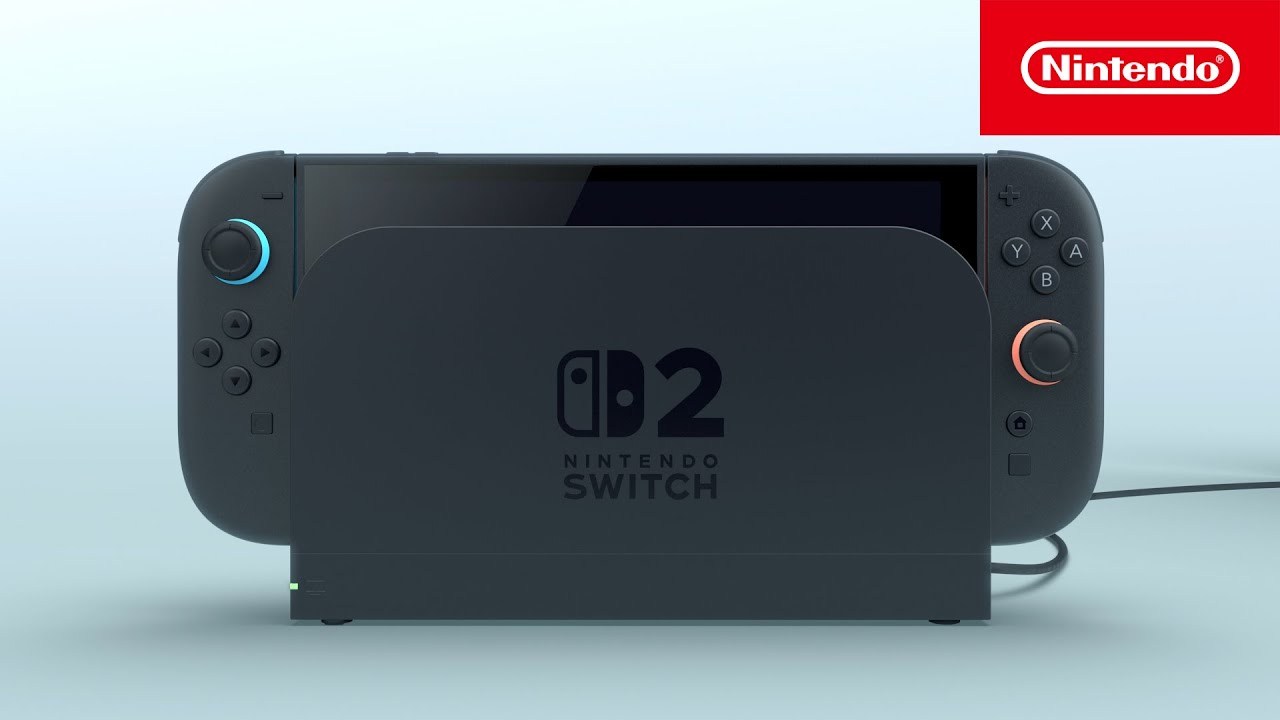
Pre-orders for the Nintendo Switch 2 at Best Buy officially opened at midnight Eastern Time on April 24, 2025. This means that customers in different time zones needed to adjust accordingly to ensure they were ready when the pre-orders went live. For instance, those in the Pacific Time Zone had to be prepared by 9:00 PM on April 23.
It’s important to note that initial pre-order availability was limited, and many customers experienced challenges due to high demand. Some faced issues with the website, while others found that the stock was depleted quickly. Despite these hurdles, Best Buy has been working to restock and manage the pre-order process effectively.
Steps to Pre-Order at Best Buy
- Create or Log In to Your Best Buy Account: Before attempting to pre-order, ensure you have a Best Buy account. This will streamline the checkout process and allow you to save your payment and shipping information for quicker transactions.
- Visit the Product Page: Navigate to the Nintendo Switch 2 product page on Best Buy’s website. Here, you’ll find detailed information about the console, including its features and pricing.
- Select Your Preferred Bundle: Best Buy offers the Nintendo Switch 2 as a standalone console and in various bundles, such as the Mario Kart World bundle. Choose the option that best suits your gaming preferences.
- Check Availability: Due to high demand, availability may vary. If the pre-order option is currently unavailable, consider signing up for notifications to be alerted when stock is replenished.
- Complete the Checkout Process: Once the pre-order option is available, proceed to checkout promptly. Ensure all your information is accurate to avoid any delays or issues with your order.
In-Store Pre-Order Options
If you prefer to pre-order in person, Best Buy stores began accepting in-store pre-orders starting at their regular opening hours on April 24, 2025. It’s advisable to check with your local Best Buy for specific details regarding in-store pre-order availability and procedures.
Preparing for Launch Day
Best Buy has announced that most of its stores will open at 12:00 AM Eastern Time on June 5, 2025, to accommodate the launch of the Nintendo Switch 2. This means that customers who have successfully pre-ordered the console can pick up their orders at midnight, ensuring they are among the first to experience the new gaming system.
Tips for a Successful Pre-Order
- Stay Informed: Regularly check Best Buy’s website and sign up for notifications to stay updated on pre-order availability and restocks.
- Be Prepared: Have your account information, payment details, and preferred shipping address ready to expedite the checkout process.
- Act Quickly: Due to the high demand, pre-order stock can sell out rapidly. Being prompt and prepared increases your chances of securing a console.
- Consider Multiple Retailers: While Best Buy is a primary retailer for the Nintendo Switch 2, exploring other authorized retailers may provide additional opportunities to pre-order.



