

• Send Us A Tip
  • Calling all Tech Writers
  • Advertise
Tuesday, June 30, 2026
  • Login
TechStory
  • News
  • Crypto
  • Gadgets
  • Memes
  • Gaming
  • Cars
  • AI
  • Startups
  • Markets
  • How to
No Result
View All Result
  • News
  • Crypto
  • Gadgets
  • Memes
  • Gaming
  • Cars
  • AI
  • Startups
  • Markets
  • How to
No Result
View All Result
TechStory
No Result
View All Result
Home How to

How to refund games on Xbox

by Srestha Roy
September 15, 2021
in How to
Reading Time: 2 mins read
0
How to refund games on Xbox
TwitterWhatsappLinkedin

Windows Phone Store, Windows Marketplace, Xbox Music, Xbox Video, and Xbox Store (previously known as Xbox Live Marketplace) were once independent digital distribution systems that were combined into one all-encompassing Microsoft Store. That’s where you should go if you’re looking for digital games for your Xbox system.
You might also like

How To Use Gliders In Kowakujo In Call Of Duty: Black Ops 7

How To Get To Titania In Nintendo Star Fox

How To Beat Flowery In Deltarune

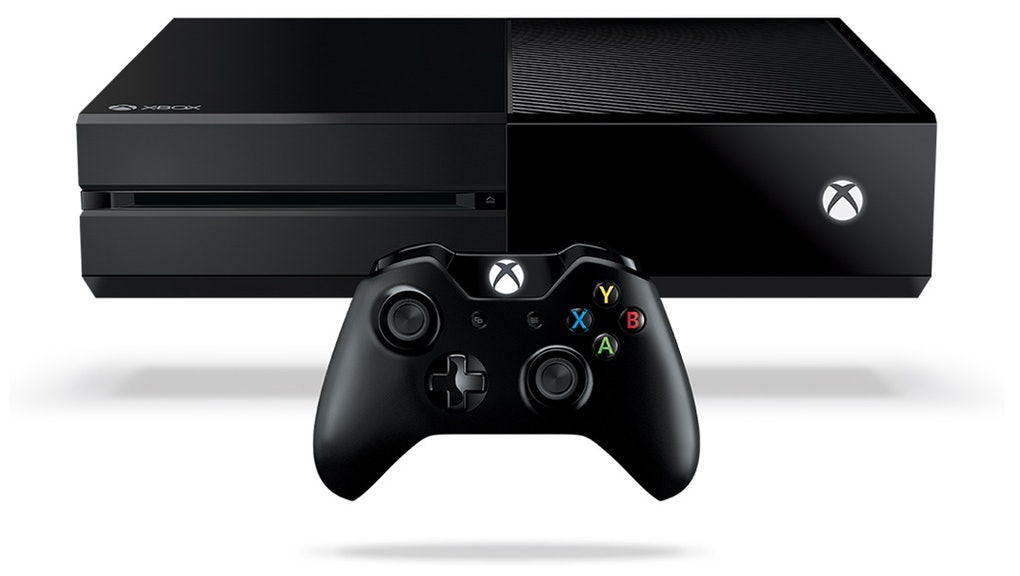
With roughly 50 million Xbox One consoles sold globally and hundreds of titles accessible on its game store, certain difficulties are likely to arise. If you’ve ever bought a highly anticipated game only to be disappointed, you’ve undoubtedly wondered if you can get your money back and how to do it.

For a long time, getting a refund for a digital game was impossible. The return rules appeared to be the same whether you bought games for your PC, PlayStation, or Xbox online—all purchases are final. In recent years, when the situation began to shift, Xbox and Microsoft Store followed suit. Although requesting a refund for an Xbox game is feasible, it is not simple.

The Refund Eligibility portion of the Digital Game Purchase Refund Terms page does not sound promising. Except in rare situations, all sales of digital gaming items are deemed final. It’s not easy to figure out what those situations are. After searching numerous support sites for answers, you may discover that the Xbox refund policy contains the following rules:

  • When requesting a refund, you must have a valid cause.
  • Refunds are only granted within 14 days after purchase.
  • If you play a game for more than two hours across all accounts, you will not be eligible for a refund.
  • Refunds are available at least one day after the game’s release date, and after you’ve downloaded and played it at least once.
  • Season passes, add-ons, and downloadable content are not refundable.

Here are the alternatives for genuine reasons that can get you a refund for the game you wish to return:

  • By chance, the wrong game was purchased.
  • The game is either broken or doesn’t operate at all.
  • Your bill contains an error.
  • Someone else used your account to purchase the game.

Microsoft will reimburse your money within a few business days if your refund request is granted. There is no mention of being able to select the return payment method.

It’s reasonable to assume that refunds be handled to the original means of payment wherever feasible, based on the statement that you should verify with your bank to see if the appropriate payment method has been correctly credited.


Tags: Digital gamesDigital GmeMicrosoftRefunfXbox
Tweet54SendShare15
Previous Post

How to download Minecraft for free

Next Post

GM continues to embrace radar sensors by investing in a low cost software

Srestha Roy

Recommended For You

How To Use Gliders In Kowakujo In Call Of Duty: Black Ops 7

by Khilav Jadav
June 30, 2026
0
How to Get Into the Black Ops 7 Beta

The Kowakujo Zombies map in Call of Duty: Black Ops 7 introduces several unique mechanics that make every match feel different. One of the most exciting additions is...

Read more

How To Get To Titania In Nintendo Star Fox

by Khilav Jadav
June 29, 2026
0
How To Use Bluetooth Headphones on Nintendo Switch

Titania is one of the easiest stages to miss in Star Fox, especially if you naturally play well. Unlike many hidden routes that reward perfect gameplay, reaching Titania...

Read more

How To Beat Flowery In Deltarune

by Khilav Jadav
June 29, 2026
0
How to Get Shiny Sylveon in Pokemon GO

If you have reached the Flowery boss fight in Deltarune Chapter 5, you have already discovered that this is one of the toughest mandatory battles in the game....

Read more
Next Post
GM continues to embrace radar sensors by investing in a low cost software

GM continues to embrace radar sensors by investing in a low cost software

Please login to join discussion

Techstory

Tech and Business News from around the world. Follow along for latest in the world of Tech, AI, Crypto, EVs, Business Personalities and more.
reach us at info@techstory.in

Advertise With Us

Reach out at - info@techstory.in

Aviator Game India 2026

BROWSE BY TAG

#Crypto #howto 2024 acquisition AI amazon Apple Artificial Intelligence bitcoin Business China cryptocurrency e-commerce electric vehicles Elon Musk Ethereum facebook funding Gaming Google India Instagram Investment ios iPhone IPO Market Markets Meta Microsoft News OpenAI samsung Social Media SpaceX startup startups tech technology Tesla TikTok trend trending twitter US

© 2025 Techstory.in

No Result
View All Result
  • News
  • Crypto
  • Gadgets
  • Memes
  • Gaming
  • Cars
  • AI
  • Startups
  • Markets
  • How to

© 2025 Techstory.in

Welcome Back!

Login to your account below

Forgotten Password?

Retrieve your password

Please enter your username or email address to reset your password.

Log In
Are you sure want to unlock this post?
Unlock left : 0
Are you sure want to cancel subscription?
