• Send Us A Tip
  • Calling all Tech Writers
  • Advertise
Wednesday, June 24, 2026
  • Login
TechStory
  • News
  • Crypto
  • Gadgets
  • Memes
  • Gaming
  • Cars
  • AI
  • Startups
  • Markets
  • How to
No Result
View All Result
  • News
  • Crypto
  • Gadgets
  • Memes
  • Gaming
  • Cars
  • AI
  • Startups
  • Markets
  • How to
No Result
View All Result
TechStory
No Result
View All Result
Home Gadgets

How to scan QR codes on your Android phone

by Arya Roy
July 16, 2021
in Gadgets, How to, Tech
Reading Time: 2 mins read
0
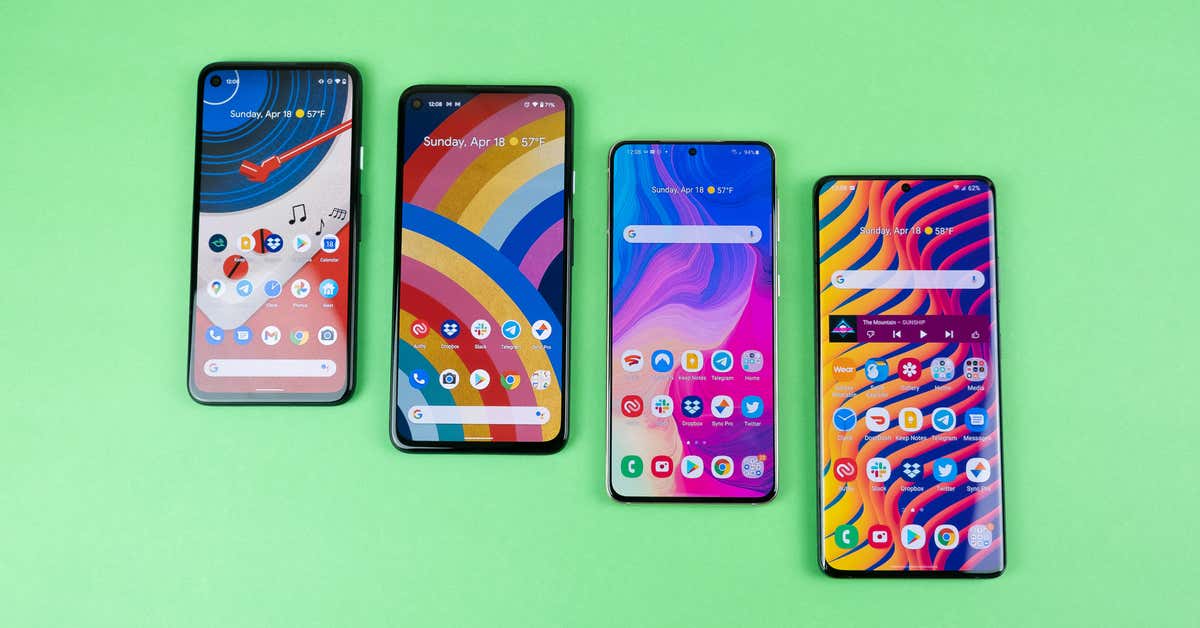
How to scan QR codes on your Android phone

Source: https://www.nytimes.com/wirecutter/reviews/best-android-phone/

TwitterWhatsappLinkedin

QR codes are essentially a very easy way to send or receive information, since they might have the link to a website or app, contact information, ticket details, payment method, or a number of other things, and you can simply scan the QR code with your Android phone to acquire that data and get your work done very smoothly. This guide will help you with the process.
You might also like

The Algorithm’s Junk Food Why AI Slop Now Dominates Our Social Feeds

Lucid Cuts 18% of U.S. Workforce as EV Maker Resets Production and Costs

How to use Deep Search on Perplexity?

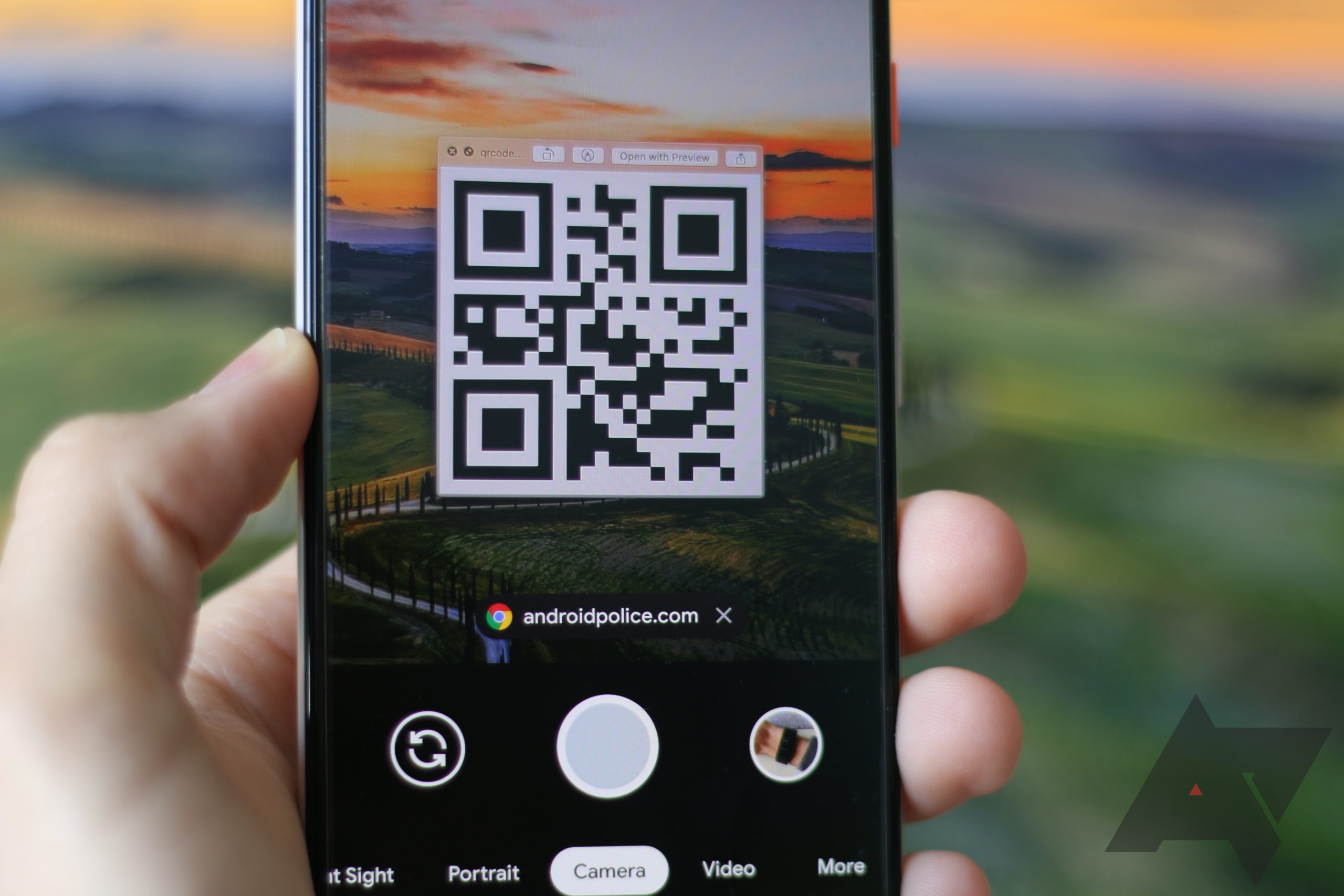
Source: https://www.androidpolice.com/2020/07/11/how-to-scan-qr-codes-on-android/

Several Android phones allow you to scan QR codes directly from the camera app. In most cases, this will work for you if your phone runs on Android 9 or later. This software was launched back in 2018, so a large majority of recent handsets will be on that version or even later.

  1. Open the camera mobile application and point it at the QR code for a few seconds, but you will not need to actually take a photo.
  2. If your phone is able to scan QR codes from the camera app, a link should be made visible on the display. Tapping on that will take you to the contents of the code, which might range from anything between a website or Google Play Store page.

If you are unable to succeed at first, then try lining the QR code up in the middle of the frame and making sure that it can be seen clearly, and that the phone is held steady. You will also need to have access to either a stable Wifi connection or your own mobile data.

Keep in mind that on some Samsung phones you will also be required to enable something called the Bixby Vision within your camera before trying to make QR code scanning work. To do this, tap on the Bixby Vision icon, which can be found in the top left corner of the camera app. Some phones also need you to enable QR code scanning on their main settings screen, so you might have to do some digging for this.

Tags: androidBixby Vision
Tweet55SendShare15
Previous Post

How to send GIFs on Snapchat

Next Post

Why online gaming is one of the fastest-growing industries in Canada

Arya Roy

Hi, this is Arya! Writing has always been a passion of mine, regardless of the topic I choose. Besides that, I am a huge foodie and music lover, whose interests range from world politics to horror films to everything in between.

Recommended For You

The Algorithm’s Junk Food Why AI Slop Now Dominates Our Social Feeds

by Anochie Esther
June 24, 2026
0
AI Slop

The promise of the social media revolution was rooted deeply in human connection, showcasing raw personality, unique artistic perspective, and organic community interaction. However, the rise of mass-market...

Read more

Lucid Cuts 18% of U.S. Workforce as EV Maker Resets Production and Costs

by Samir Gautam
June 24, 2026
0
Lucid Cuts 18% of U.S. Workforce as EV Maker Resets Production and Costs

Electric vehicle maker Lucid Group has announced plans to cut approximately 18% of its U.S. workforce as it moves to reduce costs, lower vehicle inventory and bring production...

Read more

How to use Deep Search on Perplexity?

by Afeefa Ansari
June 23, 2026
0
Perplexity

Need to dig out more information on Perplexity? Try using Deep Search. Here is how you can use Deep Search on the platform and make the best out...

Read more
Next Post
Why online gaming is one of the fastest-growing industries in Canada

Why online gaming is one of the fastest-growing industries in Canada

Please login to join discussion

Techstory

Tech and Business News from around the world. Follow along for latest in the world of Tech, AI, Crypto, EVs, Business Personalities and more.
reach us at info@techstory.in

Advertise With Us

Reach out at - info@techstory.in

Aviator Game India 2026

BROWSE BY TAG

#Crypto #howto 2024 acquisition AI amazon Apple Artificial Intelligence bitcoin Business China cryptocurrency e-commerce electric vehicles Elon Musk Ethereum facebook funding Gaming Google India Instagram Investment ios iPhone IPO Market Markets Meta Microsoft News OpenAI samsung Social Media SpaceX startup startups tech technology Tesla TikTok trend trending twitter US

© 2025 Techstory.in

No Result
View All Result
  • News
  • Crypto
  • Gadgets
  • Memes
  • Gaming
  • Cars
  • AI
  • Startups
  • Markets
  • How to

© 2025 Techstory.in

Welcome Back!

Login to your account below

Forgotten Password?

Retrieve your password

Please enter your username or email address to reset your password.

Log In
Are you sure want to unlock this post?
Unlock left : 0
Are you sure want to cancel subscription?