Introduction: Waking up in the morning can often feel like a mundane routine. However, injecting a bit of excitement and surprise into the process can transform your mornings into delightful adventures. One way to achieve this is by setting up surprise alarms. In this article, we will explore creative ideas and practical tips on how to send surprise alarms. By infusing your mornings with unexpected elements, you can start each day with a sense of wonder and anticipation.
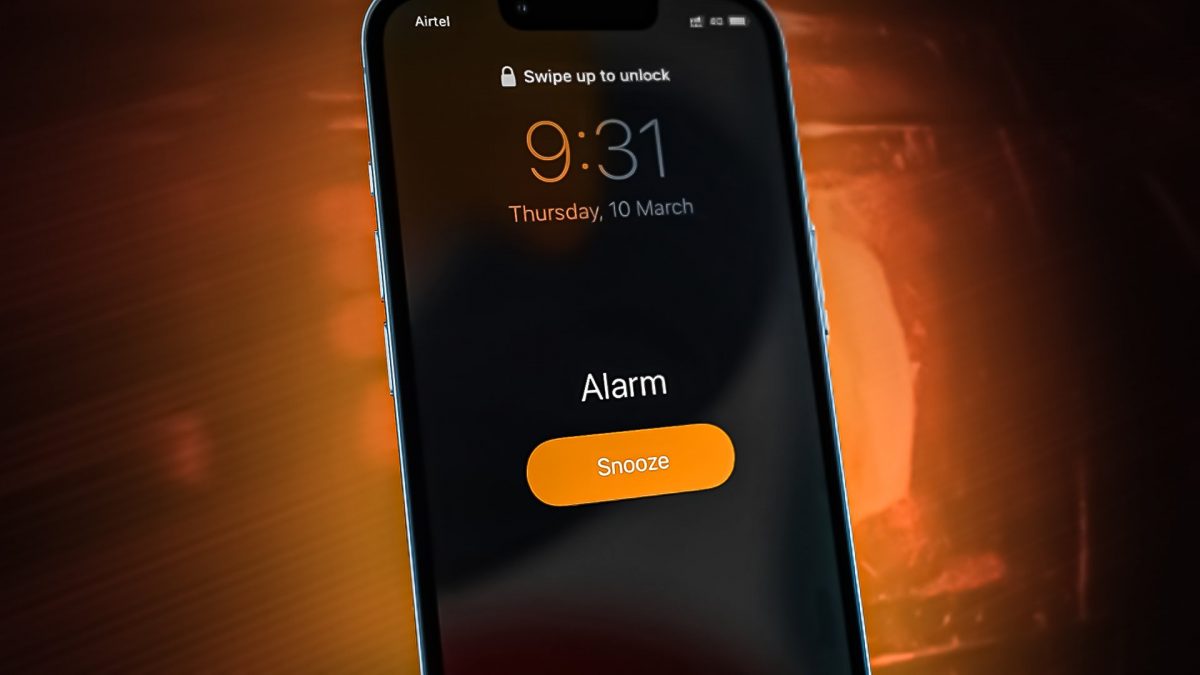
What is a Surprise Alarm?
A surprise alarm is an innovative take on the traditional alarm clock that aims to disrupt the mundane wake-up routine by incorporating unexpected elements into the process. Instead of waking up to a predictable sound or melody, the surprise alarm introduces a variety of captivating and unpredictable features to start your day on a high note.
How Does It Work?
The surprise alarm can take various forms, leveraging modern technology and creativity to deliver a unique waking experience. Here are a few examples of how it can work:
Randomized Sounds: Rather than choosing a specific alarm sound, the surprise alarm selects a different sound or tune each morning. It can range from soothing nature sounds to energizing music, ensuring you wake up to something different every day.
Dynamic Lighting: Imagine waking up to a room that gradually transitions from a soft, warm glow to a vibrant burst of colors. The surprise alarm utilizes smart lighting technology to create visually stunning wake-up experiences that mimic the natural sunrise.
Engaging Challenges: Some surprise alarms incorporate interactive challenges or puzzles that you must solve to turn off the alarm. These challenges may involve solving math problems, completing memory games, or even physical activities, ensuring you are fully awake and engaged right from the start.
- Choose the Right Alarm App: To send surprise alarms, you’ll need the right tools. Begin by selecting an alarm app that offers unique and customizable features. Look for applications that provide a variety of alarm tones, sounds, and options for customizing their appearance. Apps like Alarmy, Sleep Cycle, and Timely are popular choices that offer a wide range of customization options to suit your preferences.
- Set Unpredictable Alarm Tones: Traditional alarm sounds can quickly become monotonous and predictable. Instead, surprise yourself by selecting unconventional alarm tones. Choose melodies that evoke joy, such as your favorite upbeat song, a sound of nature, or even a funny recording. Experiment with different genres and sounds that resonate with you and put a smile on your face every morning.
- Randomize Alarm Times: Break free from the monotony of waking up at the same time every day. Surprise alarms can be even more effective when you vary the time at which they go off. Randomize your alarm times within a reasonable range, keeping in mind your daily schedule and commitments. By doing so, you create an element of surprise and ensure that you don’t fall into a predictable wake-up routine.
- Create Challenges and Games: Transform waking up into an interactive experience by incorporating challenges and games into your alarm routine. Some alarm apps allow you to set puzzles, math problems, or memory games that must be solved to turn off the alarm. This not only engages your brain but also adds a sense of accomplishment when you successfully wake up. Experiment with different challenges and games to keep things interesting.
- Use Smart Home Integration: If you have a smart home system, take advantage of its capabilities to send surprise alarms. Connect your alarm app with smart devices like smart lights or speakers. Set up routines that trigger specific actions upon waking, such as turning on colorful lights or playing your favorite upbeat playlist. The combination of light, sound, and unexpected ambiance will jolt you awake with a positive burst of energy.
Conclusion:
Sending surprise alarms is a fantastic way to infuse your mornings with excitement and anticipation. By selecting the right alarm app, choosing unpredictable tones, randomizing alarm times, creating challenges and games, and leveraging smart home integration, you can transform your wake-up routine into a joyful adventure. Experiment with these techniques to discover what works best for you and adapt them to fit your personal style. Embrace the element of surprise and make waking up an experience that fills you with enthusiasm for the day ahead.