


Introduction
In the ever-evolving world of Pokémon, the Trading Card Game (TCG) has successfully captured the hearts of fans across generations. With the advent of technology, the Pokémon TCG Live app has brought the excitement of collecting and battling Pokémon cards to our digital devices. Staying up-to-date with the latest updates is crucial to maximize your gaming experience. In this blog, we’ll delve into the steps to effectively update your Pokémon TCG Live app and explore the benefits of staying current.
Why Update Matters
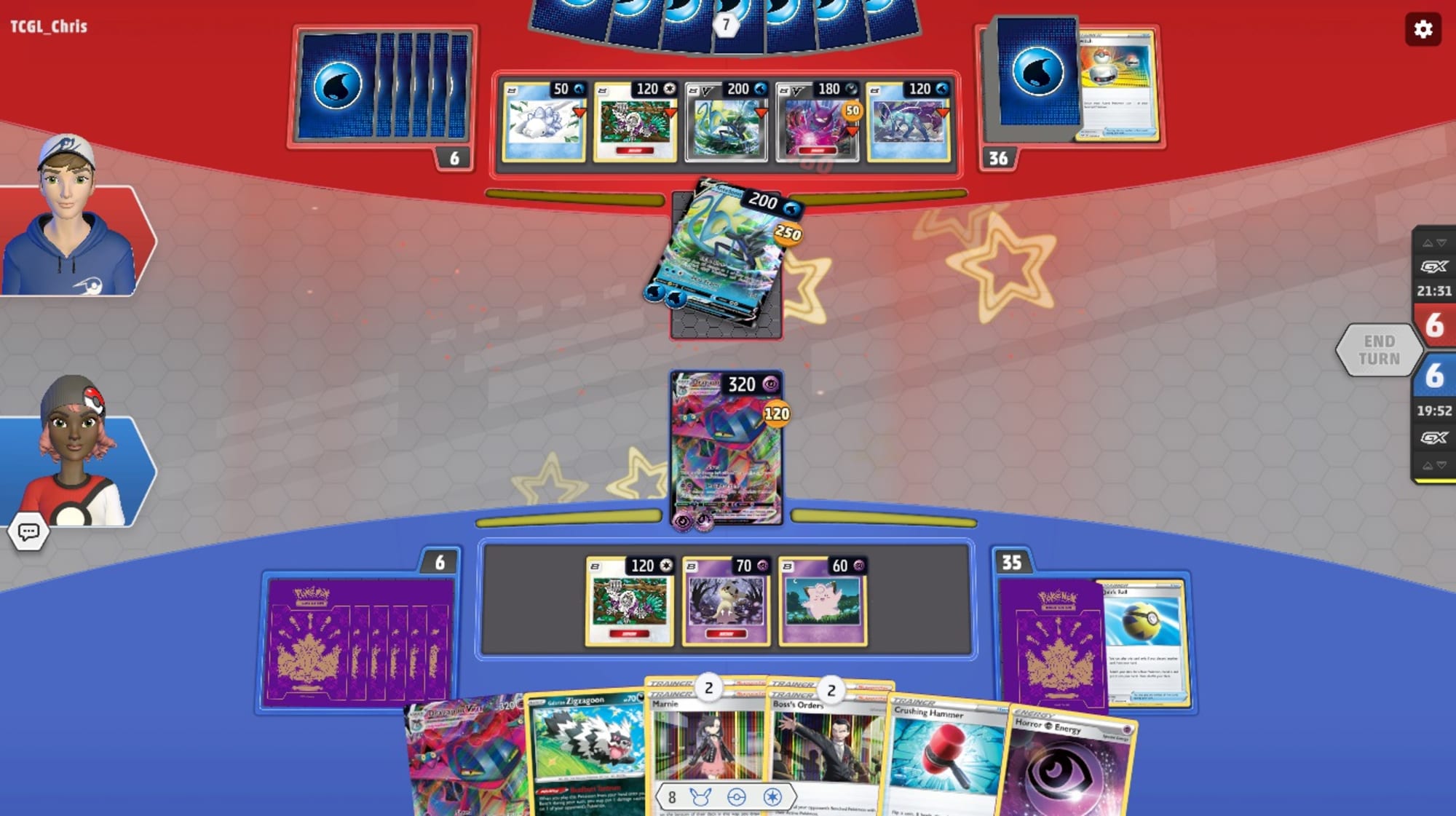
Updating the Pokémon TCG Live app isn’t just about bug fixes and aesthetics. It’s about embracing the future of the game and ensuring that you’re reaping all the benefits the latest features have to offer. These updates might include new cards, enhanced gameplay mechanics, improved user interfaces, bug fixes, and even new game modes. By updating, you’re ensuring compatibility with the evolving landscape of the app and participating in the ongoing development of the game.
Steps to Update Pokémon TCG Live
Updating the Pokémon TCG Live app is a straightforward process, and with just a few simple steps, you can enjoy the latest enhancements and features.
- Check for Updates: Open the app store on your device (App Store for iOS or Google Play Store for Android) and search for “Pokémon TCG Live.” If an update is available, you’ll see an “Update” button next to the app’s icon.
- Update the App: Click on the “Update” button and allow the app to download and install the latest version. Make sure you’re connected to a stable Wi-Fi network to ensure a smooth and uninterrupted update process.
- Wait Patiently: The update process may take a few minutes, depending on your internet speed and the size of the update. Be patient and avoid interrupting the download or installation.
- Restart the App: Once the update is complete, launch the Pokémon TCG Live app. It’s a good practice to restart the app after updating to ensure that all the changes take effect properly.
Benefits of Updating
Staying up-to-date with the Pokémon TCG Live app offers a plethora of advantages that contribute to an enhanced gaming experience.
- Access to New Cards: One of the most exciting aspects of updates is the introduction of new cards. These cards could have unique abilities, synergies, and strategies that can revolutionize your gameplay and provide new avenues for victory.
- Improved Gameplay: Developers often release updates to refine gameplay mechanics, making the overall experience smoother, more balanced, and enjoyable. These improvements can include adjustments to card interactions, animations, and battle sequences.
- Bug Fixes: No app is perfect, and minor bugs can occasionally affect the gaming experience. Updates address these issues, ensuring that you encounter fewer glitches and experience a more stable game.
- Enhanced User Interface: Updates can bring visual enhancements to the app’s user interface, making it more intuitive, visually appealing, and user-friendly.
- New Features: Developers continuously strive to innovate and provide exciting new features to keep players engaged. These could range from new game modes, events, tournaments, and social interactions within the app.
- Community Engagement: Staying updated allows you to fully engage with the Pokémon TCG Live community. You’ll be on the same page as other players, sharing strategies, discussing updates, and participating in the collective excitement surrounding new content drops.
Tips for a Smooth Update
To ensure a seamless updating process, keep these tips in mind:
- Regularly Check for Updates: Make it a habit to check for updates at least once a week. This way, you won’t miss out on any new content or improvements.
- Backup Data: Before updating, consider backing up your app data, especially if you’re concerned about losing progress. This can usually be done through cloud services or within the app settings.
- Clear Cache: Sometimes, accumulated cache data can slow down the app or cause issues. Clearing the cache before updating can help ensure a smoother transition.
Conclusion
The Pokémon TCG Live app is a bridge between the nostalgia of collecting Pokémon cards and the convenience of digital gameplay. By keeping the app updated, you’re embracing the evolving landscape of the game and ensuring you’re at the forefront of new content and features. Regularly updating the app not only enhances your personal gaming experience but also contributes to the overall growth and vibrancy of the Pokémon TCG Live community. So, remember to stay updated, catch ’em all, and enjoy the journey of becoming a Pokémon Master in the digital realm.




