ESPN is an American cable sports channel that allows sports enthusiasts to watch official matches, sports highlights, and the latest events happening in the industry. But, it can be tough to watch these shows if you’re not from the USA. Still, all isn’t lost as here are three ways you can watch your favorite sports shows on ESPN online if you’re outside of the country:
Use A Virtual Private Network (VPN)
Attempt to stream content on ESPN outside of the USA, and you’re going to get a message stating that you can’t proceed with the request. It’s because Disney, the broadcasting network’s owner, has placed several geo-restrictions to their content. Simply put, it’s a block that prevents people outside the US from accessing the videos and other content.
However, you can bypass these geo-restrictions by using a VPN. This service allows you to use the Internet through an encrypted tunnel. Think of it as a secret detour to reach a destination. In other words, instead of letting your device connect to ESPN via a straight line, the connection uses a different route to access the restricted content. But, the VPN also masks your connection so ESPN’s servers will think that you’re connecting from the USA.
Moreover, using a VPN app is a relatively straightforward affair. Although several VPN services are available for use, these apps tend to follow industry-standard interfaces. Hence, you’d only need to click on a ‘Connect’ button, choose a server, and access the online portal you desire. The entire process shouldn’t take more than a few minutes to complete.
However, the myriad of VPN apps available might make the decision-making process tougher than usual. Check the following link to know which VPN services to consider to watch ESPN online: https://securitygladiators.com/watch-espn-outside-us/.
Use The ESPN Plus App
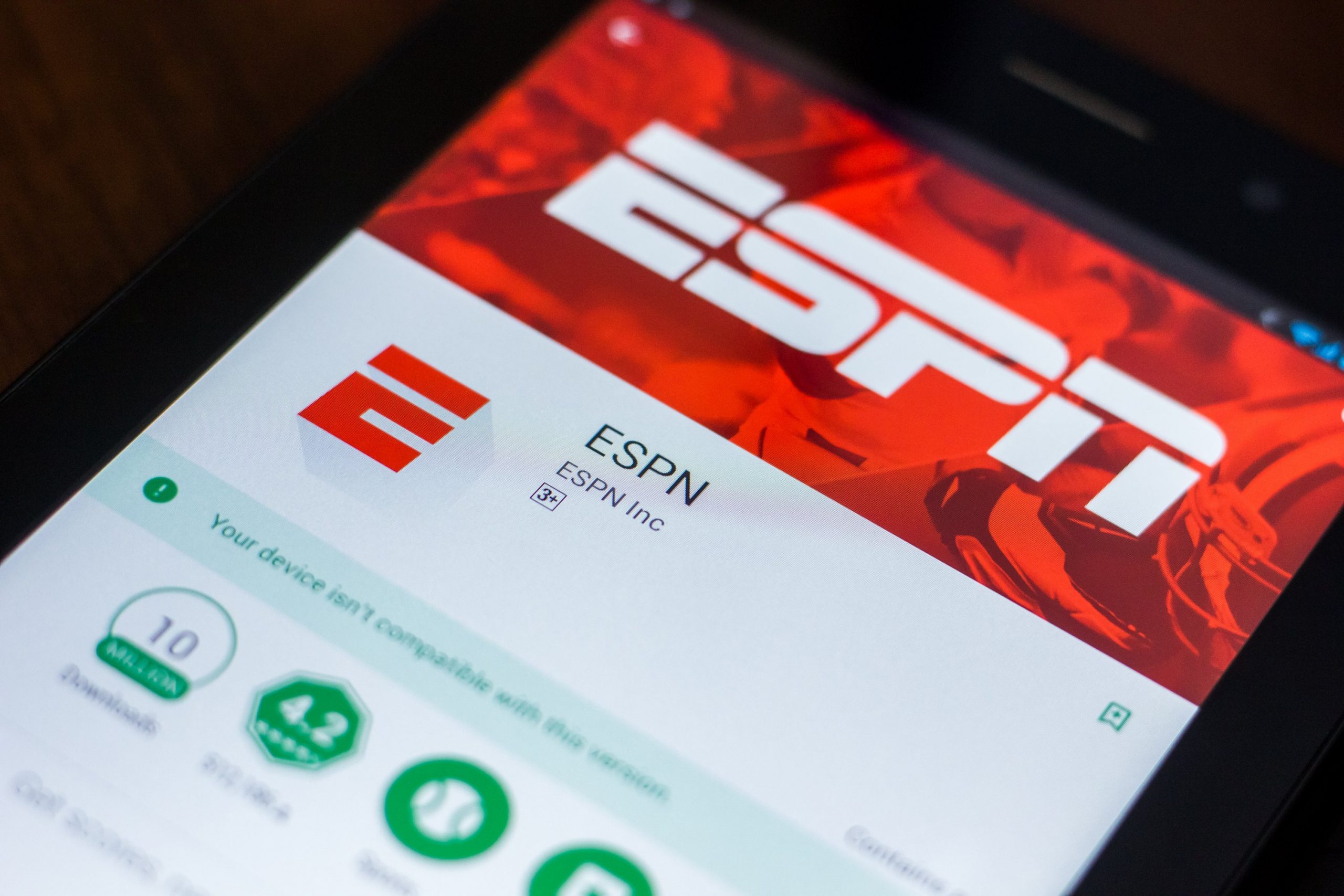
Perhaps, you’re a proud owner of an Apple TV, Android TV, Xbox One, PlayStation 4, Roku, or other similar devices. If so, you can download the ESPN Plus app on these gadgets.
ESPN Plus is the official live TV app of the sports broadcasting network. It’s an excellent choice if your preferred content are live telecasts of sports, like college football, international basketball, and Major League Baseball. However, the geo-restrictions will still block you from accessing ESPN’s content if you’re trying to watch outside the USA. Thus, it should still be in your best interest to keep the VPN app active when using the ESPN Plus app.
Note that the download and installation methods for the ESPN Plus app differ for each device. For example, downloading the app to an Apple TV requires you to use iTunes. Conversely, you may need to access the Google Play Store to download and install the ESPN Plus app on an Android TV.
Check your device’s app library to determine how you can watch content from ESPN’s live TV app. You should know that several people are already taking advantage of online streaming to watch various sports shows. Use a VPN and ESPN’s proprietary streaming app for TVs to ensure you’re always in-the-know about the sports world’s latest happenings.
Use The Official ESPN Mobile App
Perhaps, you’re traveling internationally, and you don’t want to miss the next playoffs. Otherwise, you might not be a fan of watching your favorite sports shows on the big screen. Either way, you can download the official ESPN mobile app to watch on-the-go.
Use the app to watch different sports shows, like Monday Night Football, The Masters, and First Take. You can also stream international sports tournaments, like the Wimbledon, college sports, and Major League Soccer.
However, you might not see the app in the Google Play Store or the Apple App Store if you’re searching for it from outside the US. Don’t fret, as you can use one of two workarounds to make the app appear on Android and Apple’s app stores.
The first method is to use a VPN to mask your device’s IP address. The other technique is to create a new account and claim that you’re from the USA. However, the main difference between these two techniques is the cost. Some VPN service providers will charge a fee before you can access their servers. On the other hand, creating a new US Google or Apple account is free, but it might take more time to acquire the necessary information to complete the account setup.
Nonetheless, both choices should work, but the decision might boil down to preference.
Conclusion
You have different choices to watch ESPN online if you’re currently outside the USA. Some of your options include using a VPN, downloading the ESPN Plus app on a compatible device, or installing the official ESPN app on your mobile device. Take advantage of your preferred choice, and you should be watching your favorite ESPN shows soon.