

• Send Us A Tip
  • Calling all Tech Writers
  • Advertise
Friday, August 21, 2026
  • Login
TechStory
  • News
  • Crypto
  • Gadgets
  • Memes
  • Gaming
  • Cars
  • AI
  • Startups
  • Markets
  • How to
No Result
View All Result
  • News
  • Crypto
  • Gadgets
  • Memes
  • Gaming
  • Cars
  • AI
  • Startups
  • Markets
  • How to
No Result
View All Result
TechStory
No Result
View All Result
Home Gaming

PUBG Now Runs At 90fps Exclusively on OnePlus

by Dev Chinnappa
August 8, 2020
in Gaming
Reading Time: 1 min read
0
PUBG Now Runs At 90fps Exclusively on OnePlus
TwitterWhatsappLinkedin

OnePlus has confirmed that in collaboration with Tencent Games, PUBG will now be played at 90fps, exclusively on select OnePlus models.

You might also like

How to Get the FNCS Fishstick Style in Fortnite

How To Download Call of Duty: Modern Warfare 4

How To Catch Lunala in Pokémon GO

Most avid gamers would struggle to find a way to play the popular online game at a frame rate higher that 60fps. Barring downloading the Chinese version of the game, on a phone with a 120Hz refresh rate, this is nearly impossible. However, Tencent has now announced that it will gradually update its PUBG platform to allow gamers worldwide to play at a higher frame rate. OnePlus users however have the added benefit of availing of this update a month before the rest of the world. Exclusively on OnePlus 8, OnePlus 8 Pro, OnePlus 7T and OnePlus 7 Pro, the game is currently playable at 90fps.
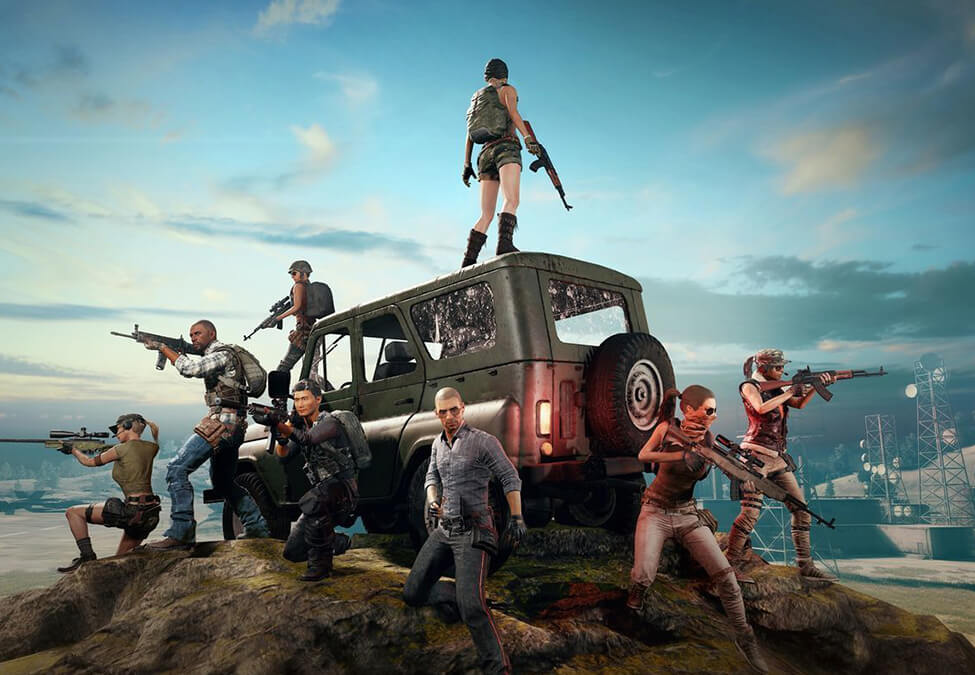
This exclusivity will last up until the 7th of September, after which Tencent has announced that any player with an Android device that supports higher frame rates will be able to play the game at 90fps. This means  that Samsung Galaxy S20 users, Pixel 4 and 4XL users, as well as Razer Phone users can enjoy the quicker frame rate within a month.

OnePlus has stated that the support excludes China, Japan and South Korea. The update comes as Epic Games too enabled 90fps support for their Fortnit game, on Android, with the OnePlus 8 receiving the update first.

Tags: OnePlusPUBGTencent Games
Tweet54SendShare15
Previous Post

Microsoft Set To Inject $100 Million Into Sharechat

Next Post

Xiaomi Set To Rework MIUI To Adhere To India’s Apps Ban

Dev Chinnappa

Recommended For You

How to Get the FNCS Fishstick Style in Fortnite

by Khilav Jadav
August 21, 2026
0
How To Archive Items in Fortnite

The FNCS Fishstick style is one of the rarest versions of the classic Fishstick Outfit in Fortnite. Many players call it the FNCS Fishstick style because of its...

Read more

How To Download Call of Duty: Modern Warfare 4

by Khilav Jadav
August 20, 2026
0
How To Play Modern Warfare 3 Multiplayer Offline

Call of Duty: Modern Warfare 4 is getting an open beta before its full launch on October 23, 2026. The beta gives players an early look at multiplayer...

Read more

How To Catch Lunala in Pokémon GO

by Khilav Jadav
August 20, 2026
0
How to Evolve Floette Pokémon GO

Lunala is one of the most recognizable Legendary Pokémon from the Alola region, and it remains a valuable catch in Pokémon GO. The Psychic- and Ghost-type Legendary is...

Read more
Next Post
Xiaomi Set To Rework MIUI To Adhere To India’s Apps Ban

Xiaomi Set To Rework MIUI To Adhere To India's Apps Ban

Please login to join discussion

Techstory

Tech and Business News from around the world. Follow along for latest in the world of Tech, AI, Crypto, EVs, Business Personalities and more.
reach us at info@techstory.in

Advertise With Us

Reach out at - info@techstory.in

Aviator Game India 2026

BROWSE BY TAG

#Crypto #howto 2024 acquisition AI amazon Apple Artificial Intelligence bitcoin Business China cryptocurrency e-commerce electric vehicles Elon Musk Ethereum facebook funding Gaming Google India Instagram Investment ios iPhone IPO Market Markets Meta Microsoft News OpenAI samsung Social Media SpaceX startup startups tech technology Tesla TikTok trend trending twitter US

© 2025 Techstory.in

No Result
View All Result
  • News
  • Crypto
  • Gadgets
  • Memes
  • Gaming
  • Cars
  • AI
  • Startups
  • Markets
  • How to

© 2025 Techstory.in

Welcome Back!

Login to your account below

Forgotten Password?

Retrieve your password

Please enter your username or email address to reset your password.

Log In
Are you sure want to unlock this post?
Unlock left : 0
Are you sure want to cancel subscription?