

• Send Us A Tip
  • Calling all Tech Writers
  • Advertise
Wednesday, July 8, 2026
  • Login
TechStory
  • News
  • Crypto
  • Gadgets
  • Memes
  • Gaming
  • Cars
  • AI
  • Startups
  • Markets
  • How to
No Result
View All Result
  • News
  • Crypto
  • Gadgets
  • Memes
  • Gaming
  • Cars
  • AI
  • Startups
  • Markets
  • How to
No Result
View All Result
TechStory
No Result
View All Result
Home How to

How to Export chats from WhatsApp to Telegram

by Amandeep Suter
January 29, 2021
in How to, Popular, Tech, Trending
Reading Time: 4 mins read
0
Telegram most downloaded app
TwitterWhatsappLinkedin

Telegram in the latest update, version 7.4.1 has announced that it will allow users to export the chat history from apps like WhatsApp, Line, and others. 

You might also like

Scotland’s SNP Votes To Freeze All New Datacentres, Threatening The Heart Of Britain’s AI Infrastructure Plans

Cult.fit Files DRHP With SEBI For ₹950 Crore Fresh Issue, Total IPO Could Touch ₹4,000 Crore

How to forward mail to a new address?

WhatsApp which is the most popular instant messaging app, with over 2 billion users all over the world, faced heavy criticism for its new Privacy policy. The backlash led to WhatsApp delaying the privacy policy from 8th February to May but it hasn’t stopped the user migration. 

People are now opting for apps like Telegram and Signal as they offer far superior privacy and day-by-day, implementing features to compete with Facebook’s instant messaging app. 

On 28th January 2021, Telegram tweeted from its official handle, about the feature to export WhatsApp chats.

Tweet link

We have extensively covered the topic on “Telegram announced its latest update lets you import WhatsApp chat history”. Do check it out to know the full story. 

Moving on with the export of chats. You can transfer both the individual chats and group conversations from Whatsapp to Telegram. But you must remember that the transfer process works on a chat-by-chat basis. 

So, let’s take a look at how you can migrate your old WhatsApp chats to Telegram. 

For Android users, follow these steps –

Here’s how you can move your chats to Telegram if you’re on Android. pic.twitter.com/VMq3mAeteq

— Telegram Messenger (@telegram) January 28, 2021

a). The first step is to update your Telegram App. Go to Google Play to do that.
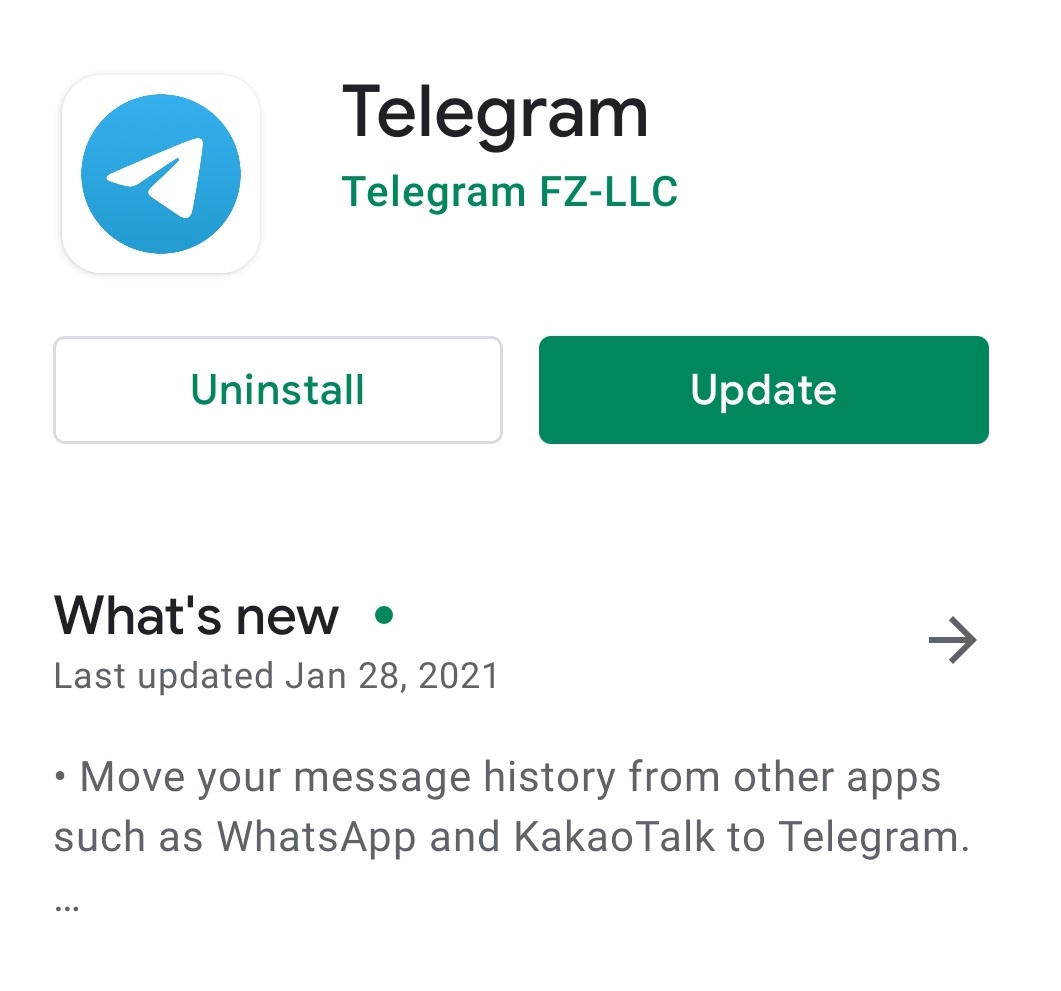
b). Once, you updated the app. You will receive an update message from Telegram.

c). Now open your WhatsApp and select the contact from which you want to export chats.

d) You will see 3 dots on the top of your screen.

Export whatsapp Telegram

e). When you tap on it, you will see a few options. Tap on More.

f). In the more option, tap on export chats.
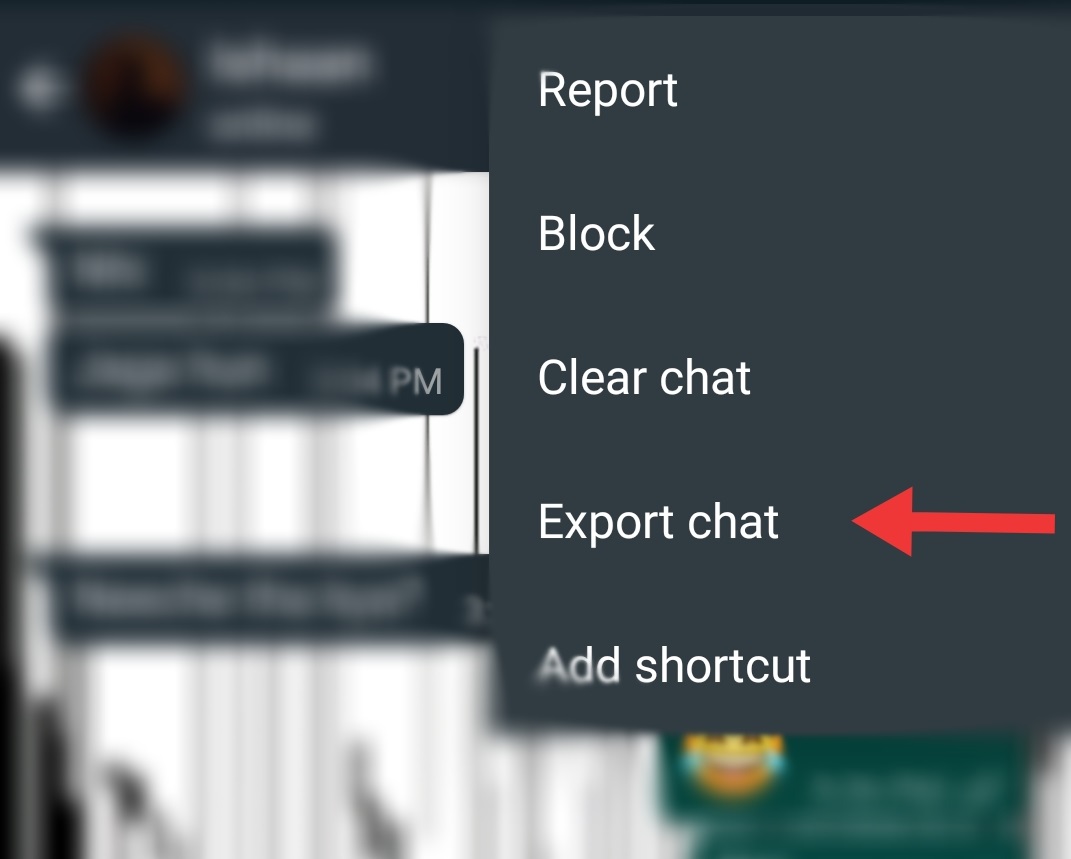
g). You will then receive the option to include media or just export the texts.
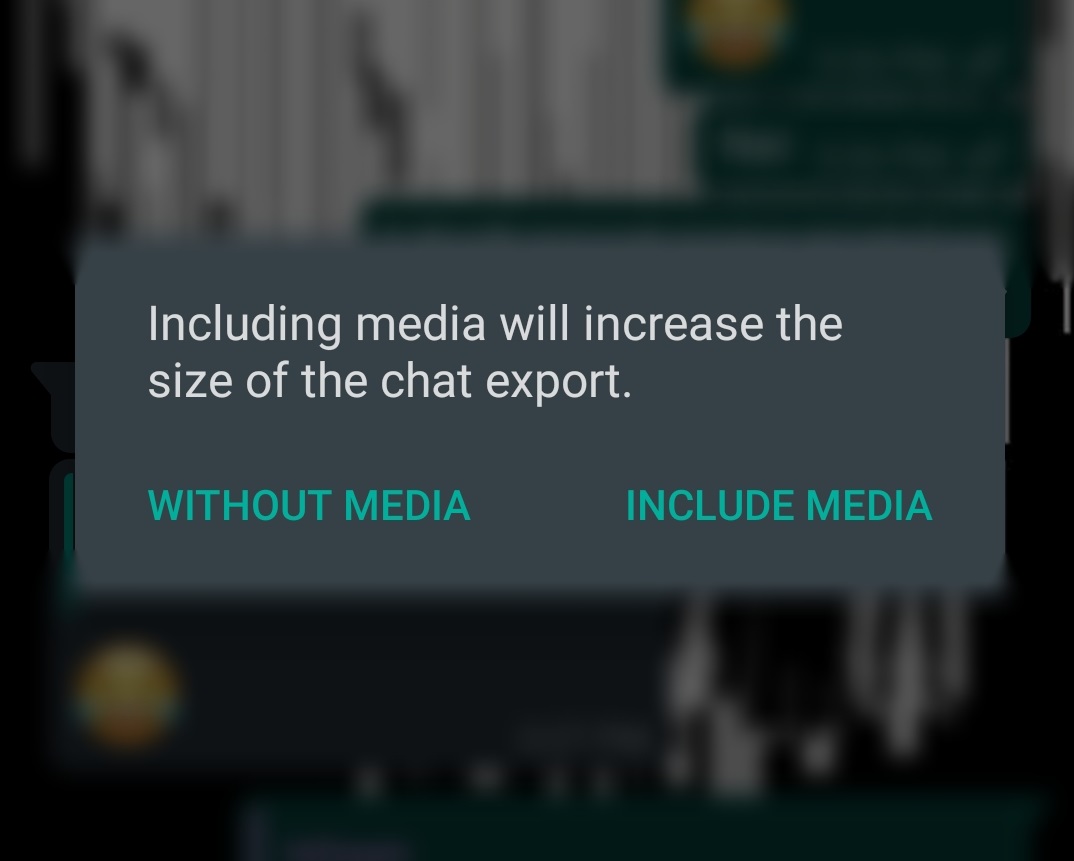
h). Once you have done that, you will see a number of app, where you can export the data. Select Telegram.

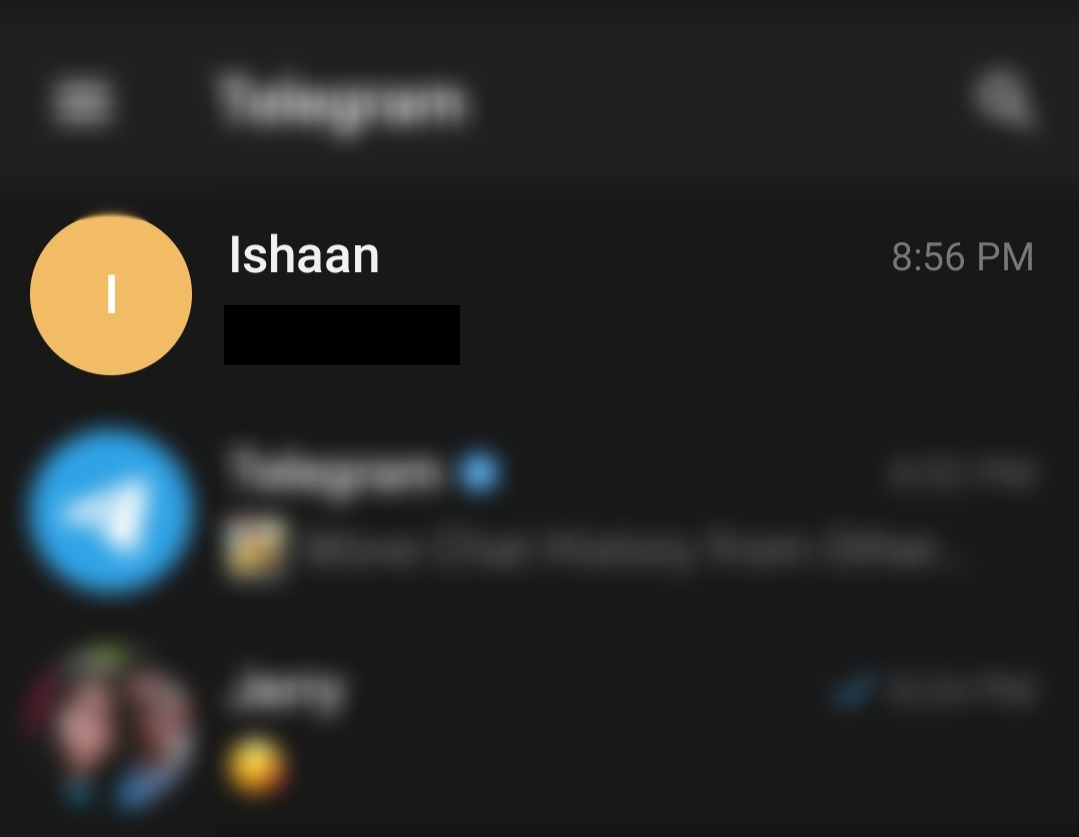
i). Remember this works only if both the users have a Telegram account. So the next step is to select the contact on Telegram.
Export whatsapp Telegram
Select the contact on Telegram

j). Confirm your choice and wait a few seconds for Telegram to update your chat history.


k). Voila! Exported the chats successfully. Now enjoy your conversations.

Export whatsapp Telegram


To import your chat from WhatsApp to Durov brother’s instant messaging app, follow these steps on your iOS – 

Move your message history from apps like WhatsApp, Line and KakaoTalk to Telegram. https://t.co/PediepRhyt pic.twitter.com/VPeuilGt2T

— Telegram Messenger (@telegram) January 28, 2021

  • Open the conversation which you want to import. It can be a group or individual chat.
  • Tap on the name of the contact or group on the top of your screen.
  • Then you will see an “Export Chat” option, along with the apps you can export it to. 
  • Select Telegram and pick the telegram chat. (Both the users must have a telegram account for the export to function).
  • That’s it. Now continue your conversations on Telegram.


So, now you can enjoy continuing your old conversations from apps like Whatsapp, Line, and KakaoTalk in your Telegram account


 

Tags: GuideHow toInstant MessagingSignalTelegramwhatsapp
Tweet54SendShare15
Previous Post

Ring will roll out $60 video doorbell in February

Next Post

How to save posts on Instagram to watch later

Amandeep Suter

A son, a brother and a friend who loves to write!

Recommended For You

Scotland’s SNP Votes To Freeze All New Datacentres, Threatening The Heart Of Britain’s AI Infrastructure Plans

by Rounak Majumdar
July 8, 2026
0
Scotland's SNP Votes To Freeze All New Datacentres, Threatening The Heart Of Britain's AI Infrastructure Plans

A vote inside Scotland's ruling party has placed the UK's artificial intelligence agenda in serious risk. The Scottish National Party's national council voted a motion last Sunday to...

Read more

Cult.fit Files DRHP With SEBI For ₹950 Crore Fresh Issue, Total IPO Could Touch ₹4,000 Crore

by Rounak Majumdar
July 8, 2026
0
Cult.fit Files DRHP With SEBI For ₹950 Crore Fresh Issue, Total IPO Could Touch ₹4,000 Crore

India's largest organised fitness network has taken its most concrete step yet toward a public listing. Cult.fit Healthcare Limited filed its Draft Red Herring Prospectus with the Securities...

Read more

How to forward mail to a new address?

by Afeefa Ansari
July 8, 2026
0
Mail

Forwarding an email is a simple process and is helpful all the same. Follow the guide to know how you can forward the mail to a new address!...

Read more
Next Post
How to save posts on Instagram to watch later

How to save posts on Instagram to watch later

Please login to join discussion

Techstory

Tech and Business News from around the world. Follow along for latest in the world of Tech, AI, Crypto, EVs, Business Personalities and more.
reach us at info@techstory.in

Advertise With Us

Reach out at - info@techstory.in

Aviator Game India 2026

BROWSE BY TAG

#Crypto #howto 2024 acquisition AI amazon Apple Artificial Intelligence bitcoin Business China cryptocurrency e-commerce electric vehicles Elon Musk Ethereum facebook funding Gaming Google India Instagram Investment ios iPhone IPO Market Markets Meta Microsoft News OpenAI samsung Social Media SpaceX startup startups tech technology Tesla TikTok trend trending twitter US

© 2025 Techstory.in

No Result
View All Result
  • News
  • Crypto
  • Gadgets
  • Memes
  • Gaming
  • Cars
  • AI
  • Startups
  • Markets
  • How to

© 2025 Techstory.in

Welcome Back!

Login to your account below

Forgotten Password?

Retrieve your password

Please enter your username or email address to reset your password.

Log In
Are you sure want to unlock this post?
Unlock left : 0
Are you sure want to cancel subscription?