• Send Us A Tip
  • Calling all Tech Writers
  • Advertise
Saturday, June 20, 2026
  • Login
TechStory
  • News
  • Crypto
  • Gadgets
  • Memes
  • Gaming
  • Cars
  • AI
  • Startups
  • Markets
  • How to
No Result
View All Result
  • News
  • Crypto
  • Gadgets
  • Memes
  • Gaming
  • Cars
  • AI
  • Startups
  • Markets
  • How to
No Result
View All Result
TechStory
No Result
View All Result
Home How to

How to hide last seen in Whatsapp

by Srestha Roy
August 11, 2021
in How to
Reading Time: 2 mins read
0
How to hide last seen in Whatsapp
TwitterWhatsappLinkedin

WhatsApp, which was launched in 2009, is one of the most widespread text and voice messaging programmes. On both desktop and mobile devices, you may send messages, conduct phone calls, and hold video chats for free.
You might also like

How to pre-order GTA 6?

How To Get Galaxy Sprites In Fortnite

How To Connect AirPods To PS5

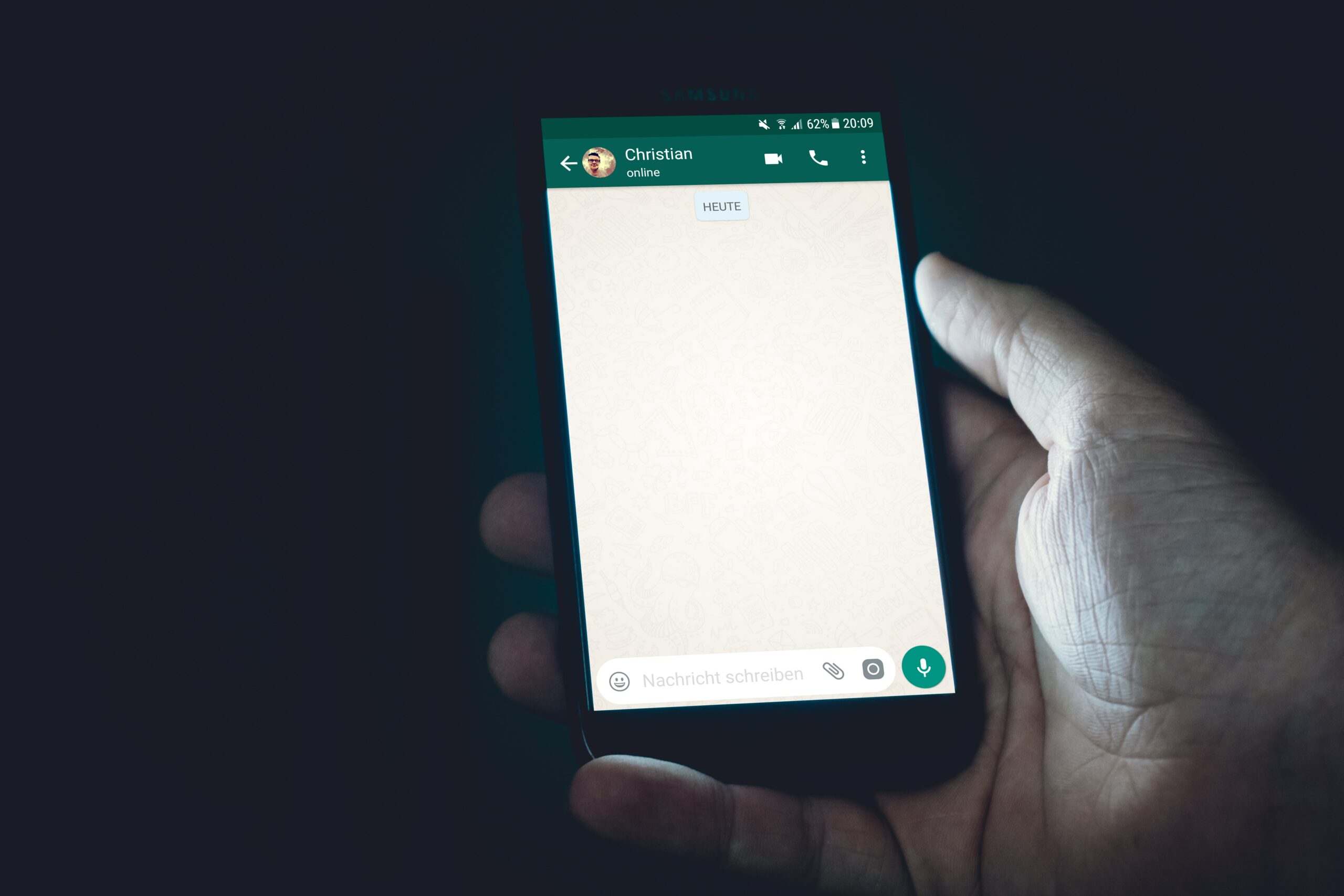
Source : Photo by Christian Wiediger on Unsplash

This app’s popularity derives in part from the fact that it functions on a variety of phone and computer operating systems, making it useful for communicating. Wi-Fi and cellular data can also be used to make one-on-one or group conversations.

To comprehend WhatsApp’s appeal, it’s important to remember that it was one of the first smartphone apps to provide free internet-based messaging. Instead of transmitting texts through cellular data networks, where costs may apply, WhatsApp sends and receives messages and calls via a Wi-Fi connection for free.

WhatsApp is used by over 2 billion people worldwide because it allows them to communicate more efficiently regardless of their device or location.

WhatsApp offers a lot of positive aspects, but it also has some drawbacks. There are drawbacks, such as a flood of messages from individuals you’ll never react to, and the dreaded “Last Seen” notice, which lets everyone understand precisely when you were online and when their messages were received by you.

WhatsApp’s timestamp, which indicates whether a person is online or was last seen at a specific time and date, may now be concealed from all consumers or all unknown users. This choice to hide the last seen information by the instant messaging service provider is divided into three categories : Everyone, My Contacts and Nobody.

Decide what you want to do with the option first, then use the methods below to alter it, based on your platform.

Whatsapp for Android

  • Launch Whatsapp first, then select Menu from the drop-down menu. It’s generally a three-dots sign in the upper right corner, and those with a menu button in the three capacitive buttons at the bottom may retrieve over from there (which is usually bottom left-most or right-most touch capacitive button).
  • Settings may be found under the Menu.
  • Select the Privacy option from the Settings menu.
  • Users may find the Last Seen option under Who Can See My Personal Information in the Privacy section. Simply tap on it and choose who you want to view the information.

Whatsapp for iPhone

  • To begin, launch Whatsapp and then touch on Settings in the bottom right corner.
  • Now go to Settings and look for the Account option.
  • Tap on Account, and then on Privacy in the drop-down menu.
  • Finally, tap on Last seen and change the settings.
Tags: last seenmessagesnotificationswhatsapp
Tweet54SendShare15
Previous Post

Next Apple iPhone to include portrait mode, AI filters, & smaller notch, says reports

Next Post

Google staff who work from home to take pay cut

Srestha Roy

Recommended For You

How to pre-order GTA 6?

by Afeefa Ansari
June 20, 2026
0
GTA 6

Waiting for GTA 6? Here is how you can pre-order the game and keep it with you to play as soon as you want! Let us see when's...

Read more

How To Get Galaxy Sprites In Fortnite

by Khilav Jadav
June 19, 2026
0
How To Archive Items in Fortnite

Galaxy Sprites are among the rarest collectibles in Fortnite, and many players are trying to add these cosmic companions to their collection. Introduced during Chapter 7 Season 3,...

Read more

How To Connect AirPods To PS5

by Khilav Jadav
June 19, 2026
0
How To Refund a Game on PS5

Apple AirPods are among the most popular wireless earbuds available today. Many PlayStation 5 owners naturally want to use them while gaming. However, connecting AirPods to the PlayStation...

Read more
Next Post
Google's offices stand in downtown Manhattan

Google staff who work from home to take pay cut

Please login to join discussion

Techstory

Tech and Business News from around the world. Follow along for latest in the world of Tech, AI, Crypto, EVs, Business Personalities and more.
reach us at info@techstory.in

Advertise With Us

Reach out at - info@techstory.in

Aviator Game India 2026

BROWSE BY TAG

#Crypto #howto 2024 acquisition AI amazon Apple Artificial Intelligence bitcoin Business China cryptocurrency e-commerce electric vehicles Elon Musk Ethereum facebook funding Gaming Google India Instagram Investment ios iPhone IPO Market Markets Meta Microsoft News OpenAI samsung Social Media SpaceX startup startups tech technology Tesla TikTok trend trending twitter US

© 2025 Techstory.in

No Result
View All Result
  • News
  • Crypto
  • Gadgets
  • Memes
  • Gaming
  • Cars
  • AI
  • Startups
  • Markets
  • How to

© 2025 Techstory.in

Welcome Back!

Login to your account below

Forgotten Password?

Retrieve your password

Please enter your username or email address to reset your password.

Log In
Are you sure want to unlock this post?
Unlock left : 0
Are you sure want to cancel subscription?