The Facebook dating functionality combines the finest elements of applications like Tinder and Bumble with the most popular social media platform on the planet. Here’s how to turn it on so you can start searching for matches. The information in this article applies to both the iOS and Android versions of the Facebook mobile app.
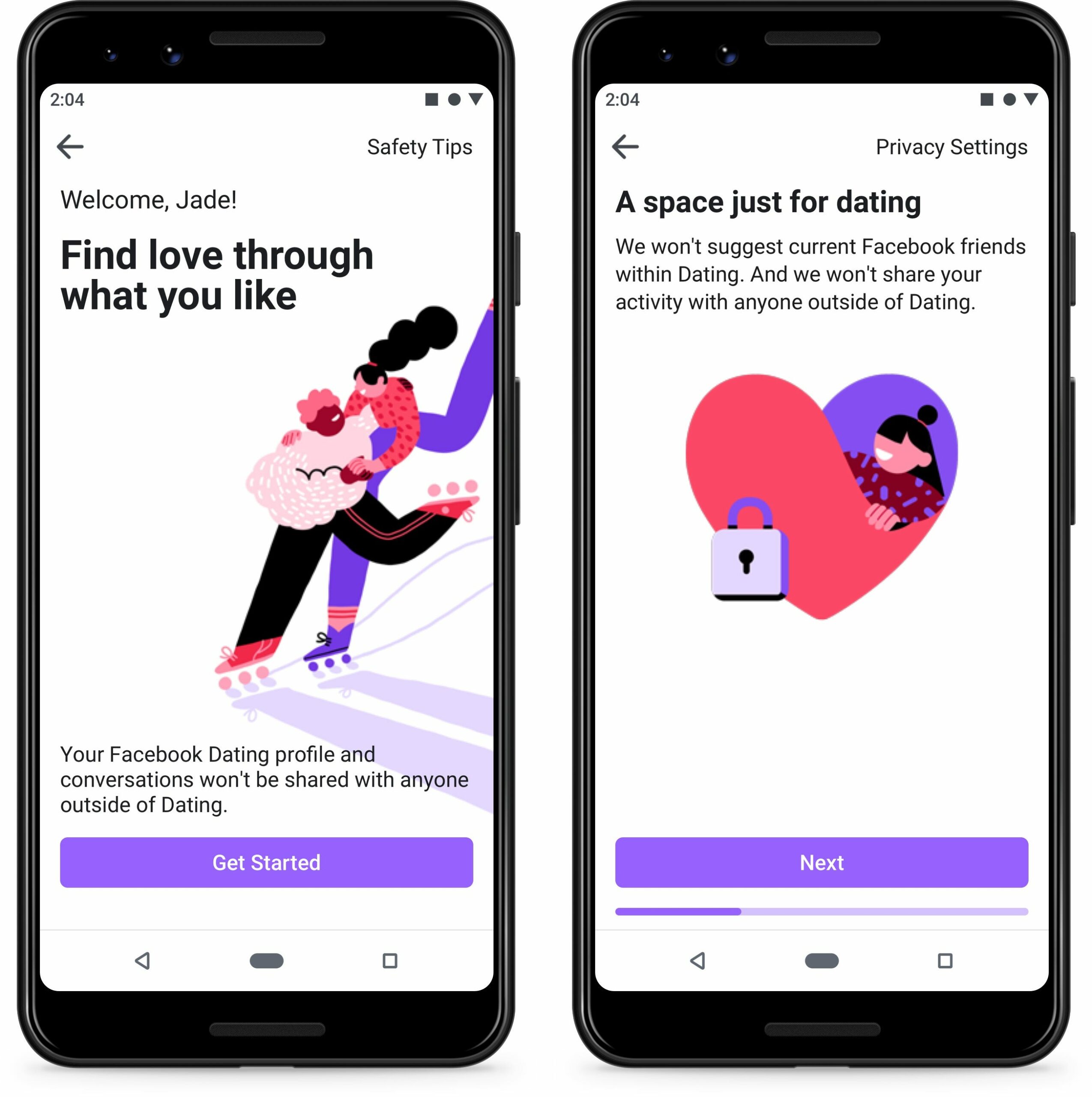
Facebook Dating is a tool that allows you to interact with others on the social network to form romantic relationships. You don’t need to establish a separate dating profile since Facebook utilises information from your existing profile to suggest possible matches based on common interests. Others who have Facebook Dating turned on will be able to see your profile.
You can’t communicate other users unless you both indicate interest in one other, which is comparable to Bumble and Tinder’s dating features. Any of your current Facebook friends will not be suggested by the app. Similarly, your dating profile will be hidden from your friends that use the service. Friends, on the other hand, may add each other to their hidden crushes list, so you can wind up matching with a buddy who has a crush on you.
You must first create a Facebook account before you can use Facebook Dating. Because the dating function is based on your normal profile, you should fill it up as completely as possible. The function is integrated into the Facebook mobile app and there is no separate Facebook Dating app or Facebook Dating site.
Facebook Dating pictures and other information do not display on your normal Facebook profile. Facebook Dating chats are kept separate from Facebook Messenger interactions. You may still access their dating profile if you become Facebook friends with someone after matching with them on Facebook Dating.
To begin using Facebook Dating, follow these steps:
- Open the Facebook app and tap the hamburger menu in the top-right corner of your feed to access the hamburger menu.
- Select Dating.
- Set up your dating profile by following the directions. Your dating profile will be built using information from your Facebook account when you disclose your location and select a photo. You can make your Facebook Dating profile more personalised by adding additional information, photographs, and even Instagram posts. When you’re finished, tap Done.
One by one, Facebook Dating will start recommending profiles. To see your recommendations, go to the Dating area of the Facebook app at any time.
- To let the individual know you like them, press the heart on their profile, or tap the X to pass. You can strike up a discussion with them if they reciprocate your feelings.
- You’ll get a notification if someone else likes your profile. To send a direct message, tap the heart on their profile to like them back.
- By tapping Matches at the top of the app, you can see your matches and chats.
- Answer random questions that will help Facebook enhance your match suggestions by scrolling to the bottom of your profile and tapping Answer a Question.
You may modify how the Facebook Dating app works for you by changing a few options.
- To access the settings, tap the gear on the screen where Facebook offers profiles.
- You may specify your preferred criteria for prospective mates under the Ideal Match page. You may control what appears on your profile by going to the General tab.
- Tap the ellipses (…) next to Instagram to connect your Instagram account.
- To share your Facebook and Instagram stories, tap Connect Stories and then either (or both) Connect buttons.