

• Send Us A Tip
  • Calling all Tech Writers
  • Advertise
Tuesday, June 16, 2026
  • Login
TechStory
  • News
  • Crypto
  • Gadgets
  • Memes
  • Gaming
  • Cars
  • AI
  • Startups
  • Markets
  • How to
No Result
View All Result
  • News
  • Crypto
  • Gadgets
  • Memes
  • Gaming
  • Cars
  • AI
  • Startups
  • Markets
  • How to
No Result
View All Result
TechStory
No Result
View All Result
Home Story

How to Jailbreak an iPhone?

by Priyanka Chaubey
November 6, 2020
in Story, Tech
Reading Time: 2 mins read
0
TwitterWhatsappLinkedin

With more than 2.2 million applications in the App Store, you’d figure an iPhone client has enough apps to fill their phones with. When you look at it, there is a huge number of applications to browse. However, the Apple App Store actually doesn’t allow a ton of outsider applications for some explanations.

You might also like

Sarvam Joins the Unicorn Club: Why India’s Biggest AI Bet Comes at the Perfect Time

OpenAI vs Anthropic: Who’s winning the AI supremacy race?

DeepSeek vs ChatGPT: The AI Battle Reshaping the Future

If you want to have the access to the third parties in an iPhone, the only way to go through it is to jailbreak it. Jailbreaking a device gives you the chance of installing various apps from the app store. Some third-party apps are not available for download even on the app store.` You can also use a jailbroken device to install apps from APK files instead of having to download content from the App Store. Jailbreaking a device will allow you to open it to endless possibilities.
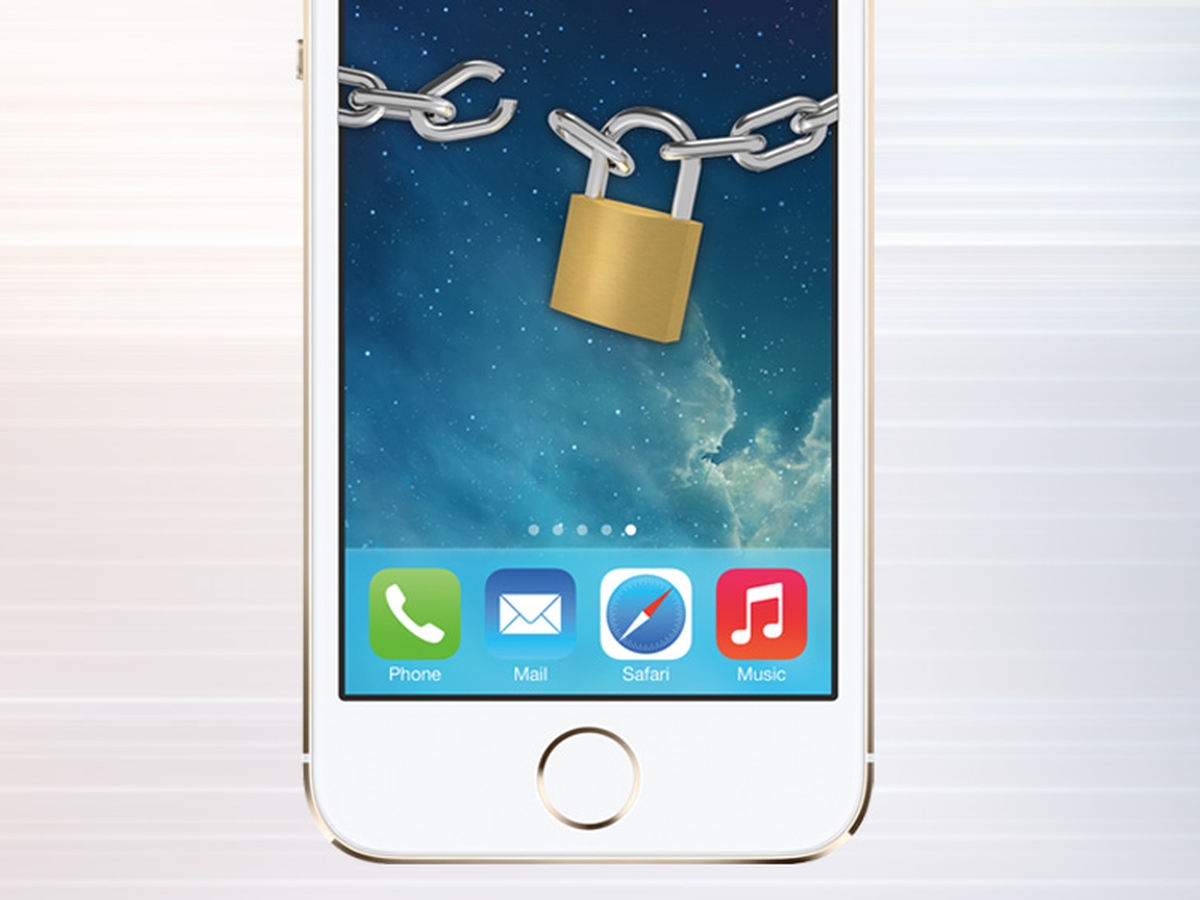
Jailbreak into an iPhone


What actually jailbreaking is?

To jailbreak your iPhone means you are freeing it from the terms and conditions of Apple. When you jailbreak an iPhone, you allow it to download third-party apps on the app store and also from browsers other than the app store. Jailbreaking can also help you unlock your iPhone to make it available on other carriers. However, it’s also worth noting that Apple warns against jailbreaking your iPhone or any other iOS device.

How to start with the jailbreaking process?

All you need to have to jailbreak your phone is your phone with the latest update. The to-do list to jailbreak an iPhone is-

1) Download Hexxa Plus on your gadget. Try to get to that interface from your iOS gadget, as it won’t deal with a PC or MacBook.

2) Tap Allow > Download to download it to your iOS 14 gadget profile. At that point head to Settings > Profile Downloaded and tap the downloaded interface. You may need to affirm your gadget’s password prior to proceeding.

3) When the Hexxa Plus application is introduced, you’re allowed to introduce a repo as well. Pangu suggests Cydia, and to download it, open your Hexxa Plus application and tap Get Repos.

4) Look to the App Managers Repo List and tap it, at that point duplicate the “http://ios.cyrepo.tk/” address.

5) Re-open your Hexxa Plus application and tap Extract Repo. At that point glue the duplicated address and tap Ok to extricate the Cydia repo.

6) Tap the Download button, at that point, hit Allow > Go to settings > Profile Downloaded > Install. Whenever you’ve entered your password to approve it, you’ll simply need to tap Install > Done.


Tags: iPhoneJailbreak
Tweet54SendShare15
Previous Post

Bitcoin makes new high since January 2018

Next Post

How to Use Your iPhone as a Security Camera

Priyanka Chaubey

Recommended For You

Sarvam Joins the Unicorn Club: Why India’s Biggest AI Bet Comes at the Perfect Time

by Ishaan Negi
June 15, 2026
0
Sarvam Joins the Unicorn Club: Why India’s Biggest AI Bet Comes at the Perfect Time

India's artificial intelligence race has found a new champion. Bengaluru-based AI startup Sarvam has officially entered the unicorn club after raising $234 million in the first close of...

Read more

OpenAI vs Anthropic: Who’s winning the AI supremacy race?

by Ishaan Negi
June 15, 2026
0
OpenAI vs Anthropic: Who’s winning the AI supremacy race?

The technological landscape has changed more quickly than nearly anyone anticipated thanks to the generative AI revolution. OpenAI and Anthropic, two businesses engaged in a fierce struggle for...

Read more

DeepSeek vs ChatGPT: The AI Battle Reshaping the Future

by Ishaan Negi
June 15, 2026
0
DeepSeek vs ChatGPT: The AI Battle Reshaping the Future

With businesses vying to create AI models that are smarter, faster, and more capable, artificial intelligence has emerged as one of the world's most competitive industries. The most...

Read more
Next Post

How to Use Your iPhone as a Security Camera

Please login to join discussion

Techstory

Tech and Business News from around the world. Follow along for latest in the world of Tech, AI, Crypto, EVs, Business Personalities and more.
reach us at info@techstory.in

Advertise With Us

Reach out at - info@techstory.in

Aviator Game India 2026

BROWSE BY TAG

#Crypto #howto 2024 acquisition AI amazon Apple Artificial Intelligence bitcoin Business China cryptocurrency e-commerce electric vehicles Elon Musk Ethereum facebook funding Gaming Google India Instagram Investment ios iPhone IPO Market Markets Meta Microsoft News OpenAI samsung Social Media SpaceX startup startups tech technology Tesla TikTok trend trending twitter US

© 2025 Techstory.in

No Result
View All Result
  • News
  • Crypto
  • Gadgets
  • Memes
  • Gaming
  • Cars
  • AI
  • Startups
  • Markets
  • How to

© 2025 Techstory.in

Welcome Back!

Login to your account below

Forgotten Password?

Retrieve your password

Please enter your username or email address to reset your password.

Log In
Are you sure want to unlock this post?
Unlock left : 0
Are you sure want to cancel subscription?