

• Send Us A Tip
  • Calling all Tech Writers
  • Advertise
Thursday, June 18, 2026
  • Login
TechStory
  • News
  • Crypto
  • Gadgets
  • Memes
  • Gaming
  • Cars
  • AI
  • Startups
  • Markets
  • How to
No Result
View All Result
  • News
  • Crypto
  • Gadgets
  • Memes
  • Gaming
  • Cars
  • AI
  • Startups
  • Markets
  • How to
No Result
View All Result
TechStory
No Result
View All Result
Home How to

How to reset UPI pin in Google Pay

by Srestha Roy
August 11, 2021
in How to
Reading Time: 2 mins read
0
How to reset UPI pin in Google Pay
TwitterWhatsappLinkedin

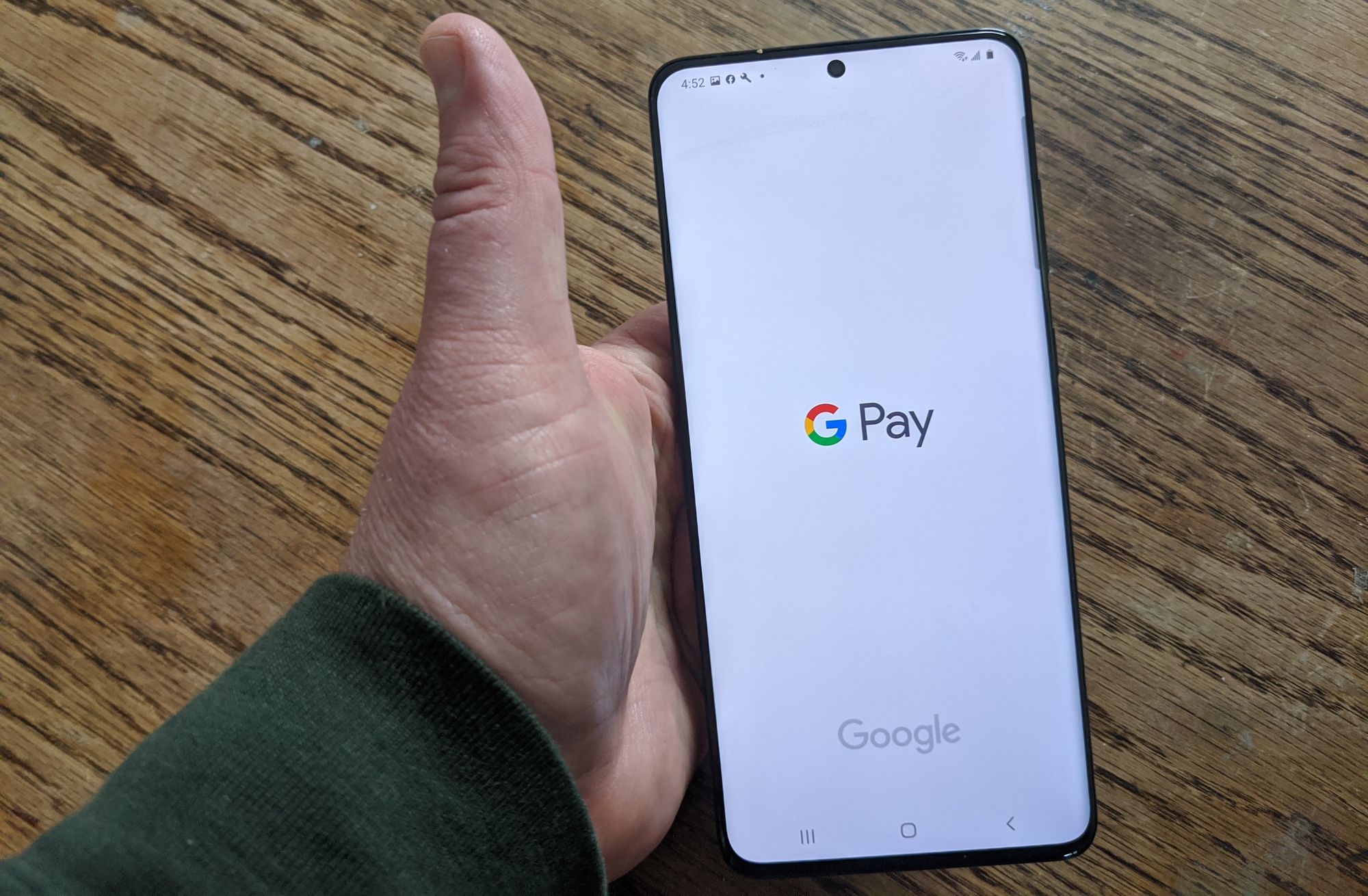
Google redesigned and renamed its mobile and web payment services in 2018, unifying them under the Google Pay or G Pay banner. It’s essentially the company’s own take on Apple Pay.
You might also like

How to Create Custom GPTs?

Syntropic Visibility The Blueprint for Disrupting Generative Search Engine Ecosystems

How To Get Euphony In Destiny 2

Source : https://cdn.mos.cms.futurecdn.net/kPnbbAT2fLhpWhEfSBFypT.jpg

Google Pay allows you to transact, but unlike other digital wallets, it allows you to accept payments straight into your bank account. As a result, there is no longer any fear about receiving money in wallets and subsequently transferring it to a bank account.

It’s worth noting that you don’t have to be using the Google Pay app to accept payments. Even through their website, Google Pay streamlines the procedure of money transfer.
Although the app’s primary purpose is to facilitate easy money transfers, it also allows users to make purchases at businesses that support UPI-based transactions.

The user must take the actions to use Google Pay :

  • Connect your bank account to Google Pay.
  • Set the UPI pin to your convenience.

When you add a new payment account or conduct a Google Pay transaction, you must enter your UPI PIN.

You’ll be prompted to set a UPI PIN when you first link a bank account to Google Pay; if you already have a UPI PIN for your bank account, you may use it on Google Pay.

You may update your UPI PIN using Google Pay by following the instructions below:

  • Open Google Pay on your phone or tablet.
  • Then, at the top left, tap your photo.
  • You must hit Bank account on the new page.
  • Tap the bank account you wish to update from the set of options.
  • Tap More, the three-dot menu.
  • Change UPI PIN is one of the alternatives available.
  • Set a brand-new UPI PIN.
  • After that, you must input the same UPI PIN one more.

If you’ve forgotten your Google Pay UPI PIN, you may reset it by following the instructions below:

  • Open Google Pay on your phone or tablet.
  • Tap your photo in the upper left corner.
  • Tap Bank account on the new page.
  • Tap the bank account you wish to update from the list of possibilities.
  • Then choose Forgot UPI PIN.
  • Enter your debit card number’s last six digits as well as the expiration date.
  • You must now generate a new UPI PIN.
  • Now input the OTP that was sent to you through SMS.

As a result, you can reset your Google Pay UPI PIN by following the procedures outlined above.

You may easily send and receive money to anybody who has a smartphone using the Google app. To make payments, simply enter the amount and hit, pay. This software will operate without a cost even if the recipient is not using Google Pay.


Tags: Google PayPaymentResetTransactionupi
Tweet56SendShare16
Previous Post

OnePlus teases dual-screen foldable smartphone prior to Samsung’s unpacked event

Next Post

How to download Free Fire MAX

Srestha Roy

Recommended For You

How to Create Custom GPTs?

by Afeefa Ansari
June 18, 2026
0
GPT

Ever got curious about GPTs? Today we will learn all about them, along with the process of customizing them to our needs. It is a critical and dense...

Read more

Syntropic Visibility The Blueprint for Disrupting Generative Search Engine Ecosystems

by Anochie Esther
June 18, 2026
0
how to rank in AI search results

The global search engine framework is undergoing its most radical architectural shift since the inception of the web index. For decades, the discipline of search engine optimization relied...

Read more

How To Get Euphony In Destiny 2

by Khilav Jadav
June 18, 2026
0
How to Get Seraph Title in Destiny 2

Euphony is one of the most sought-after Exotic weapons in Destiny 2. Introduced with the The Final Shape expansion, this powerful Strand Linear Fusion Rifle stands out because...

Read more
Next Post
How to download Free Fire MAX

How to download Free Fire MAX

Please login to join discussion

Techstory

Tech and Business News from around the world. Follow along for latest in the world of Tech, AI, Crypto, EVs, Business Personalities and more.
reach us at info@techstory.in

Advertise With Us

Reach out at - info@techstory.in

Aviator Game India 2026

BROWSE BY TAG

#Crypto #howto 2024 acquisition AI amazon Apple Artificial Intelligence bitcoin Business China cryptocurrency e-commerce electric vehicles Elon Musk Ethereum facebook funding Gaming Google India Instagram Investment ios iPhone IPO Market Markets Meta Microsoft News OpenAI samsung Social Media SpaceX startup startups tech technology Tesla TikTok trend trending twitter US

© 2025 Techstory.in

No Result
View All Result
  • News
  • Crypto
  • Gadgets
  • Memes
  • Gaming
  • Cars
  • AI
  • Startups
  • Markets
  • How to

© 2025 Techstory.in

Welcome Back!

Login to your account below

Forgotten Password?

Retrieve your password

Please enter your username or email address to reset your password.

Log In
Are you sure want to unlock this post?
Unlock left : 0
Are you sure want to cancel subscription?