

• Send Us A Tip
  • Calling all Tech Writers
  • Advertise
Thursday, July 2, 2026
  • Login
TechStory
  • News
  • Crypto
  • Gadgets
  • Memes
  • Gaming
  • Cars
  • AI
  • Startups
  • Markets
  • How to
No Result
View All Result
  • News
  • Crypto
  • Gadgets
  • Memes
  • Gaming
  • Cars
  • AI
  • Startups
  • Markets
  • How to
No Result
View All Result
TechStory
No Result
View All Result
Home Gaming

How to Enchant in Oblivion

by Khilav Jadav
May 6, 2025
in Gaming, How to
Reading Time: 4 mins read
0
How to Enchant in Oblivion

Credits - TOI

TwitterWhatsappLinkedin

Enchanting in The Elder Scrolls IV: Oblivion is a captivating feature that allows players to imbue their equipment with magical properties, enhancing their abilities and tailoring their gear to suit their playstyle. Whether you’re a seasoned mage or a novice adventurer, understanding the intricacies of enchanting can significantly impact your journey through Cyrodiil.
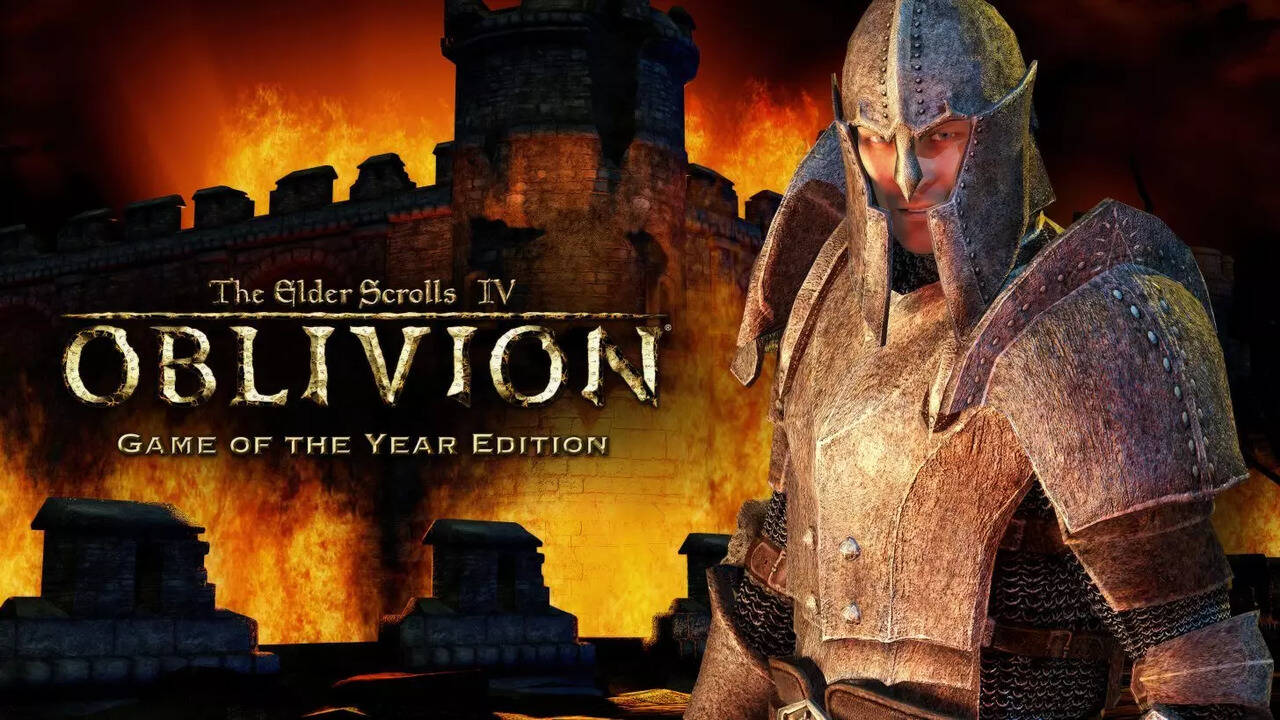
Credits – TOI

Enchanting is the process of adding magical effects to weapons, armor, clothing, or jewelry. These effects can range from elemental damage to attribute enhancements, providing both offensive and defensive benefits. There are two primary methods of enchanting in Oblivion:

  1. Using Sigil Stones: These are powerful artifacts obtained from closing Oblivion Gates. Each stone carries a specific enchantment that can be applied to an item.

  2. Using Soul Gems at an Altar of Enchanting: This method requires a filled soul gem and access to an enchanting altar, typically found in the Arcane University.

Acquiring Sigil Stones

Sigil Stones are obtained by venturing into Oblivion Gates and removing the stone from the Sigillum Sanguis at the top of the tower. The enchantment on the stone is determined upon acquisition, not upon use. These stones can be used to enchant items without any cost or skill requirement, making them accessible for all players.

Advantages of Sigil Stones

  • Ease of Use: No need for soul gems or enchanting skills.

  • Powerful Effects: Especially at higher levels, Sigil Stones can provide potent enchantments.

  • No Gold Cost: Enchanting with Sigil Stones doesn’t require any gold expenditure.

Enchanting at Altars

To enchant items at an altar, players must:

  1. Gain Access: Join the Mages Guild and complete the recommendation quests to access the Arcane University.

  2. Obtain a Filled Soul Gem: Use the Soul Trap spell to capture a creature’s soul into a gem.

  3. Know the Desired Effect: You must have knowledge of the spell effect you wish to enchant.

  4. Use the Altar: Select the item, choose the effect, and apply the enchantment.

Benefits of Altar Enchanting

  • Customization: Allows for multiple effects on weapons.

  • Control: You can tailor the magnitude and duration of effects.

  • Versatility: A broader range of enchantments compared to Sigil Stones.

Choosing the Right Enchantments

Selecting the appropriate enchantments depends on your character build and playstyle. Here are some popular choices:

  • Fortify Magicka: Ideal for mages needing a larger magicka pool.

  • Feather: Increases carrying capacity, useful for looters.

  • Chameleon: Grants partial invisibility, aiding stealthy approaches.

  • Elemental Shields: Provides resistance to fire, frost, or shock.

  • Detect Life: Highlights nearby living entities, preventing ambushes.

Recharging Enchanted Items

Enchanted weapons consume charges with each use. To recharge them:

  • Use Soul Gems: Trap souls and use them to replenish charges.

  • Visit Mages Guild: Pay a fee to have items recharged.

  • Utilize Varla Stones: Rare stones that fully recharge all enchanted items in your inventory.

Tips for Effective Enchanting

  • Plan Ahead: Decide on your desired effects before enchanting.

  • Balance Effects: Combining offensive and defensive enchantments can provide versatility.

  • Manage Resources: Keep a stock of soul gems and be mindful of charge consumption.

  • Experiment: Try different combinations to find what best suits your needs.

 

You might also like

How To Grow The Monkshood Flower In Kowakujo in Call of Duty: Black Ops 7 Zombies

How To Use Gliders In Kowakujo in Call of Duty: Black Ops 7 Zombies

How to turn off Google location history?

Tags: enchantEnchant in OblivionOblivion
Tweet55SendShare15
Previous Post

3 mistakes to avoid when managing international payroll

Next Post

How to Join the Mages Guild in Oblivion

Khilav Jadav

Content writer at Techstory Media with a passion for gaming and finance. Currently pursuing a degree in data science, exploring the latest gaming titles and analyzing financial trends.

Recommended For You

How To Grow The Monkshood Flower In Kowakujo in Call of Duty: Black Ops 7 Zombies

by Khilav Jadav
July 2, 2026
0
How to Get Into the Black Ops 7 Beta

If you are exploring the Kowakujo map in Call of Duty: Black Ops 7 Zombies, you will eventually come across the Monkshood Flower objective. This step is part...

Read more

How To Use Gliders In Kowakujo in Call of Duty: Black Ops 7 Zombies

by Khilav Jadav
July 2, 2026
0
How to Get Into the Black Ops 7 Beta

Gliders are one of the most exciting movement mechanics in Call of Duty: Black Ops 7 Zombies on the Kowakujo map. Instead of simply running through narrow castle...

Read more

How to turn off Google location history?

by Afeefa Ansari
July 2, 2026
0
location-history

Feel like you're being tracked with your Google location history on? Here is how you can turn off your history and get this burden off your back. So,...

Read more
Next Post
How to Join the Mages Guild in Oblivion

How to Join the Mages Guild in Oblivion

Please login to join discussion

Techstory

Tech and Business News from around the world. Follow along for latest in the world of Tech, AI, Crypto, EVs, Business Personalities and more.
reach us at info@techstory.in

Advertise With Us

Reach out at - info@techstory.in

Aviator Game India 2026

BROWSE BY TAG

#Crypto #howto 2024 acquisition AI amazon Apple Artificial Intelligence bitcoin Business China cryptocurrency e-commerce electric vehicles Elon Musk Ethereum facebook funding Gaming Google India Instagram Investment ios iPhone IPO Market Markets Meta Microsoft News OpenAI samsung Social Media SpaceX startup startups tech technology Tesla TikTok trend trending twitter US

© 2025 Techstory.in

No Result
View All Result
  • News
  • Crypto
  • Gadgets
  • Memes
  • Gaming
  • Cars
  • AI
  • Startups
  • Markets
  • How to

© 2025 Techstory.in

Welcome Back!

Login to your account below

Forgotten Password?

Retrieve your password

Please enter your username or email address to reset your password.

Log In
Are you sure want to unlock this post?
Unlock left : 0
Are you sure want to cancel subscription?

