• Send Us A Tip
  • Calling all Tech Writers
  • Advertise
Wednesday, July 22, 2026
  • Login
TechStory
  • News
  • Crypto
  • Gadgets
  • Memes
  • Gaming
  • Cars
  • AI
  • Startups
  • Markets
  • How to
No Result
View All Result
  • News
  • Crypto
  • Gadgets
  • Memes
  • Gaming
  • Cars
  • AI
  • Startups
  • Markets
  • How to
No Result
View All Result
TechStory
No Result
View All Result
Home How to

How to send money from Chime to Cash App?

by Chhavideep Singh
July 21, 2022 - Updated On March 23, 2024
in How to
Reading Time: 2 mins read
0
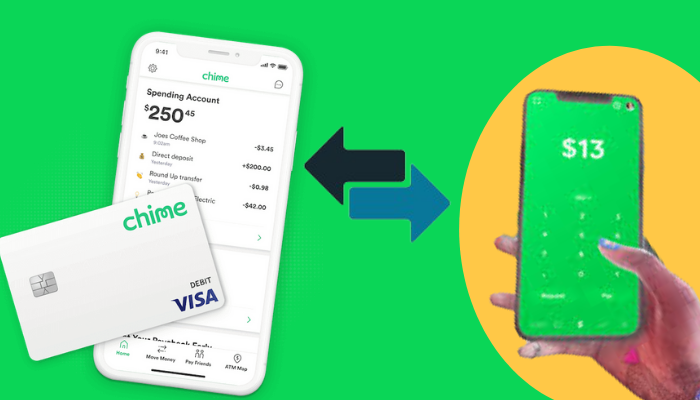
Chime to Cash App

Credits: Zenith Techs

TwitterWhatsappLinkedin

Chime to Cash App

You might also like

How to stop spam calls?

How to build an Emergency Fund?

How to cancel forgotten subscriptions?

Credits:
Zenith Techs

Sending money is no hassle in today’s time and age, you can easily send your money across to anyone from anywhere. Thanks to the financial technology start-ups who have utilized the best practices in user experience designuser experience design, to contribute to the overall digitization in the world.

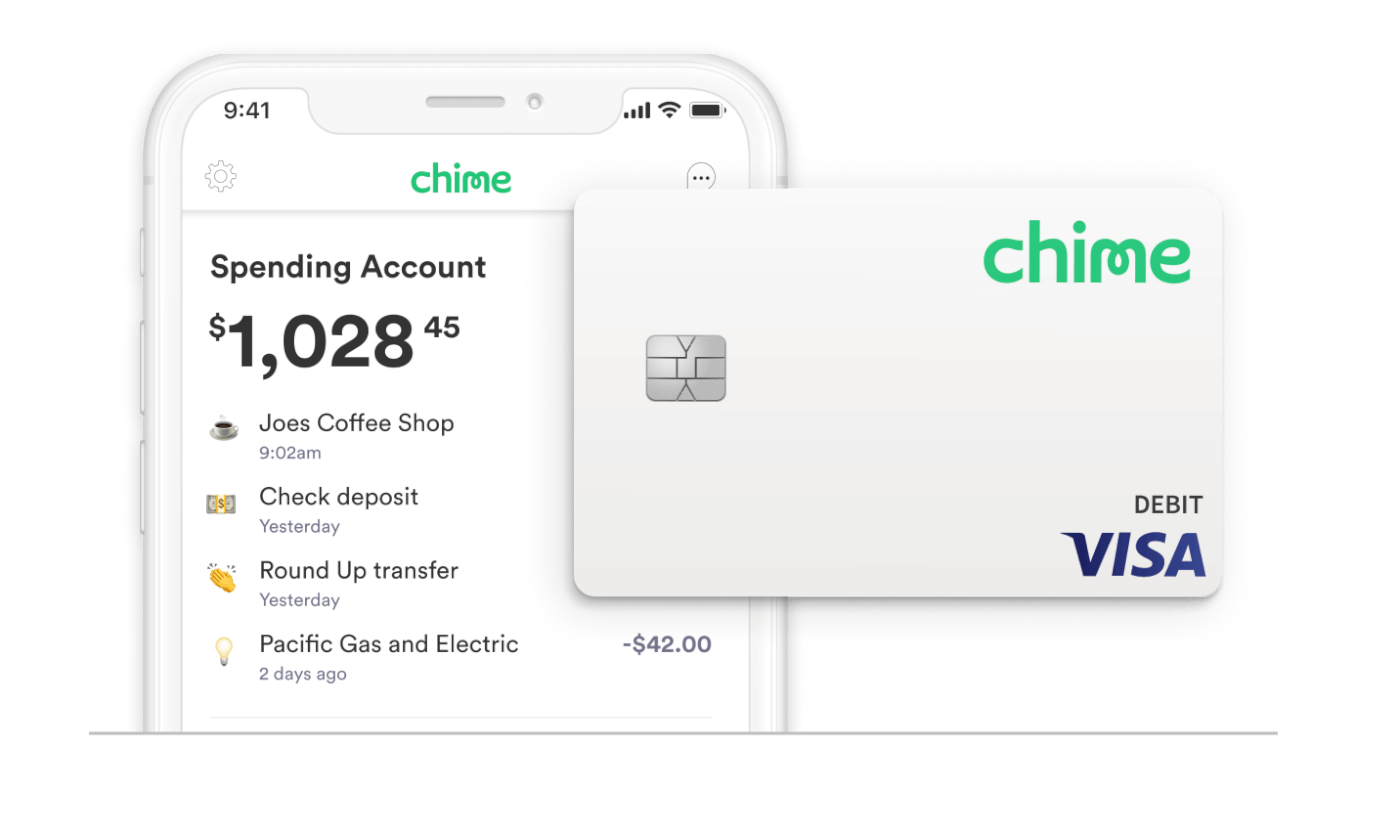
Today we will talk about a budding and one of the most popular financial technology company- Chime that lets users created free bank accounts, both checking and savings with Direct Deposits as an option and you also get a debit card.

As a personal finance expert Alice Rose from COMPACOM said, financial technologies and cash apps like Chime have revolutionized personal finance management by providing convenient, accessible, and affordable solutions to traditional banking services.

Another one of these financial technology or fintech start-ups that are budding phenomenally in the market these days is the “Cash App”. This app allows users to directly send money across to peers via your smartphone. You can send the funds directly to a friend’s Cash account or you can withdraw cash through their Visa debit card as well. Only condition being that an active bank account should be linked to your Cash App.

But can you send money from Chime to Cash App?

Well, the answer is “YES”! here’s how.

How to send money from Chime to Cash App?

  1. Open your Cash App. Go to your profile by clicking on your profile picture.
  2. The next step is to link your Chime bank account to your Cash App. So, find the “Add Bank” option and click on it. After this, you will get options of popular banks to select from, search for Chime and tap on the Chime icon.
  3. Next, log in to your Chime account with your Banking details and login credentials.
  4. Step number 3 should link your Chime bank account to your Cash App and you voila! You are ready to send cash to your peers from the Cash App.
  5. Send your selected amount to your peer using your Cash App with money being deducted from your linked Chime Bank Account.
Chime app
Credits:
Chime

Pro Tip:

Once your Chime bank account is linked to your Cash App and you are ready to send money across to your friends and family or anyone for that matter, try sending a buck first. This is only to view if everything is working fine or not. Once you have this satisfaction that everything is going as planned, then probably you can try and send a bigger amount.

How much money can you send from your Cash App?

Well! If you are not a verified Cash App user, the limitation is set to $1,000 per month, sending and receiving. Please note that only people over the age of 18 can be verified on the Cash App.

However, once you provide the company with your SSN and other relevant details, your Cash account can be verified, and the limit can be increased significantly.




Tags: Cash AppChime Appmoney transfer
Tweet60SendShare17
Previous Post

Tesla sells 75% of its Bitcoin in Q2 2022: Elon’s true side revealed!

Next Post

How to uninstall Valorant from your Windows PC?

Chhavideep Singh

Hi! I'm Chhavideep, If you like reading about technology, business and start-ups, you've come to the right place. Catch me: chhavideep@connasys.com

Recommended For You

How to stop spam calls?

by Afeefa Ansari
July 22, 2026
0
block-spam-calls

One with spam calls on your phone every day? What if it could be stopped altogether? It is possible! Follow the guide to learn how you can stop...

Read more

How to build an Emergency Fund?

by Afeefa Ansari
July 22, 2026
0
Emergency funds

Emergency funds can be really helpful! Whether it is something you are intending to buy and are short of cash, or you need to fund an immediate matter...

Read more

How to cancel forgotten subscriptions?

by Afeefa Ansari
July 22, 2026
0
Cancel subscriptions

Ever wondered why the autopay is deducting and for what? That happens. Let's learn how to cancel some subscriptions that we have long forgotten about! Follow the guide...

Read more
Next Post
Valorant game

How to uninstall Valorant from your Windows PC?

Please login to join discussion

Techstory

Tech and Business News from around the world. Follow along for latest in the world of Tech, AI, Crypto, EVs, Business Personalities and more.
reach us at info@techstory.in

Advertise With Us

Reach out at - info@techstory.in

Aviator Game India 2026

BROWSE BY TAG

#Crypto #howto 2024 acquisition AI amazon Apple Artificial Intelligence bitcoin Business China cryptocurrency e-commerce electric vehicles Elon Musk Ethereum facebook funding Gaming Google India Instagram Investment ios iPhone IPO Market Markets Meta Microsoft News OpenAI samsung Social Media SpaceX startup startups tech technology Tesla TikTok trend trending twitter US

© 2025 Techstory.in

No Result
View All Result
  • News
  • Crypto
  • Gadgets
  • Memes
  • Gaming
  • Cars
  • AI
  • Startups
  • Markets
  • How to

© 2025 Techstory.in

Welcome Back!

Login to your account below

Forgotten Password?

Retrieve your password

Please enter your username or email address to reset your password.

Log In
Are you sure want to unlock this post?
Unlock left : 0
Are you sure want to cancel subscription?