

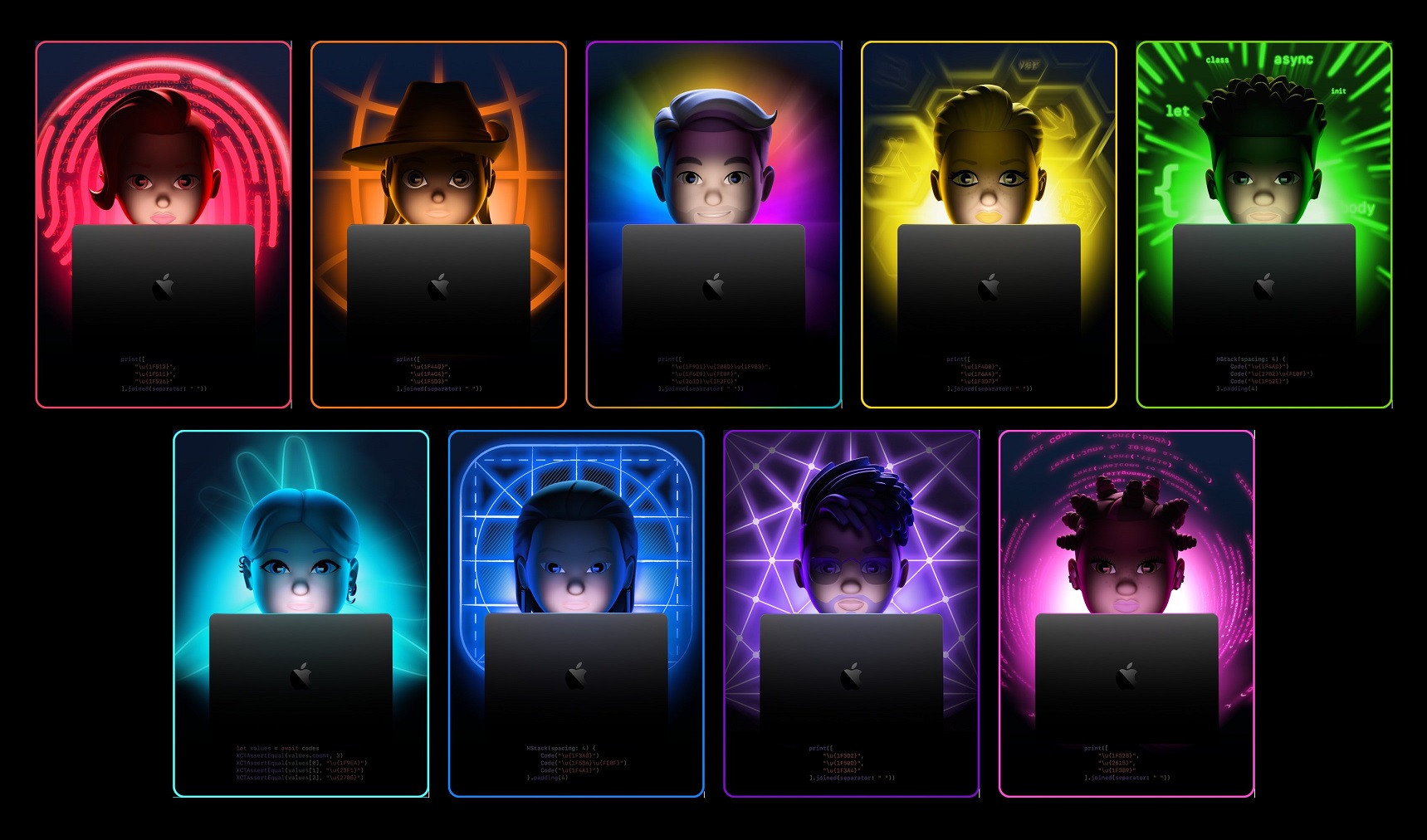
Leaksters leaks details about Apple M2 MacBook Air, macOS 13 Mammoth and more
Leaksters leaks details about Apple M2 MacBook Air, macOS 13 Mammoth and moreImage Credits: Notebookcheck Apple's...
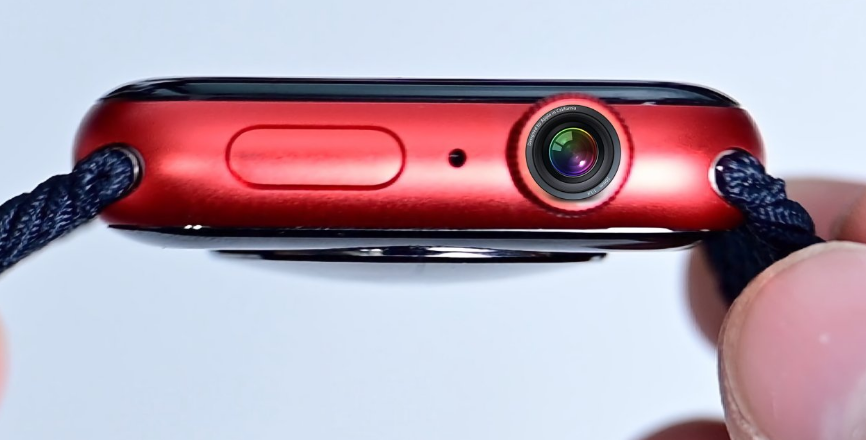
Apple design leaked showing a hidden camera in the Apple Watch’s Crown
Apple design leaked showing a hidden camera in the Apple Watch's CrownImage Credits: AppleInsider Apple has...
NuCypher: Everything you need to know
Source: CoinMarketCap For a long time now, we have been surrounded by virtual currencies and the...

Best Linux Distributions for Educational Use in 2022
Photo by Kevin Horvat on Unsplash Many software developers use Linux because it is free and...

Password sharing test of Netflix in parts of America left users confused
The American subscription streaming service and production company, Netflix launched an experiment to subdue password sharing...

“Facebook” ticker to be replaced with “Meta” from June 9
On Tuesday, May 31 Meta Platforms Inc declared that they will be replacing their present trading symbol "Facebook" with the trademark "Meta". This use of this ticker will come into force from June 9. The class A shares of the company will be using this trading symbol for trade purposes on the NASDAQ. In a weblog, the Meta Platform Inc said that this decision for the replacement of the ticker symbol has been made aligned with the rebranding of the company from Facebook to Meta done in October 2021. Adding further to the post they said the company's stockholders cannot take any step concerning the replacement of the trading symbol. They also added that class A shares of the company will get listed on the NASDAQ under this symbol while the CUSIP number remains the same as earlier. Source: Financial Express The American multinational technology conglomerate based in Menlo Park, California was previously known as Facebook Inc. On October 28, 2021, the company announced its rebranding from "Facebook Inc" to "Meta Platforms Inc". According to reports Mark Zuckerberg, the CEO of the corporation did this rebrand to set up a "metaverse", a virtual platform that according to him next-in-line to the mobile networks. During the declaration of the rebranding, the company also announced its new ticker "MVRS". However, one of the executives that this replacement will be done after the company completes its 10 years of listing on NASDAQ ad "Facebook". Noting that the present trademark "Facebook" came into force when the company started trading in 2012. In January 2022, the Roundhill investments vacated their trading symbol "META" which is used for Roundhill Ball Metaverse ETF. The Meta Platforms Inc with no delay grabbed the vacated trademark "META" and declared that they will be using "META" as their ticker symbol rather than "MVRS". The firm submitted the legal papers on Tuesday and said that this transition will be made formal before the reopening of the market on June 9. At present people think of Meta as the parent company of Facebook, WhatsApp, and Instagram but the multinational conglomerate sets a bigger plan. The idea of rebranding focuses on making the company much more diverse than those social media foundations. Rebranding the firm is still not enough for many investors to invest in Zuckerberg's new vision. The new vision of the multinational conglomerate is to move beyond the 2D screens and give an alluring experience to its users which includes augmented and virtual reality to bring a revolution in social technology. .

How much do JavaScript developers make?
One of the most used and famous programming languages is JavaScript. It manages to go beyond...

How to change jio fiber Wi-Fi password
Hello, there perusers! In this article, I will tell you the best way to change the...

How to convert BSNL 3g to 4g
4G is the fourth era of portable correspondence innovation which follows on from the current third-age...

How to hide photos on iPhone (may 22 edition)
So you want to conceal an image on an iPhone? You would prefer not to delete...