• Send Us A Tip
  • Calling all Tech Writers
  • Advertise
Sunday, July 5, 2026
  • Login
TechStory
  • News
  • Crypto
  • Gadgets
  • Memes
  • Gaming
  • Cars
  • AI
  • Startups
  • Markets
  • How to
No Result
View All Result
  • News
  • Crypto
  • Gadgets
  • Memes
  • Gaming
  • Cars
  • AI
  • Startups
  • Markets
  • How to
No Result
View All Result
TechStory
No Result
View All Result
Home Tech

How to switch from iOS to Android?

by Priyanka Chaubey
November 12, 2020
in Tech
Reading Time: 2 mins read
0
RANSOMWARE ATTACK: MICROSOFT ALERTS ALL ANDROID USERS
TwitterWhatsappLinkedin

Switching with your operating system is like shifting your house to a new place. It’s a strange feeling, but with the right help, everything works out super smooth. Here we will tell you how to switch from iOS to Android.

You might also like

The Paradigm of Privacy Confidential Computing Explained

Why EV Charging Slows Above 80%: The Science Behind the Wait

How Passkeys Work Across Devices: A Simple Guide to Password-Free Sign-Ins

While iOS has its own facilities and luxuries, Android is still no less. If you have just switched from iOS to Android, welcome to Team Android. You’re going to love it here.

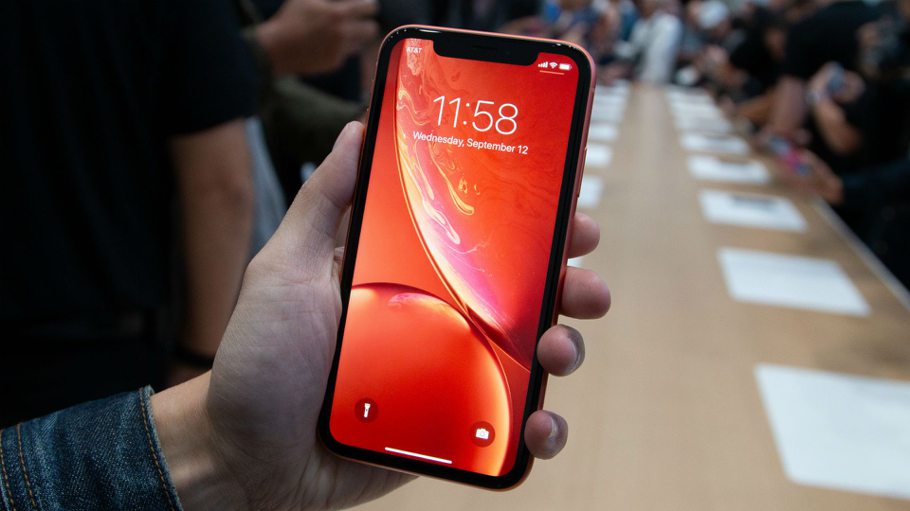
Switch from iOS to Android!
Source- hidden apps

How to switch from iOS to Android?

First things first-

Whenever you switch from iOS to Android, the first and foremost thing you should do is to copy your contacts. Thanks to the user friendliness of Android, this task is easy peasy lemon squeezy. With everything now on clouds, all you have to do to copy your contacts is sign into your google account in the android phone. And Bam! All the contacts right there in a tap with a single username and password.

Copy your calendar.

Just like in the case of contacts, shifting calendar is significant yet easy. You can do it easily sync it with google like you did with Photos.


Collect your photos

Changing from iPhone to Android doesn’t mean you need to give up each one of those valuable photographs. It is awful to lose them during the time spent changing to Android, isn’t that so? You could presumably do things the old way and physically move records like a caveman. Or on the other hand you can be a smidgen more insightful and take advantage of the great available storage we currently approach.


Transfer your Music

When changing from iPhone to Android, you can generally move your music the old design way, by physically moving records from phone to phone. All things considered, for some of you, it’s likely simpler to just transfer your tunes to Google Play Music, however. Obviously, this is given that you have all your music on your PC.

We will accept you are utilizing iTunes, for evident reasons. Try to go to iTunes and download any music you may have bought from your phone and isn’t spared locally.


Get yourself the right apps

You can’t just duplicate your applications from iOS to Android, yet it’s simple enough to discover the majority of the equivalent applications in the Google Play store. All the enormous hitters are there, so for instance it’s anything but difficult to track down all the key online media applications, Spotify, Netflix, etc.



Tags: androidGamesGymiossmartphone
Tweet54SendShare15
Previous Post

COVID-19 Crisis, a boon for start-ups offering vernacular services

Next Post

How to make your smartphone’s battery last longer?

Priyanka Chaubey

Recommended For You

The Paradigm of Privacy Confidential Computing Explained

by Anochie Esther
July 5, 2026
0
confidential computing explained

The multi-billion-dollar global shift toward public cloud ecosystems, edge computing, and distributed artificial intelligence has fundamentally altered corporate digital security. For decades, the foundational framework of computer security...

Read more

Why EV Charging Slows Above 80%: The Science Behind the Wait

by Samir Gautam
July 5, 2026
0
Why EV Charging Slows Above 80%: The Science Behind the Wait

The promise of electric vehicles is simple: plug in, recharge, and get back on the road. Over the past few years, charging technology has advanced at an impressive...

Read more

How Passkeys Work Across Devices: A Simple Guide to Password-Free Sign-Ins

by Sneha Singh
July 5, 2026
0
How Passkeys Work Across Devices: A Simple Guide to Password-Free Sign-Ins

Internet security is more relevant now than ever before. People access their emails, bank apps, online shopping stores, and social media sites on a daily basis. In most...

Read more
Next Post
Yikes, There’s a Major Charging Problem with the New iPhones

How to make your smartphone's battery last longer?

Please login to join discussion

Techstory

Tech and Business News from around the world. Follow along for latest in the world of Tech, AI, Crypto, EVs, Business Personalities and more.
reach us at info@techstory.in

Advertise With Us

Reach out at - info@techstory.in

Aviator Game India 2026

BROWSE BY TAG

#Crypto #howto 2024 acquisition AI amazon Apple Artificial Intelligence bitcoin Business China cryptocurrency e-commerce electric vehicles Elon Musk Ethereum facebook funding Gaming Google India Instagram Investment ios iPhone IPO Market Markets Meta Microsoft News OpenAI samsung Social Media SpaceX startup startups tech technology Tesla TikTok trend trending twitter US

© 2025 Techstory.in

No Result
View All Result
  • News
  • Crypto
  • Gadgets
  • Memes
  • Gaming
  • Cars
  • AI
  • Startups
  • Markets
  • How to

© 2025 Techstory.in

Welcome Back!

Login to your account below

Forgotten Password?

Retrieve your password

Please enter your username or email address to reset your password.

Log In
Are you sure want to unlock this post?
Unlock left : 0
Are you sure want to cancel subscription?