• Send Us A Tip
  • Calling all Tech Writers
  • Advertise
Saturday, June 27, 2026
  • Login
TechStory
  • News
  • Crypto
  • Gadgets
  • Memes
  • Gaming
  • Cars
  • AI
  • Startups
  • Markets
  • How to
No Result
View All Result
  • News
  • Crypto
  • Gadgets
  • Memes
  • Gaming
  • Cars
  • AI
  • Startups
  • Markets
  • How to
No Result
View All Result
TechStory
No Result
View All Result
Home How to

How to turn off age protection on TikTok?

by Chhavideep Singh
July 28, 2022
in How to
Reading Time: 2 mins read
0
TikTok

Credits: Pathofex

TwitterWhatsappLinkedin
TikTok
Credits:
Pathofex

TikTok, in recent times have become one of the most popular and powerful social media platforms on the face of the internet. It is literally being itself and authentic, but we can see that lately, Instagram has been trying to copy features and basically the entire TikTok.

You might also like

How to beat Spamton NEO?

How to turn off sensitive content on an iPhone?

How to hide text on Discord?

Anyhow, you can watch and create short-form content and videos on the platform. It has new trends popping up every day that you can enjoy on your smartphone any time of the day. TikTok is basically fun to use and pass time.

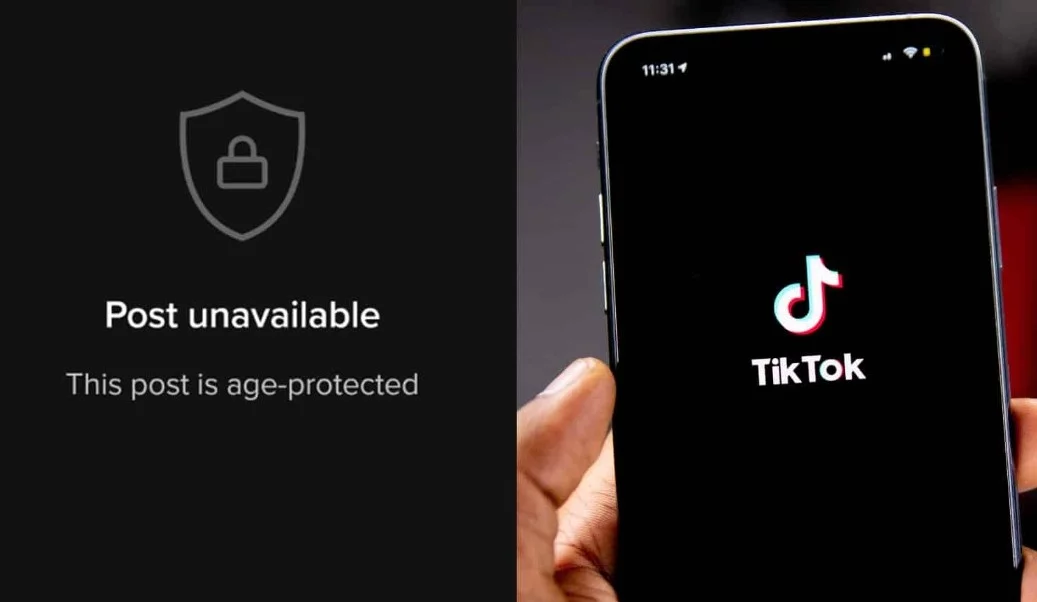
However, recently we have been hearing a lot of fuss about some posts being hidden from the public and it says, “Post unavailable: This post is age protected”. We understand that some content might not be suitable for people below the age of 19 but my problem is that I am 32 and I am still not able to see that content. Many of you are facing this error while scrolling TikTok and today, I am going to show you how you can get rid of it and enjoy all TikTok content like before.

How to turn off age protection on TikTok?

Well, for starters, age protection is basically to hide any inappropriate or adult content from users below the age of eighteen. In order to avoid “Post unavailable”, you will need to dig into your TikTok settings to Turn Off Age Protection.

Follow the below mentioned steps to turn off age protection feature on TikTok:

  1. Launch TikTok on your smartphone.
  2. Tap on the Profile icon in the bottom right corner.
  3. Then, click on the 3 stacked lines on the top right corner.
  4. Click on Settings & Privacy
  5. Search and click on Digital Wellbeing option > Restricted Mode > Turn OFF Restricted Mode.
  6. It will then ask you for your TikTok password > Enter Password and Done.

Voila! You have successfully disabled age protection feature on TikTok and now, you will not be seeing post unavailable error on TikTok. All posts can now be viewed by you through this account.

However, there is one more additional step that you should do.

  1. Click on Profile icon > 3 stacked horizontal lines > Settings & Privacy > Turn off Family Pairing.

TikTok has boomed in the past few months and people are really enjoying using the platform. However, if you are below the age of thirteen, it is only advisable that you keep this feature on because there can be all sorts of inappropriate content on the platform.


Tags: Age ProtectionTikTok
Tweet55SendShare15
Previous Post

How to get verified on TikTok?

Next Post

Ripple’s CEO talks about the plausible outcomes of the lawsuit with SEC

Chhavideep Singh

Hi! I'm Chhavideep, If you like reading about technology, business and start-ups, you've come to the right place. Catch me: chhavideep@connasys.com

Recommended For You

How to beat Spamton NEO?

by Afeefa Ansari
June 27, 2026
0

Do you want to beat Spamton NEO in Deltarune Chapter 2? Here is how you can do it and destroy the coming attacks. Not only does it mark...

Read more

How to turn off sensitive content on an iPhone?

by Afeefa Ansari
June 27, 2026
0
Sensitive Content iPhone

Do you want to turn off sensitive content on an iPhone? Follow the guide to know how you can turn it off in a few simple steps. We...

Read more

How to hide text on Discord?

by Afeefa Ansari
June 27, 2026
0
Spoiler tags

Do you want to convey a secret message on Discord? Learn to hide the text you're sending. Let's see how we can do that and how you can...

Read more
Next Post
Ripple CEO says recent victory against the SEC is a win for the entire crypto industry

Ripple's CEO talks about the plausible outcomes of the lawsuit with SEC

Please login to join discussion

Techstory

Tech and Business News from around the world. Follow along for latest in the world of Tech, AI, Crypto, EVs, Business Personalities and more.
reach us at info@techstory.in

Advertise With Us

Reach out at - info@techstory.in

Aviator Game India 2026

BROWSE BY TAG

#Crypto #howto 2024 acquisition AI amazon Apple Artificial Intelligence bitcoin Business China cryptocurrency e-commerce electric vehicles Elon Musk Ethereum facebook funding Gaming Google India Instagram Investment ios iPhone IPO Market Markets Meta Microsoft News OpenAI samsung Social Media SpaceX startup startups tech technology Tesla TikTok trend trending twitter US

© 2025 Techstory.in

No Result
View All Result
  • News
  • Crypto
  • Gadgets
  • Memes
  • Gaming
  • Cars
  • AI
  • Startups
  • Markets
  • How to

© 2025 Techstory.in

Welcome Back!

Login to your account below

Forgotten Password?

Retrieve your password

Please enter your username or email address to reset your password.

Log In
Are you sure want to unlock this post?
Unlock left : 0
Are you sure want to cancel subscription?